

Speech 2.2.0
Text to speech for Mac that reads any text aloud
Screenshots
Click to enlarge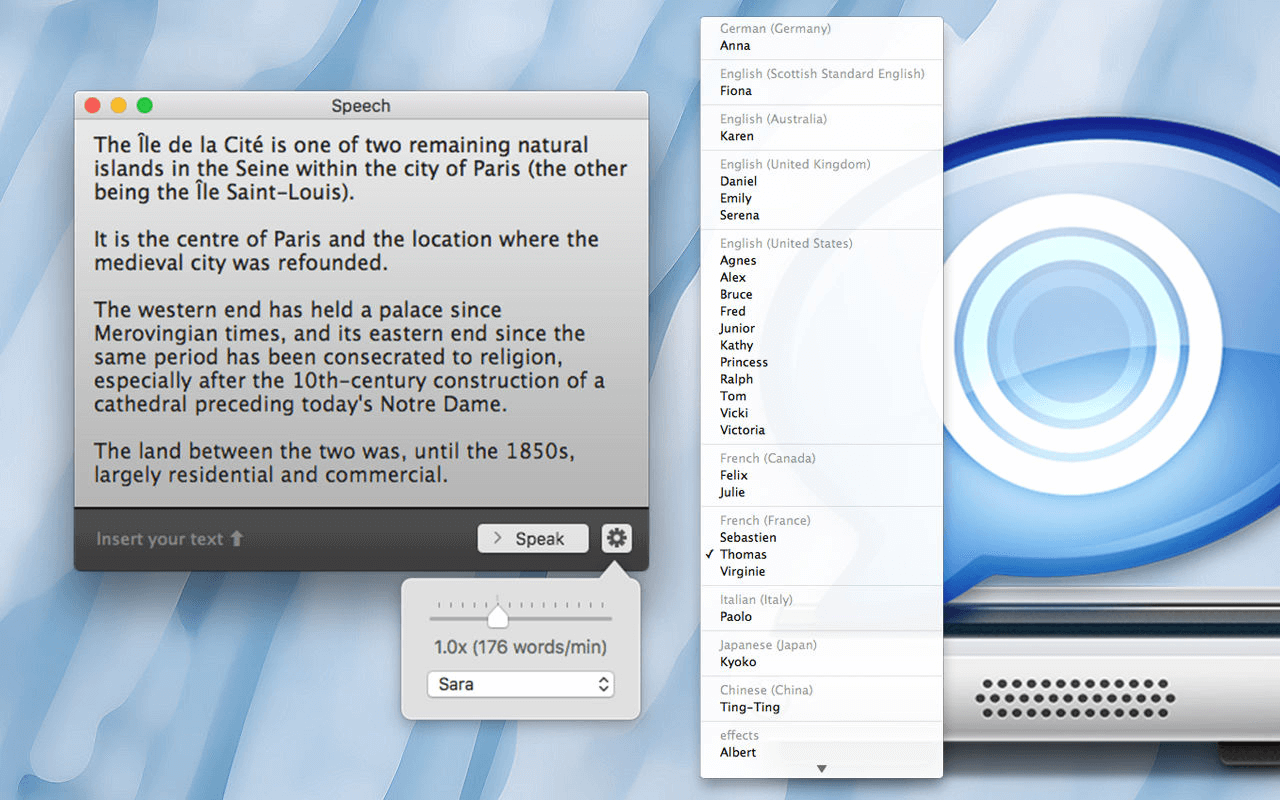
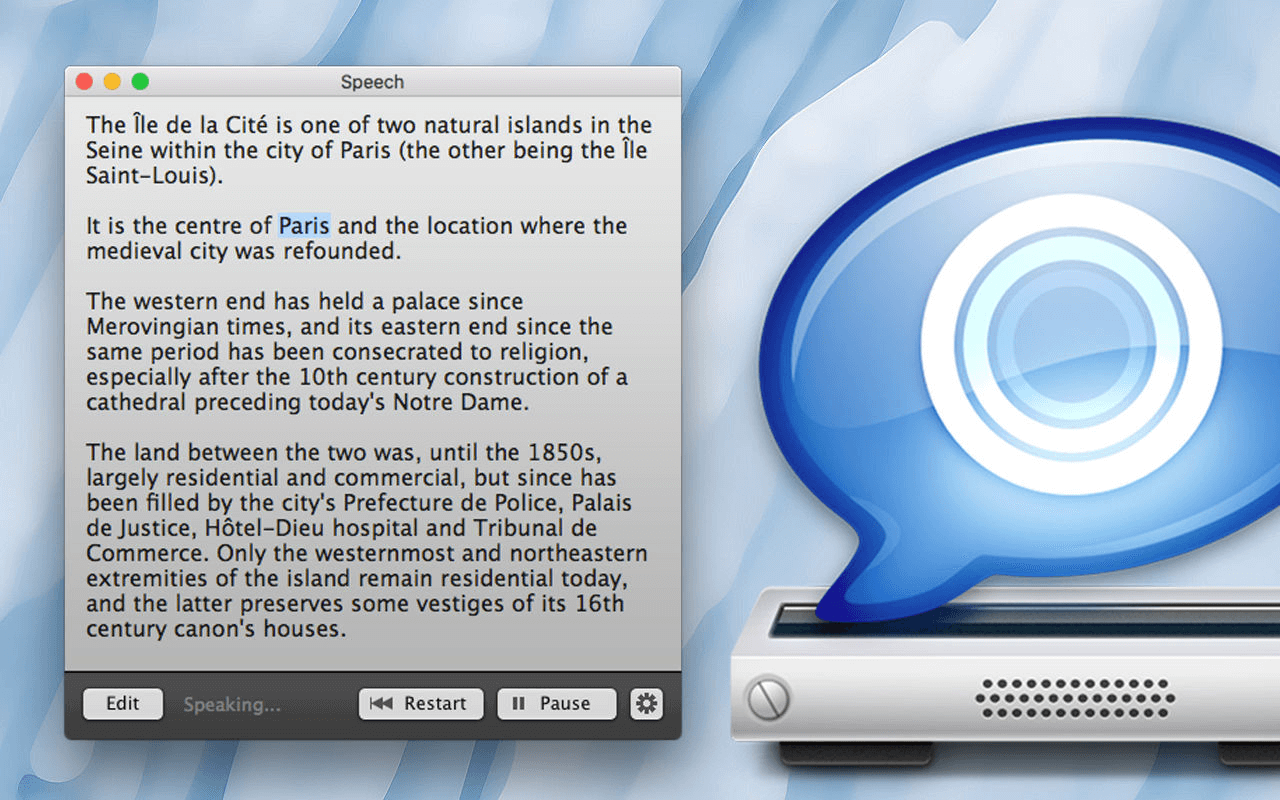
Speech reads text aloud on your Mac through the macOS speech synthesizer, with everything in one simple window. Paste in an article, a draft or a page of study notes and listen while you do something else, or have a piece read back to you to catch what your eyes skip over.
What you can do
Drop text into the window or paste it in, press play, and change the voice or speech rate whenever you like, even mid-playback.
- Drag and paste: add text by dragging it into Speech or pasting it, then start playback right away.
- Voices and languages: choose from more than 40 voices and languages, and switch between them at any time.
- Click to resume: click any word in the text and playback continues from that word.
- Audio files: convert a text into an audio file that you can share or play on a portable music player.
- Keyboard shortcuts: ⌘S speaks or pauses, ⌘E lets you edit the text, and ⌘R restarts playback.
Where it helps
Listening to a long text instead of reading it frees up your eyes and your time. Hearing a word spoken also settles any doubt about how it's pronounced.
Version 2.2.0:
- Stability improvements and bug fixes.
Comments
No comments yet. Be the first.
Information
Visitors in the group Guests cannot leave comments on this publication.