

Space Drop 2.9
Drag and Drop Files on Mac with a Temporary Dock
Screenshots
Click to enlarge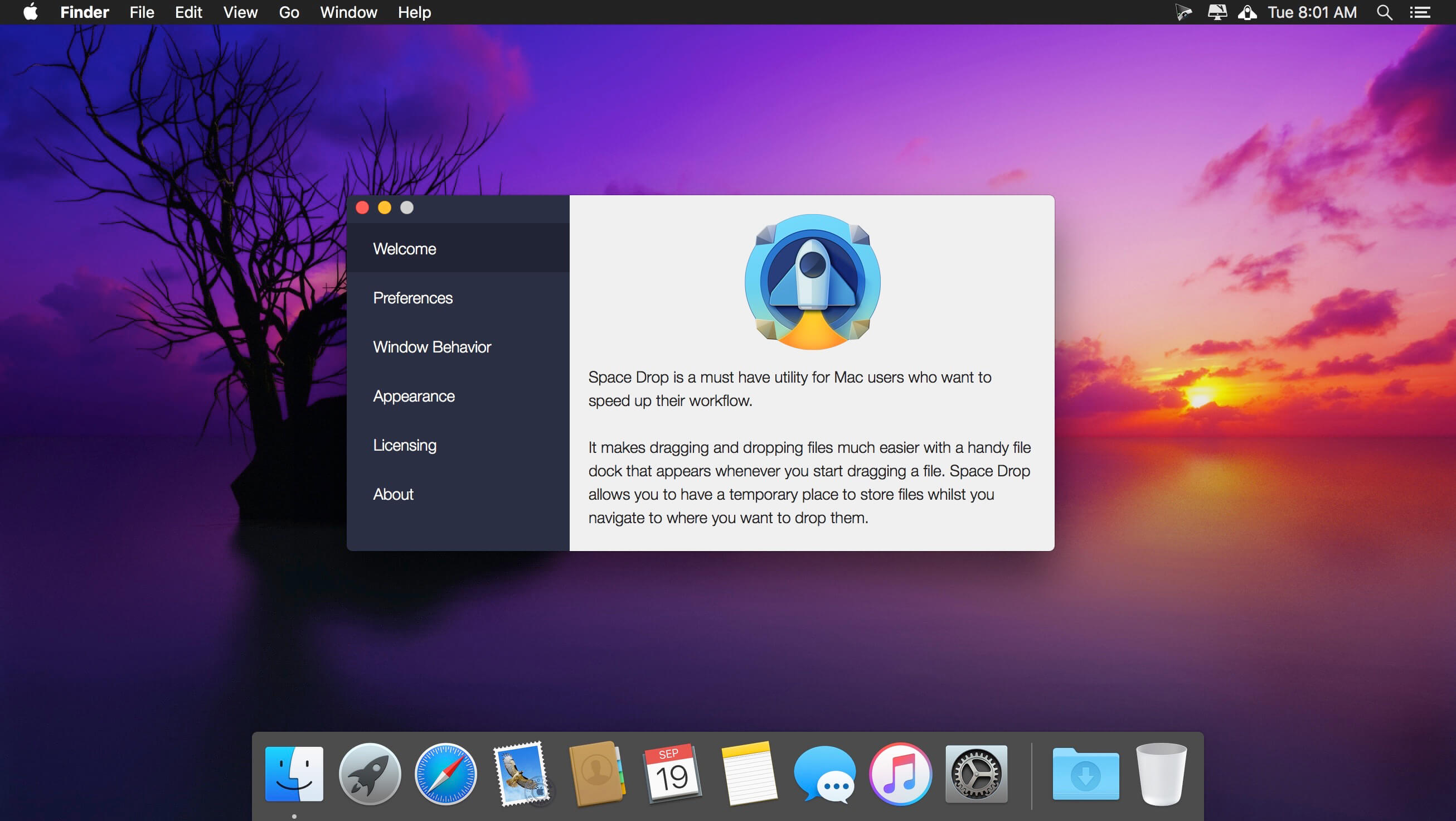
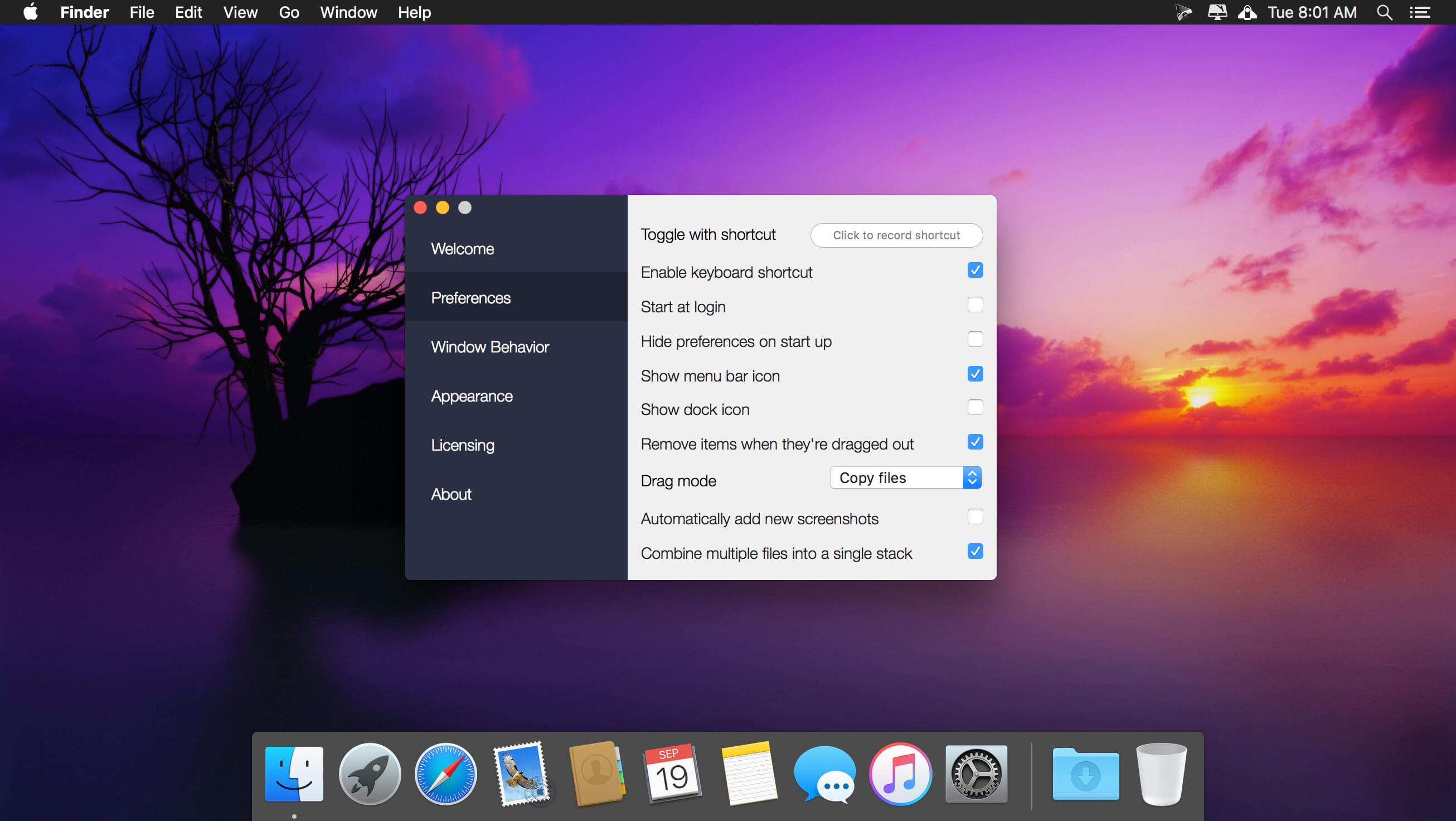
Space Drop makes dragging and dropping files on your Mac much easier. A handy dock appears the moment you start dragging a file and gives you a temporary place to keep it while you navigate to the folder where it needs to go.
The missing link in drag and drop
Instead of holding a file while you search for its destination, drop it onto the dock and carry on. Your files wait there until you are ready to place them.
Free up your mouse
The dock frees your mouse between drag and drop operations. Collect files from multiple locations, then drop them all in one go where you want them.
Supercharge your workflow
Moving files from various sources into a new location takes far less time. Space Drop can also add your screenshots to the dock automatically, so they are easy to share.
Key features
- Instant dock: appears as soon as you start dragging a file
- Temporary storage: holds your files while you navigate to the destination
- Multi-location collecting: gather files from different places and drop them together
- Screenshot support: automatically adds screenshots to the dock for easy sharing
Customize your experience
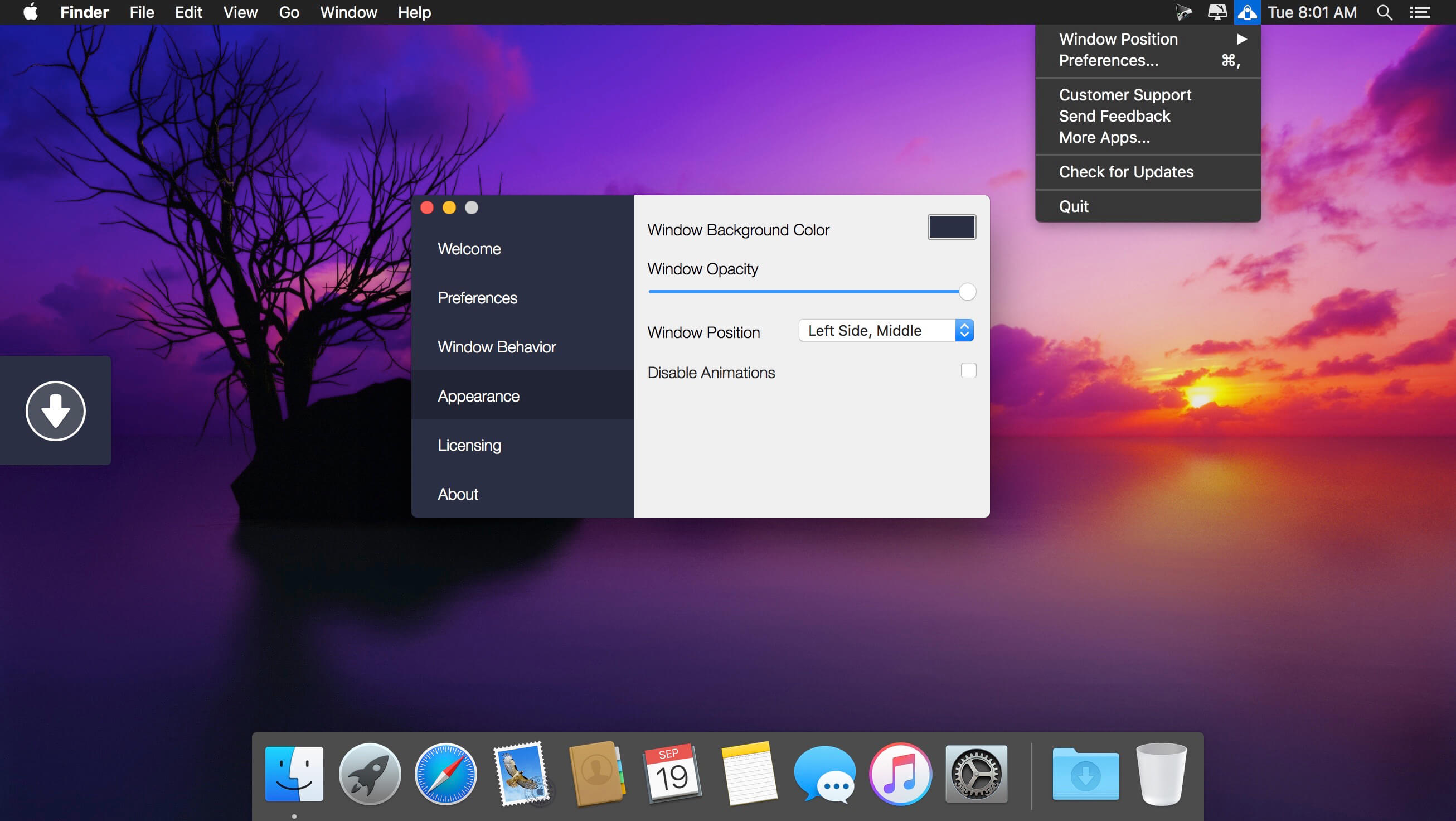
Make the dock your own. Set its position on your screen, its color and its opacity. Download Space Drop and try it for yourself.
Version 2.9:
- Release notes were unavailable when this listing was updated.
Comments
No comments yet. Be the first.