

Power Menu 1.23
Finder Extension with Right-Click Menu Actions for Mac
Screenshots
Click to enlarge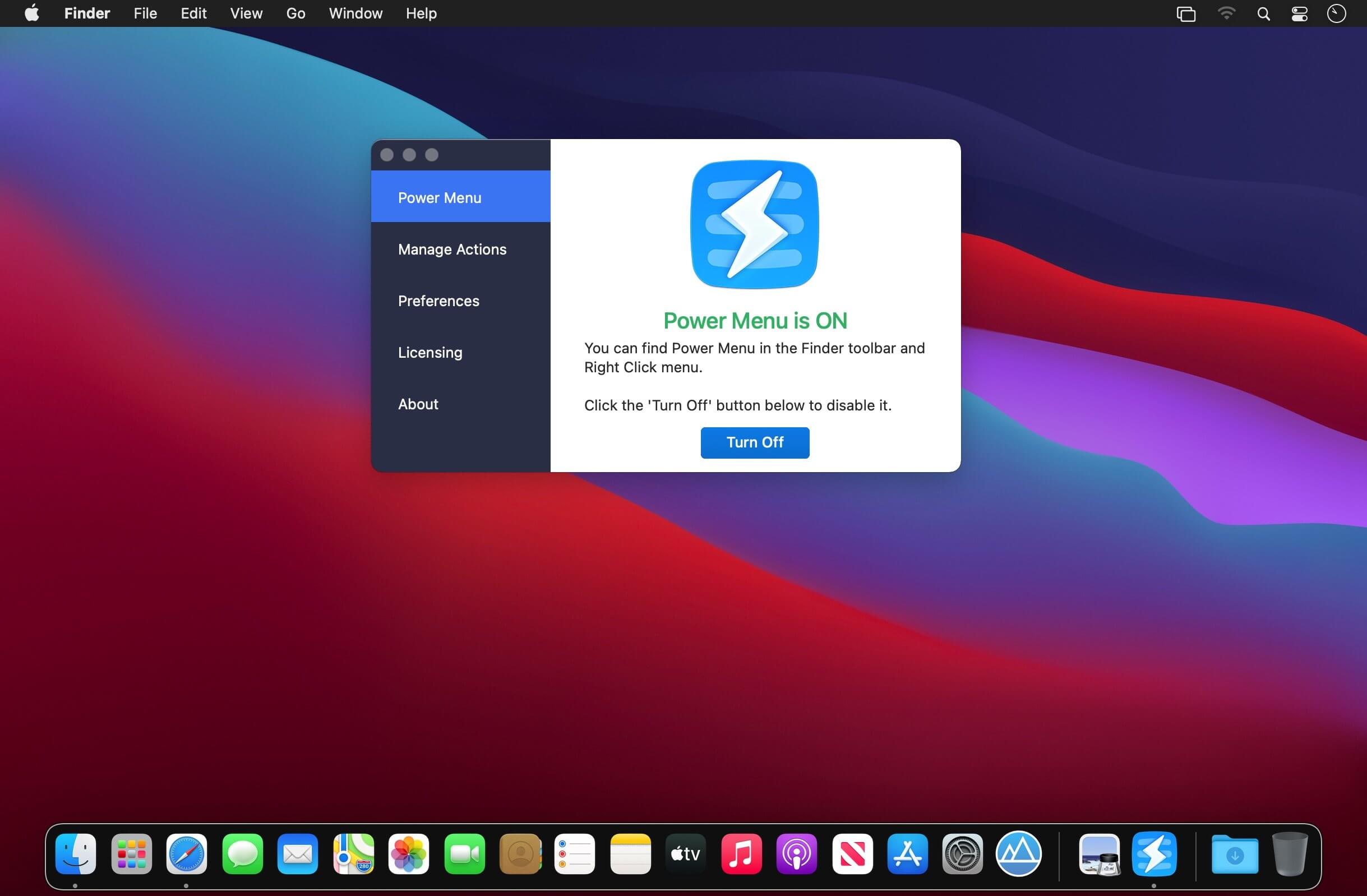
Description
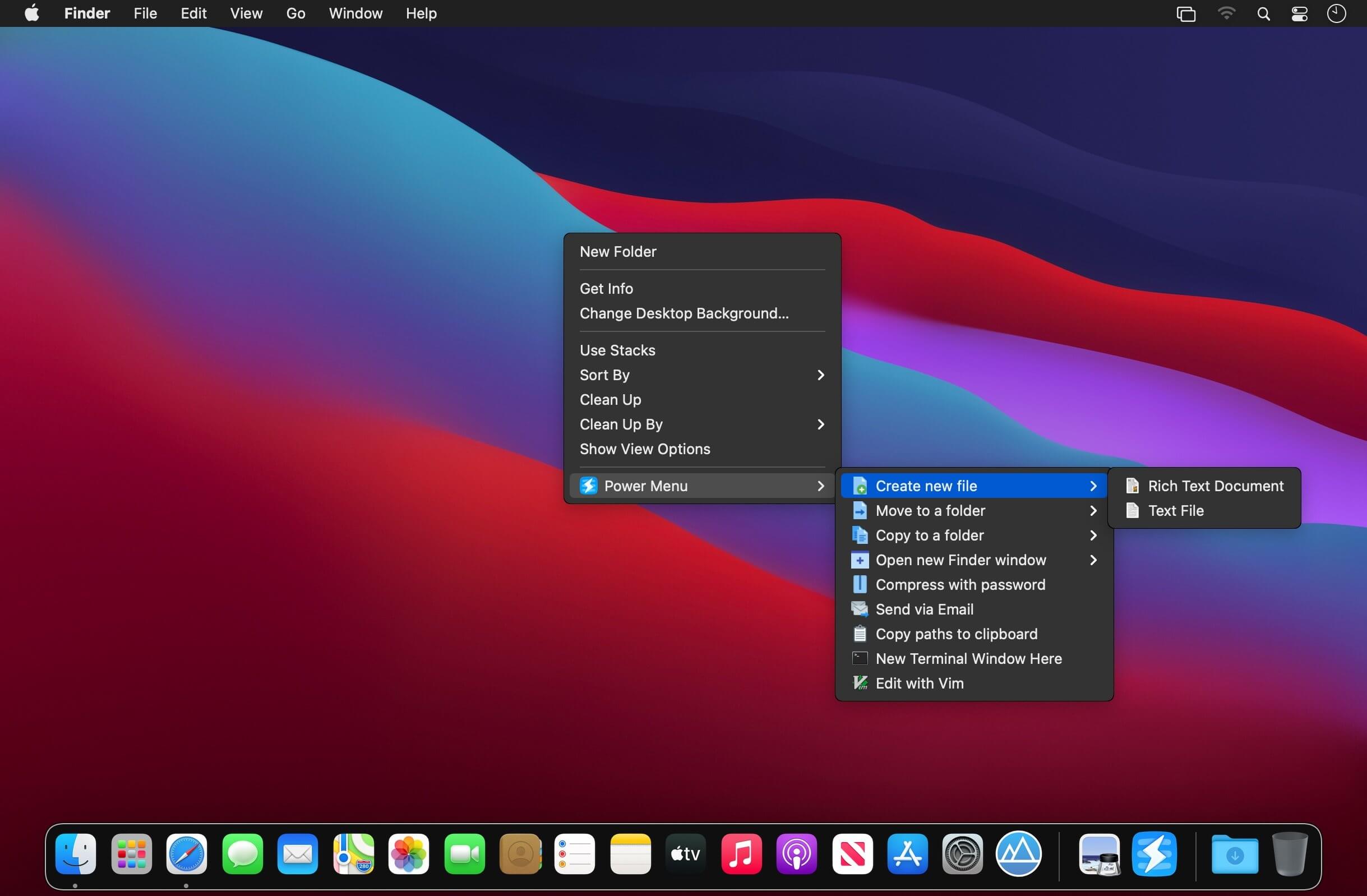
Power Menu is a highly configurable Finder extension for macOS that adds actions to the right-click menu and toolbar in Finder. It makes everyday tasks such as moving and copying files, converting images and creating new documents quick and easy. The app comes with several preset actions and supports user-created shell scripts, so you can tailor it to your own workflow.
Preset actions for everyday tasks
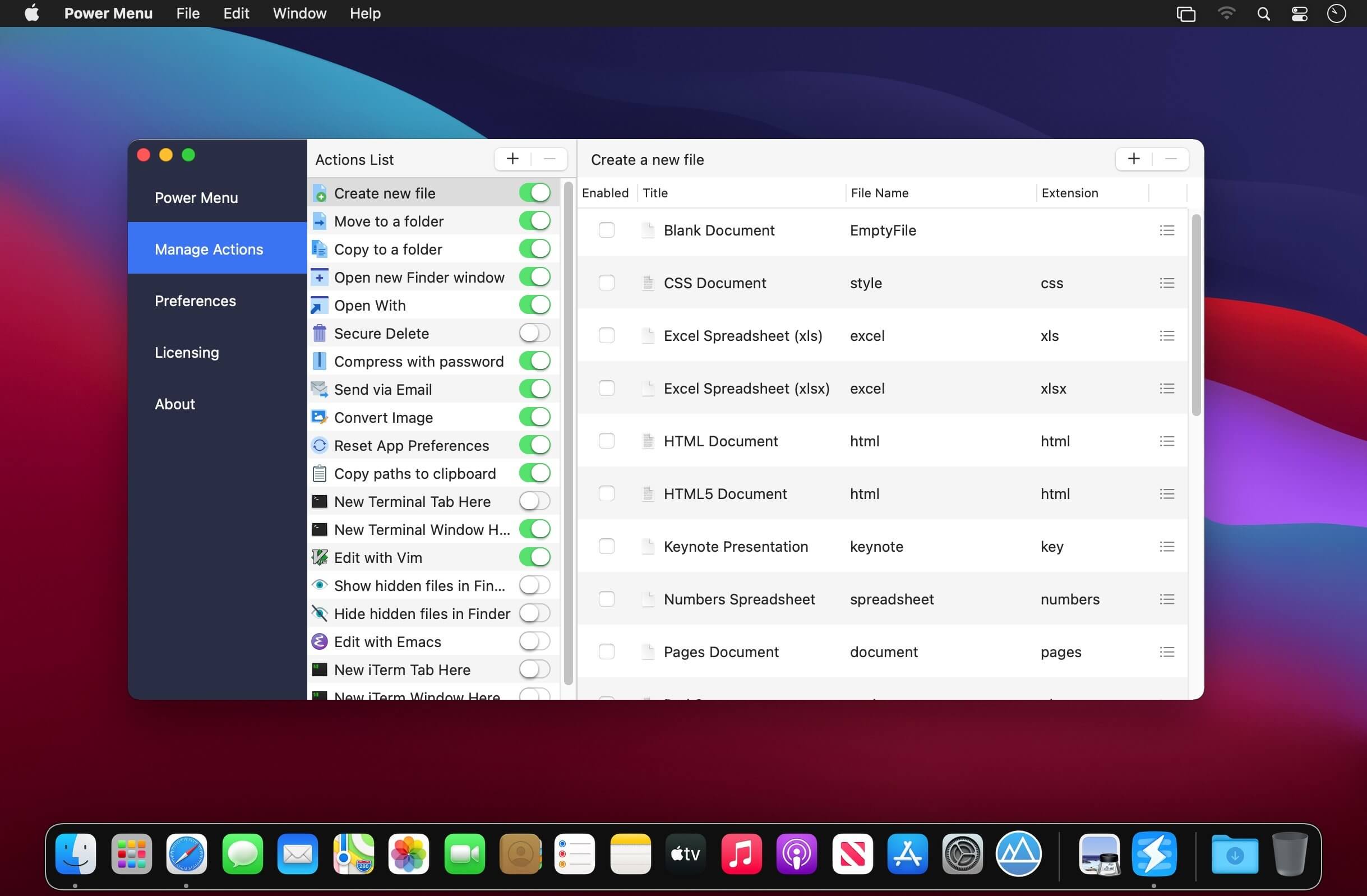
- Create New File: create a new file in a particular format with just 2 clicks, something Finder does not offer on its own.
- Move/Copy Files and Folders: define the specific folders you use regularly to move and copy items more easily.
- Open With Specific Apps: choose the apps that are always listed, even when Finder's Open With menu does not show the one you need.
- Open New Finder Window: add your favorite folders to quickly open a Finder window at a specific location.
- Securely Delete Files and Folders: permanently delete files and folders so they cannot be recovered.
- Send Files via Email: attach selected files to an email directly from Finder. Requires an email client that supports this functionality.
- Instantly Convert Images: change image formats from within Finder, without opening an image editing app.
- Reset App Preferences: right-click an app and select reset to restore it to its default settings.
- Copy Full File Paths: copy the entire file path to your clipboard.
- Open a New Terminal Window: open a Terminal window at the location of the selected directory.
- Open a New iTerm Window: open an iTerm window at the location of the selected directory.
- Edit with Vim: open files in Vim to edit them.
- Edit with Emacs: open files in Emacs to edit them.
- Show and Hide Hidden Files in Finder: toggle whether Finder shows or hides hidden files.
- Compress with Password: make zip files more secure by requiring a password to extract them.
Custom shell script actions
Write your own shell scripts to create custom Finder actions. This allows an almost limitless number of actions and lets you tailor Power Menu to your individual needs.
Even more to come
New actions are added to Power Menu regularly, and you are welcome to send in ideas for specific actions.
Comments
No comments yet. Be the first.