

ForkLift 4.7.8
Dual pane file manager and SFTP client for Mac
Screenshots
Click to enlarge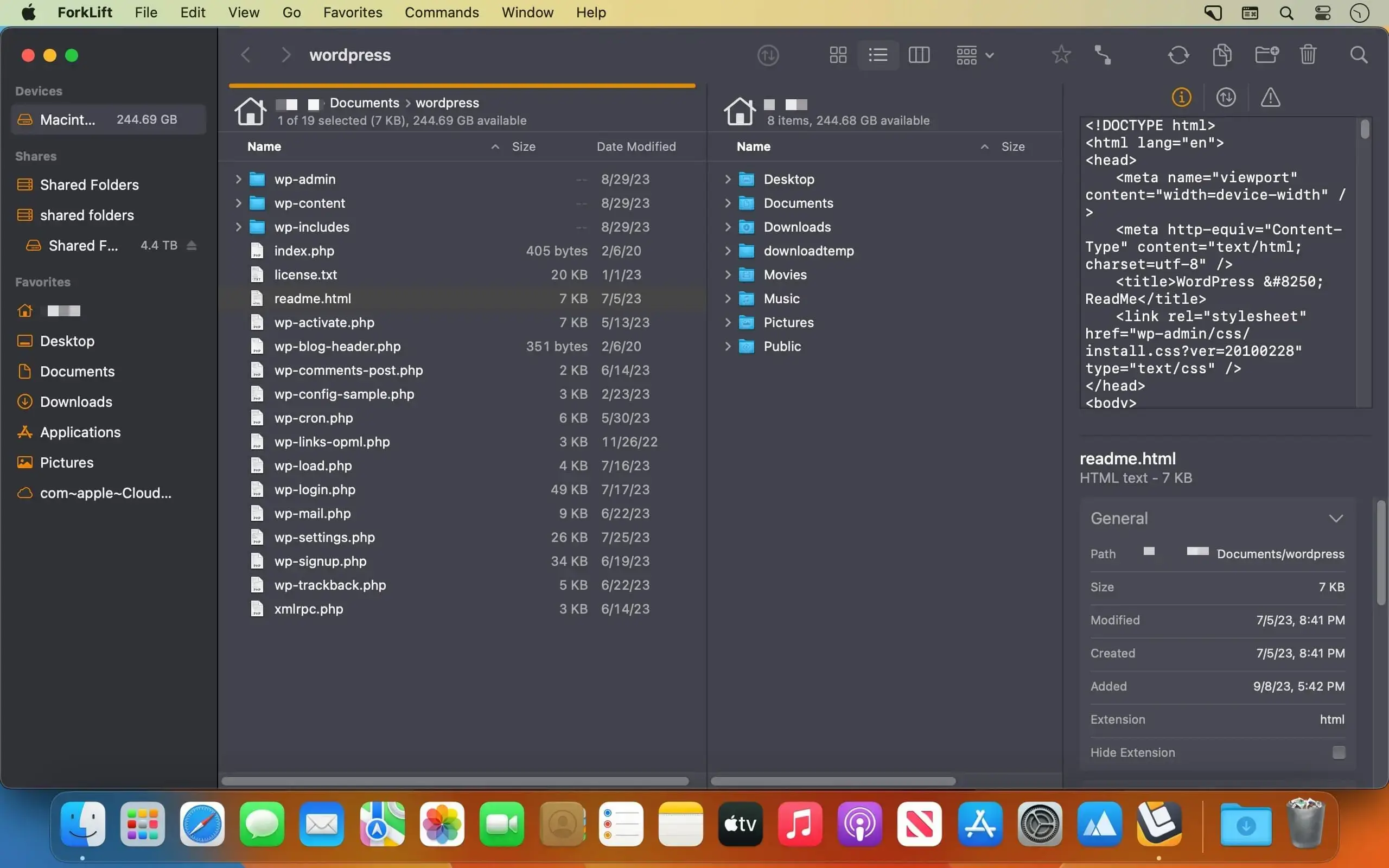
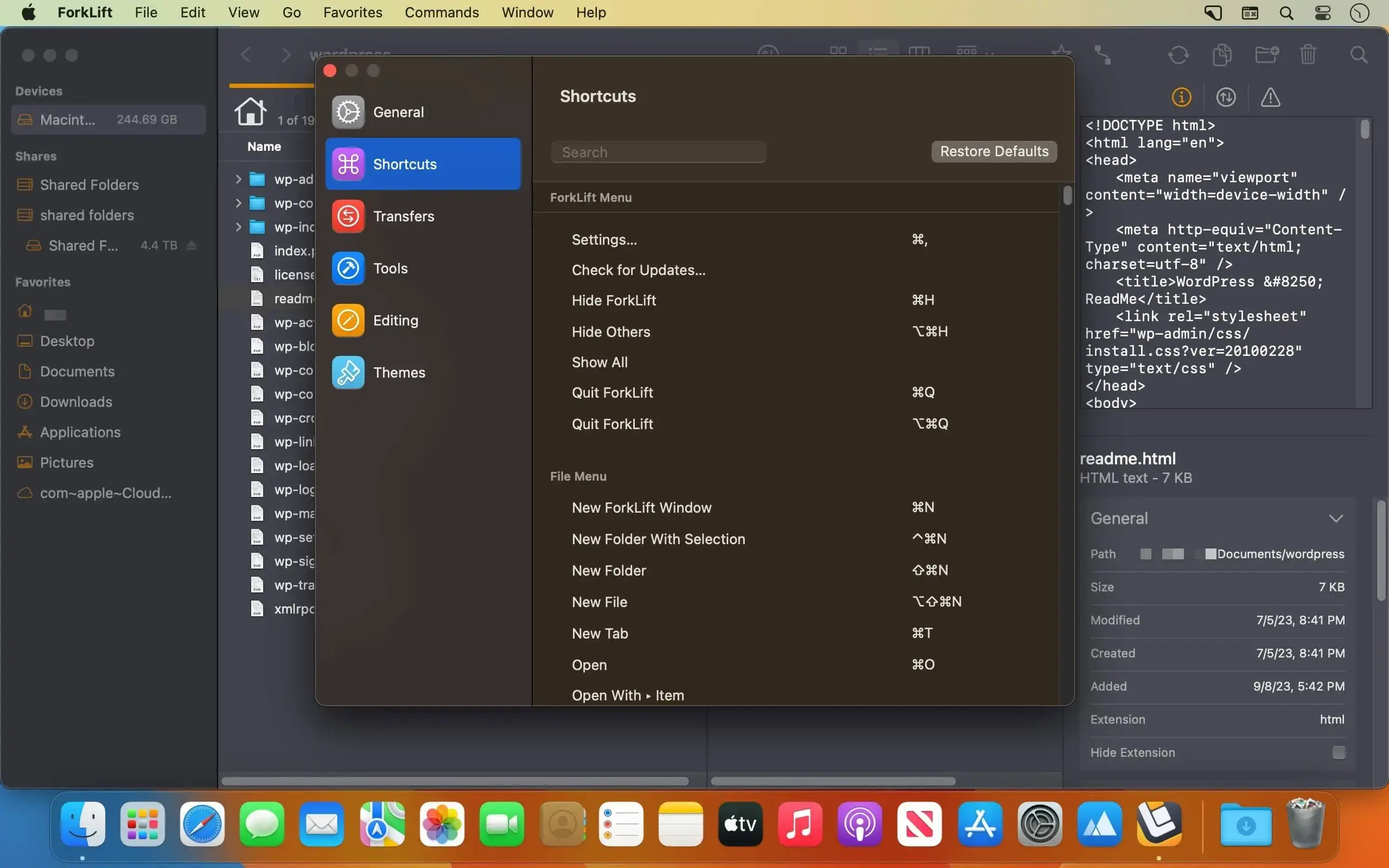
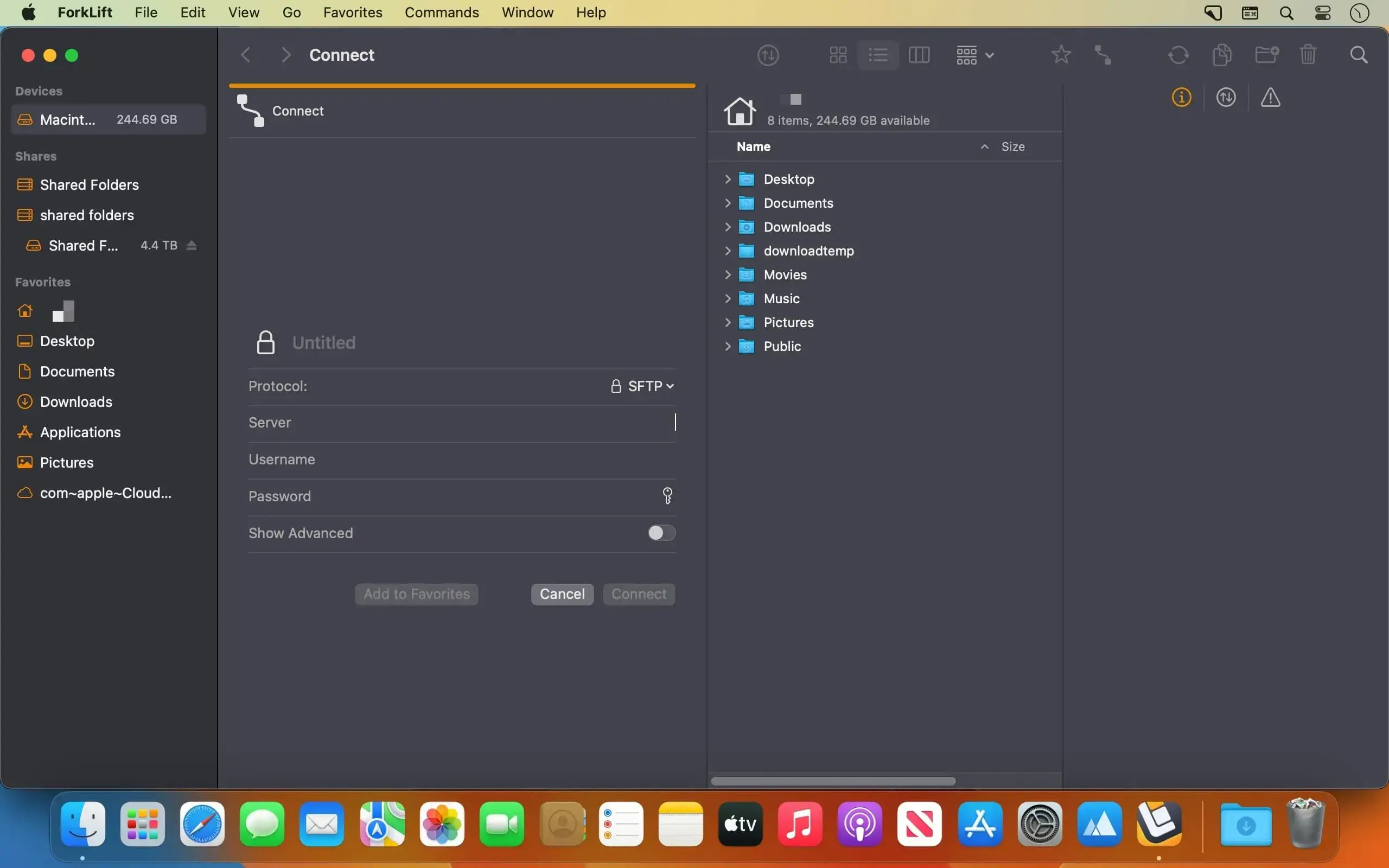
ForkLift is the most advanced dual pane file manager and file transfer client for macOS. Browse, transfer, sync, and organize your files across local drives, remote servers, and cloud storage, all from one fast, keyboard-friendly app.
Connect to everything
- SFTP, FTP, WebDAV, SMB, AFP, and NFS
- Amazon S3, Backblaze B2, and Rackspace Cloud Files
- Google Drive, OneDrive, Dropbox, and iCloud
- Connect to multiple servers at once and copy between them with drag and drop
- Edit remote files in your favorite editor, and ForkLift uploads your changes every time you save
Powerful sync
- Compare local or remote folders to find matching, modified, new, and deleted files
- Sync one-way or two-way with a single click
- Save sync setups as favorites for later
- Analysis is up to 20x faster than ForkLift 3
Stay in control of transfers
- Reorder queued transfers
- Set rules for conflicts and errors
- Limit upload and download bandwidth
- Watch copy, rename, delete, and compress tasks progress in real time with Activity View
- Review past operations and their results in Log View
Work faster
- Quick Open: jump to favorites, devices, and menu commands, or apply saved Multi Rename presets
- Quick Select: select files by name, extension, or tag
- Search and filter by name, extension, kind, tags, or content, even on remote servers
- Sync Browsing: navigate one pane and ForkLift mirrors you in the other
- Favorite Paths: keep frequently used remote locations one click away
- Full keyboard control with customizable shortcuts
Preview & organize
- Play audio and video, and view images, PDFs, and common document formats in the preview panel
- Quick edit text files in place, locally or on a server
- Add, edit, search, and filter by Finder tags
- Browse local and remote archives like ordinary folders, with Quick Look, search, and filtering
Built for power users
- Git support: see file status, then add, commit, push, and pull
- Open Terminal, iTerm, Hyper, Kitty, Warp, or Ghostty at your current location
- Run command line tools with custom shortcuts
- Compare text or image files using FileMerge, Kaleidoscope, Beyond Compare, or Araxis Merge
- Show hidden files with a single shortcut
Make it yours
- Tabs and Workspaces: save layouts with open tabs and locations
- Choose from built-in themes or design your own
- Sync favorites across your Macs via iCloud
- Set ForkLift as your default file viewer instead of Finder
And more
- App Deleter removes every trace of apps you uninstall
- Copy Dropbox links with a right-click
- Share files instantly
- Available in English, German, Hungarian, French, Spanish, Portuguese, Polish, Ukrainian, Italian, Czech, Japanese, and Chinese
Vesion 4.7.8:
New
- New, improved, and redesigned App Deleter
- Scroll bar in the Sidebar
Improvements
- The App Deleter calculates the size of an app even if its size hasn’t been calculated in the file view
- The App Deleter is better at identifying an app’s supporting files by searching in more locations and using stricter criteria
- System applications that can’t be deleted by default are marked with a lock icon and can’t be deleted in the App Deleter
Fixes
- Fixes the log output where the log incorrectly stated that an item was successfully updated based on the modification dates when there was no modification date and the activity was automatically skipped
- Fixes the log output where the log incorrectly stated that an item was successfully updated when the user chose to skip the activity
- Fixes the log output when deleting multiple files using the helper tool, where the number of deleted items was always displayed as zero
- Fixes an issue on Google Drive where some folders that had a forward slash in their names displayed all files in the drive as a flat list
- Fixes an issue on Google Drive where some folders with a forward slash in their names couldn’t be opened
- Fixes a possible crash while using the Go to Folder feature on Google Drive with a non-existent path
- Fixes a possible crash when the user tried to open the Favorite Manager or the Connect Panel while the View Settings were open
- Fixes a memory leak in Icon View that could cause a possible crash
- Re-adds the missing Title, Size and Kind of items in the Info Window
- French localization fixes and improvements
- Minor fixes and improvements
Comments
No comments yet. Be the first.
Information
Visitors in the group Guests cannot leave comments on this publication.