

Trickster 4.1.0
Recent file manager for Mac with menu bar access
Screenshots
Click to enlarge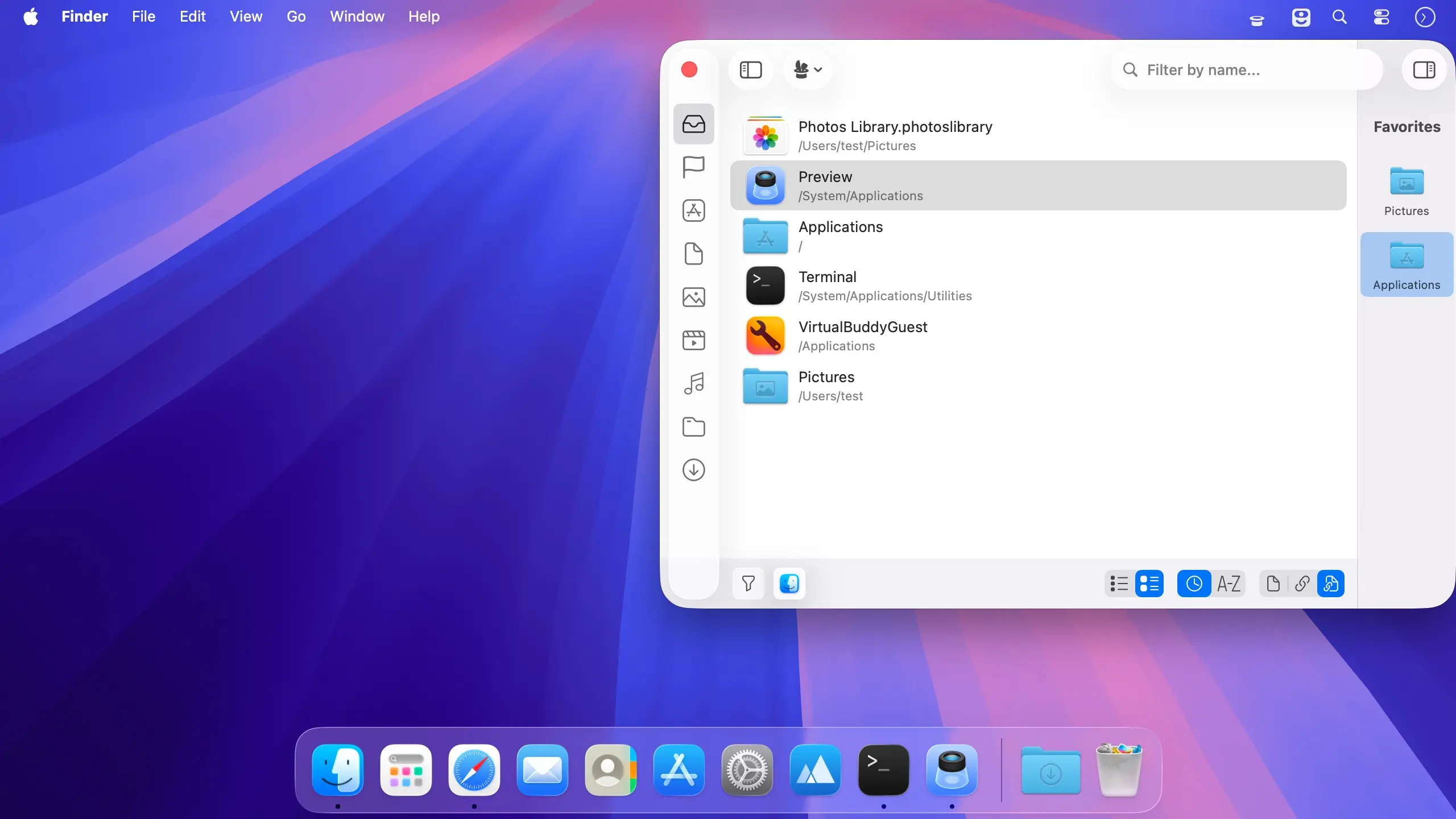
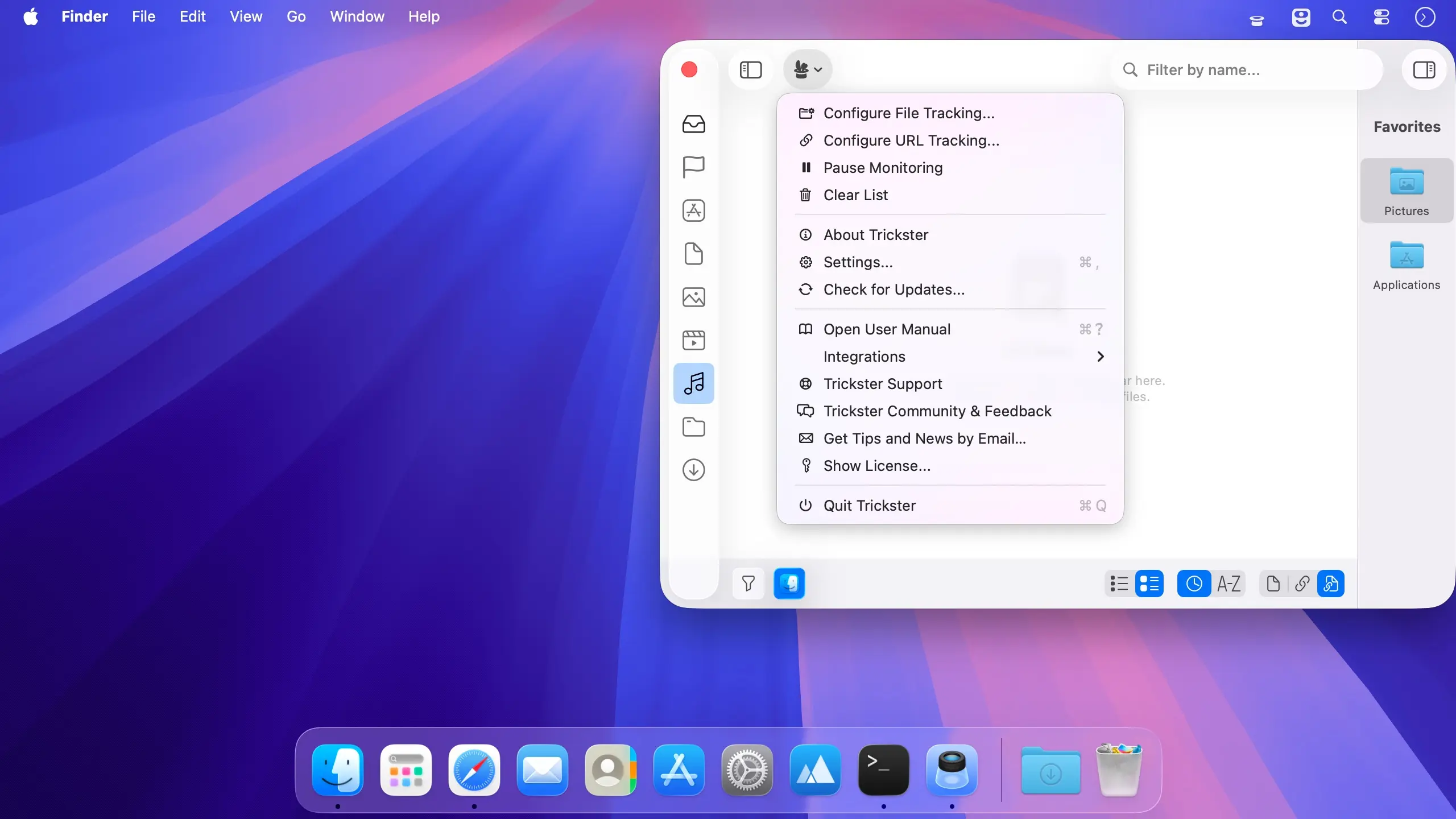
Trickster is a menu bar file manager that makes it easy to find and use files, folders, and applications you’ve recently opened, added, or processed.
Instead of searching through Finder, access your recent items instantly from one convenient window. Trickster monitors the locations you choose and organizes content by file type, helping you quickly find exactly what you need.
Key features:
- Track selected folders and locations
- Browse recent files, folders, and applications
- Organize items by recency or name
- Filter content by file type or associated application
- Create exclusions and custom whitelists
- Search your recent items
- Save favorite files and folders for quick access
- Open items directly or drag them into Finder and other apps
- Create filters from any file, folder, extension, or location
- Test files by dropping them into the window
- Access everything from the macOS menu bar
With its intuitive interface and flexible filtering tools, Trickster helps keep frequently used and recently processed items close at hand—so you can spend less time searching and more time getting things done.
Version 4.1
Trickster 4.1 speaks your language, and lets you find files and switch filters without reaching for the mouse.
- NEW: Trickster is now available in German, French, Spanish, Italian, Japanese, Korean, Simplified Chinese and Russian.
- NEW: Start typing anywhere in the main window to find files by name.
- NEW: Press ⌘⌥1 for All Files, or ⌘⌥2–9 to jump straight to a filter.
- IMPROVE: Drag files out of the list in any direction.
- IMPROVE: When the list shows file previews, you see the preview as you drag, so you know exactly what you’re moving.
- IMPROVE: When Trickster runs in another language, links to the online manual open translated into that language.
- FIX: On macOS 27, the dragged file’s icon now stays right under the pointer.
Comments
No comments yet. Be the first.