

MacMagic 2.0.1
Mac utility tools for files, PDFs, and caches
Screenshots
Click to enlarge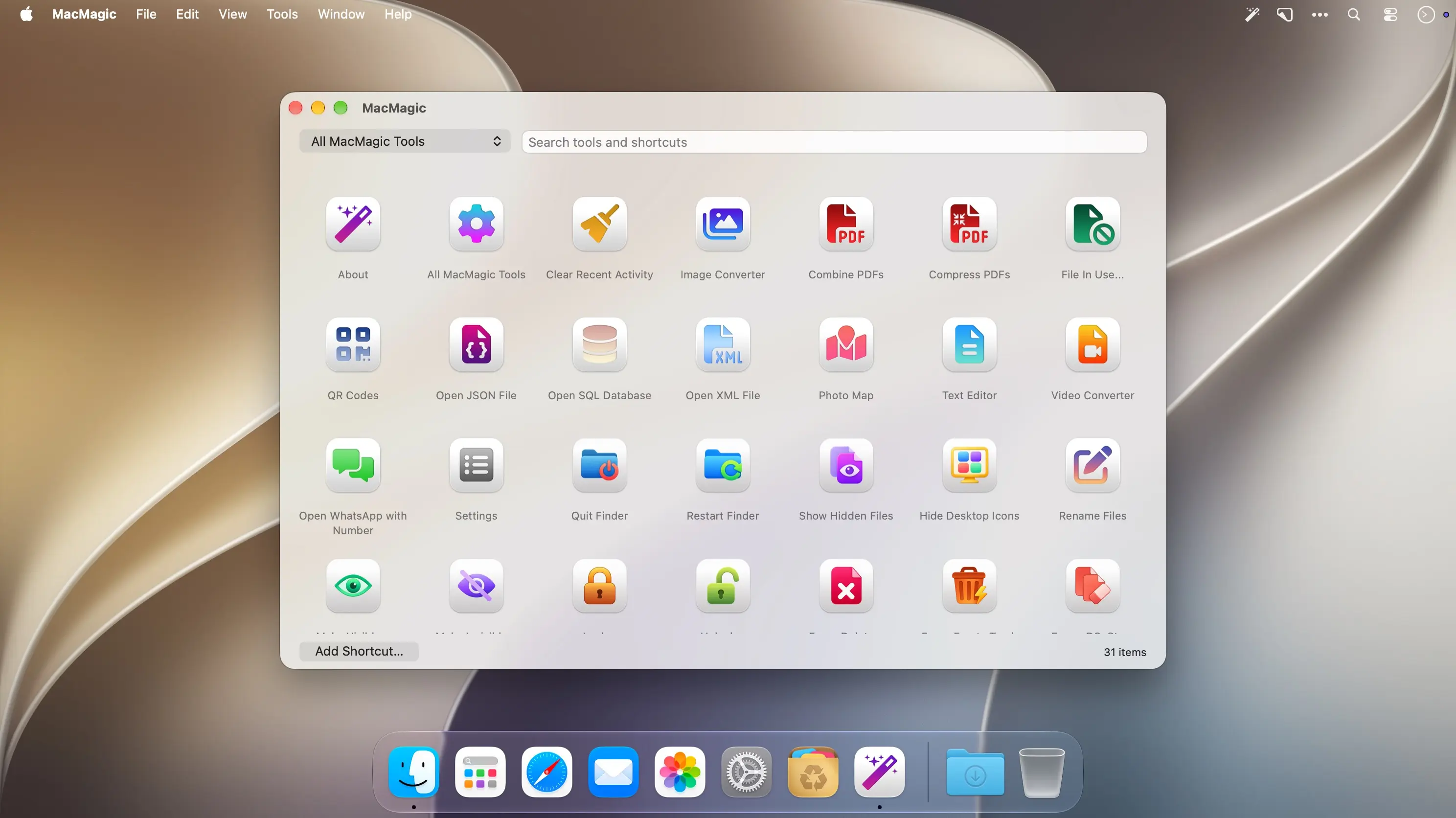
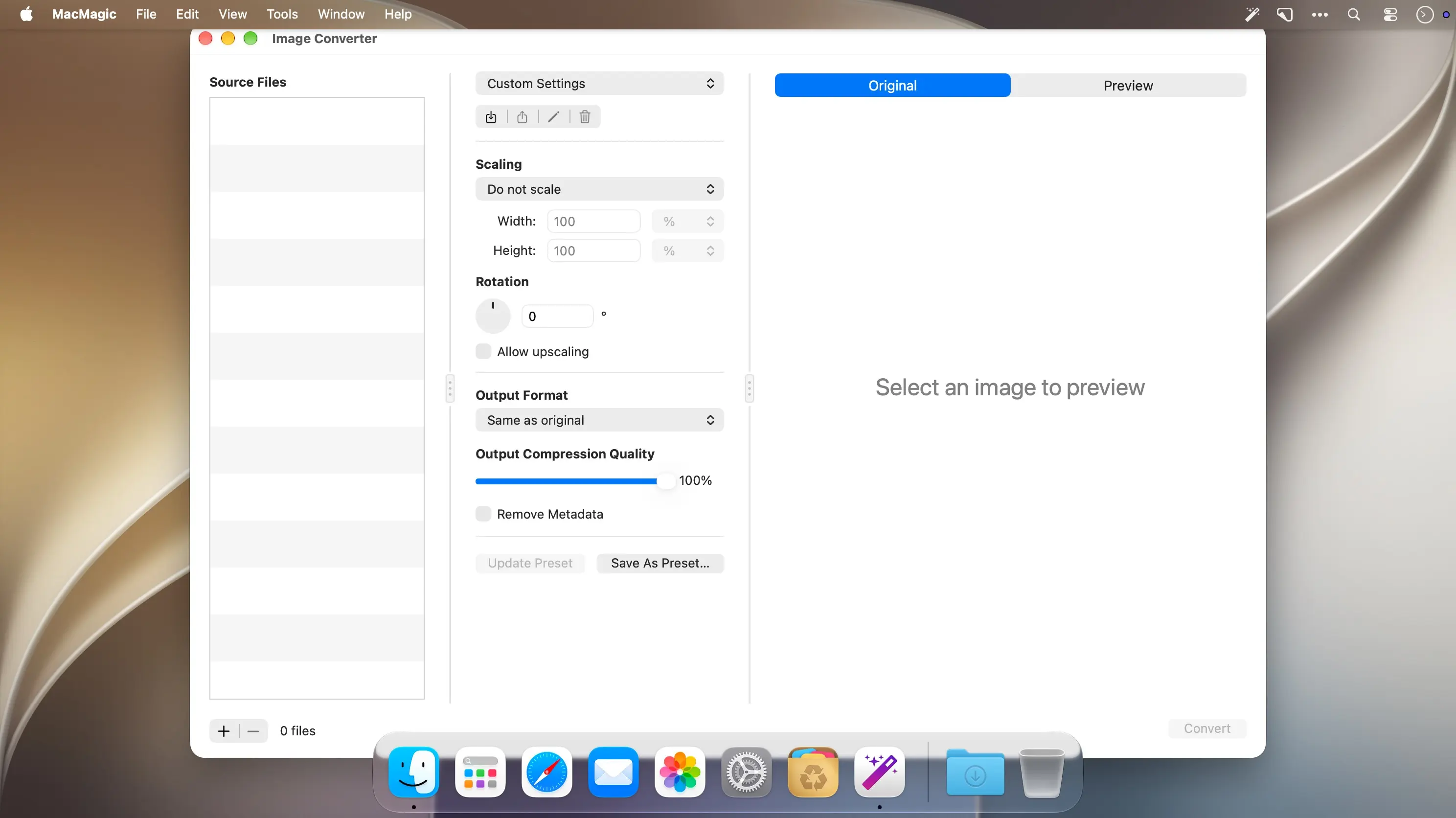
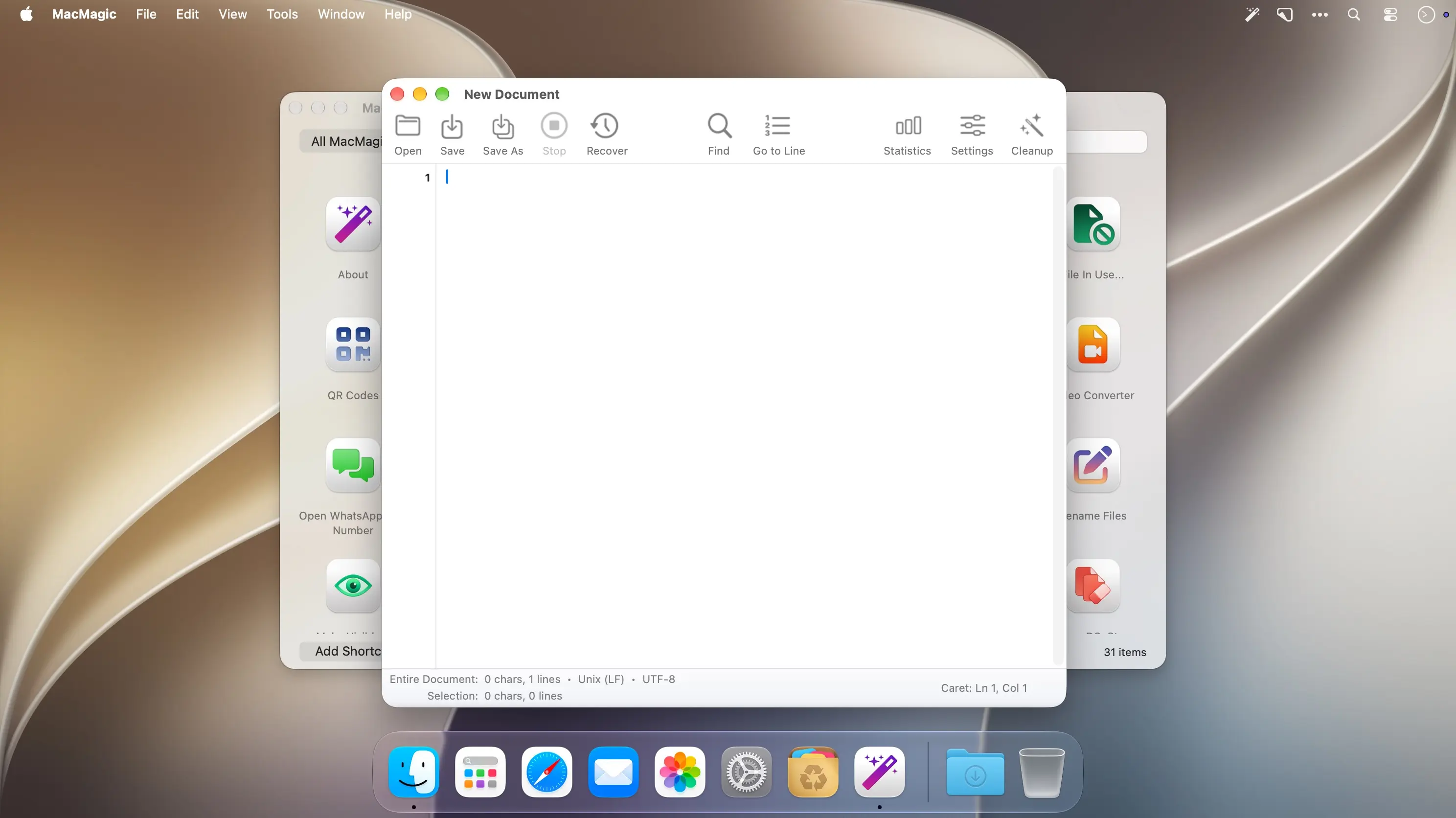
MacMagic 2 brings everyday Mac tasks into one searchable Home, so you can convert photos and videos, rename files, work with PDFs, edit text, and explore structured data without hunting for separate tools. It suits anyone who wants quick access to useful macOS features, from showing hidden files to clearing caches.
Review before you change anything
Rename batches show a full preview before any filename changes, and image conversions show before-and-after comparisons. Cache clearing works the same way: you choose the categories and minimum ages, then clear only the reviewed items that qualify. Named presets keep your settings ready for next time.
- Searchable Home: Find tools and shortcuts by name or category, keep favorites close, and open Home with an optional global keyboard shortcut.
- Batch rename: Build names with tokens, numbering, and case changes, then undo the last batch with conflict checks.
- PDF tools: Reorder, extract, split, combine, or compress PDFs and compare original and output sizes.
- Image and video conversion: Convert and resize with saved presets, and restore your video queue after relaunch.
- Finder and file visibility: Show hidden files, hide desktop icons, or restart Finder when you need to.
- Text editor with recovery: Edit with Find and Replace and line numbers, then restore unsaved edits after an interruption.
- JSON, XML, and QR codes: Search data trees and copy paths or values, or create and read QR codes.
Download MacMagic 2 and keep your everyday Mac tasks in one place.
Version 2.0.1:
Bug Fix:
- Quit and Command-Q work when the Dock icon is shown and stay disabled when it is hidden. Changing the Dock preference updates both immediately.
Comments
No comments yet. Be the first.