

Ableton Live 12 Suite 12.4.16
Music production software for Mac with MIDI generators
Screenshots
Click to enlarge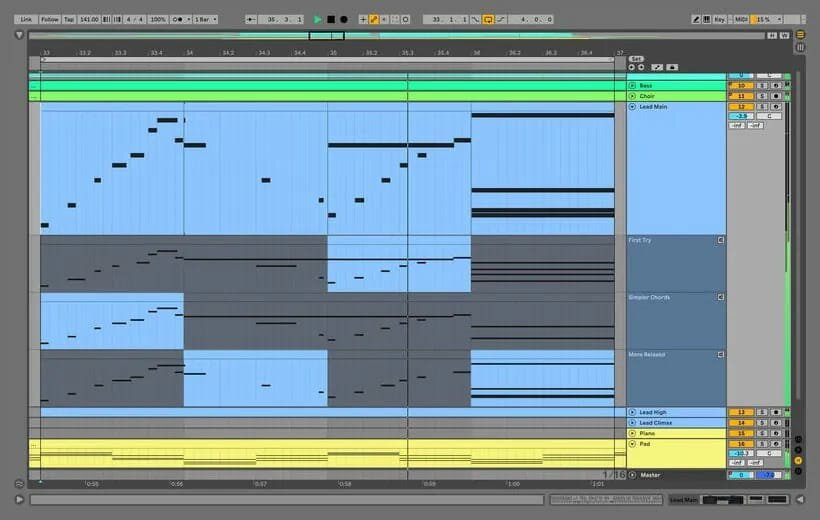
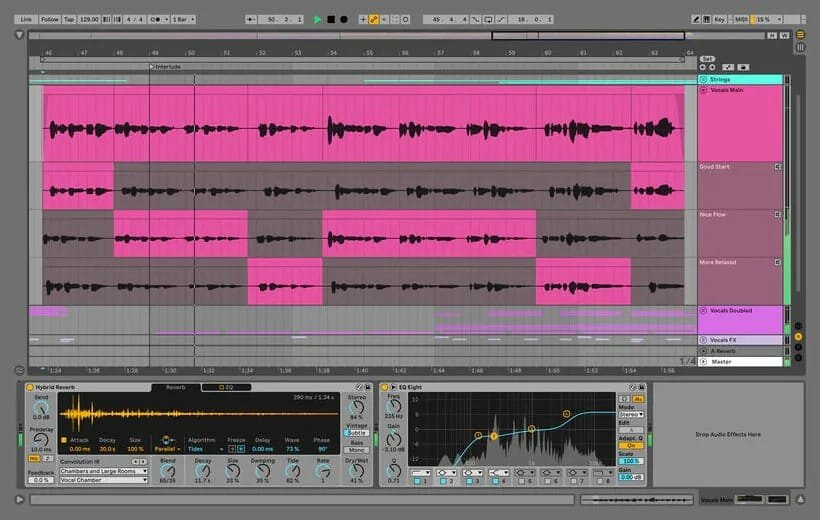
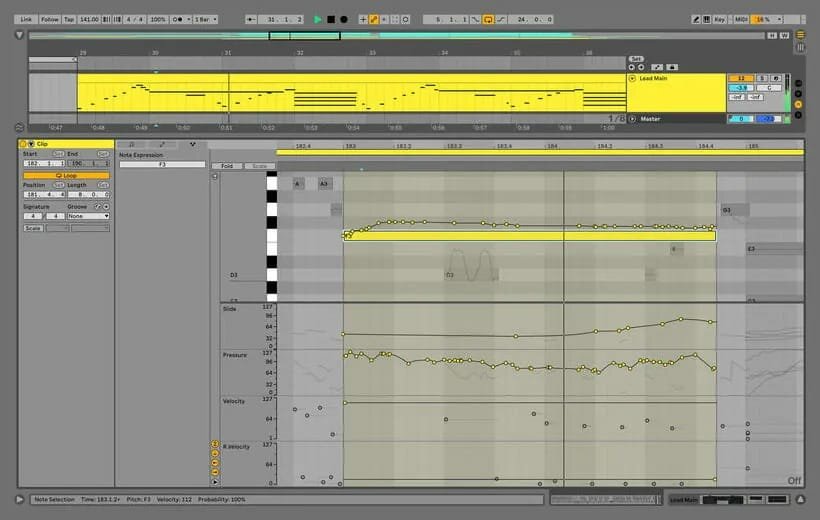
Ableton Live 12 Suite is a fast, fluid and flexible music sequencer and digital audio workstation for creating and performing music on macOS. It comes with effects, instruments, sounds and creative features for making any kind of music.
Two ways to work
Create in a traditional linear arrangement, or improvise without the constraints of a timeline in Session View. Move freely between musical elements and play with ideas without stopping the music or breaking your flow.
Generate and transform MIDI
Build ideas faster and shape them with a new set of MIDI tools.
- MIDI Transformations: add ornaments and articulations, draw acceleration and deceleration curves, connect successive notes and chords, or simulate the strum of a guitar.
- MIDI Generators: create melodies, chords and rhythms within custom constraints, then turn the patterns into your own ideas.
- Max for Live MIDI Tools: build new MIDI Transformations and Generators, based on existing ones or entirely your own.
- MIDI Editing Improvements: sort selected notes by pitch, velocity or duration; stretch, split, chop or join notes; shape velocity; transpose into a scale; add intervals chromatically or in key.
Scales, probability and tunings
Keep your music in key and add controlled variation.
- Keys and Scales: set the clip scale in the Control Bar, edit with scale highlighting, use the scale to transform and generate ideas, or sync the scale of MIDI devices and instruments to the clip being played.
- Expanded probability: assign one probability rule to a group of notes, or let Live play a random note from a selected chord whenever the trigger fires.
- Tunings: work outside the 12-tone equal temperament system with Live's devices and any MPE-capable plugin.
Instruments and effects
Shape sounds from subtle warmth to experimental textures.
- Meld: a bi-timbral, MPE-capable instrument with two macro oscillators for textural and experimental tones.
- Granulator III: Robert Henke's granular instrument, now with MPE capability and real-time audio capture for immediate manipulation.
- Roar: a coloring and saturation effect with three saturation stages that can run in series, parallel, mid/side or multiband, plus a feedback generator and an extensive modulation matrix.
- New Modulation Behavior: keep adjusting a parameter even after assigning an LFO or another modulation source to it.
New packs
Expand your library with two new collections.
- Lost and Found: sounds made from unusual materials, percussive trinkets, foley recordings and expressive objects, ideal for layered instruments, Drum Racks and sound effects.
- Performance Pack: devices from Iftah for capturing snapshots of your sets, controlling multiple parameters with layered macros and curves, looping in Arrangement View and pre-arranging a performance before recording it.
A cleaner, more focused workspace
Spend less time switching views and more time on your music.
- Stacked Detail Views: see devices and the Clip Editor, or automation and device parameters, at the same time.
- View styling: a cleaner, more minimal look that removes visual complexity.
- Mixer in Arrangement: use the Mixer in Arrangement View, toggle it with the Mixer View Control or the View menu, and configure it independently.
- Mixer improvements: visual updates that make the Mixer more accurate, easier to read and easier to control.
Find sounds faster
Search and organize your library in the way that suits your workflow.
- Browser Tagging and Filtered Searches: search without the limits of built-in categories, so a search for bass shows every bass sound in your library, whether sample or instrument preset.
- Custom tags: use Live 12's built-in tags or add your own, and create custom categories in the sidebar for your favorite sounds and devices.
- Sound Similarity Search: start with a sample and let a neural network find comparable sounds and instrument presets, or swap the samples in a Drum Rack for similar ones.
- Browser History: backtrack through your search history as you would in a web browser.
Accessibility and appearance
Work comfortably the way you prefer.
- Accessibility and navigation improvements: control core workflows with assistive technologies such as screen readers, and use new keyboard shortcuts to reach nearly every part of Live.
- New Themes: choose new themes and adjust them with cool, neutral or warm tones, or switch to a high contrast mode.
Version 12.4.16:
Bugfixes
- Fixed an issue where Windows users were unable to install or launch Live 12.4.15 due to Windows Defender-related errors. Please note that the errors were incorrectly generated by Windows Defender; Live 12.4.15 does not contain malware.
Comments
No comments yet. Be the first.