
MountMate 6.6
MountMate: A lightweight drive manager for Mac to mount external drives.
Screenshots
Click to enlarge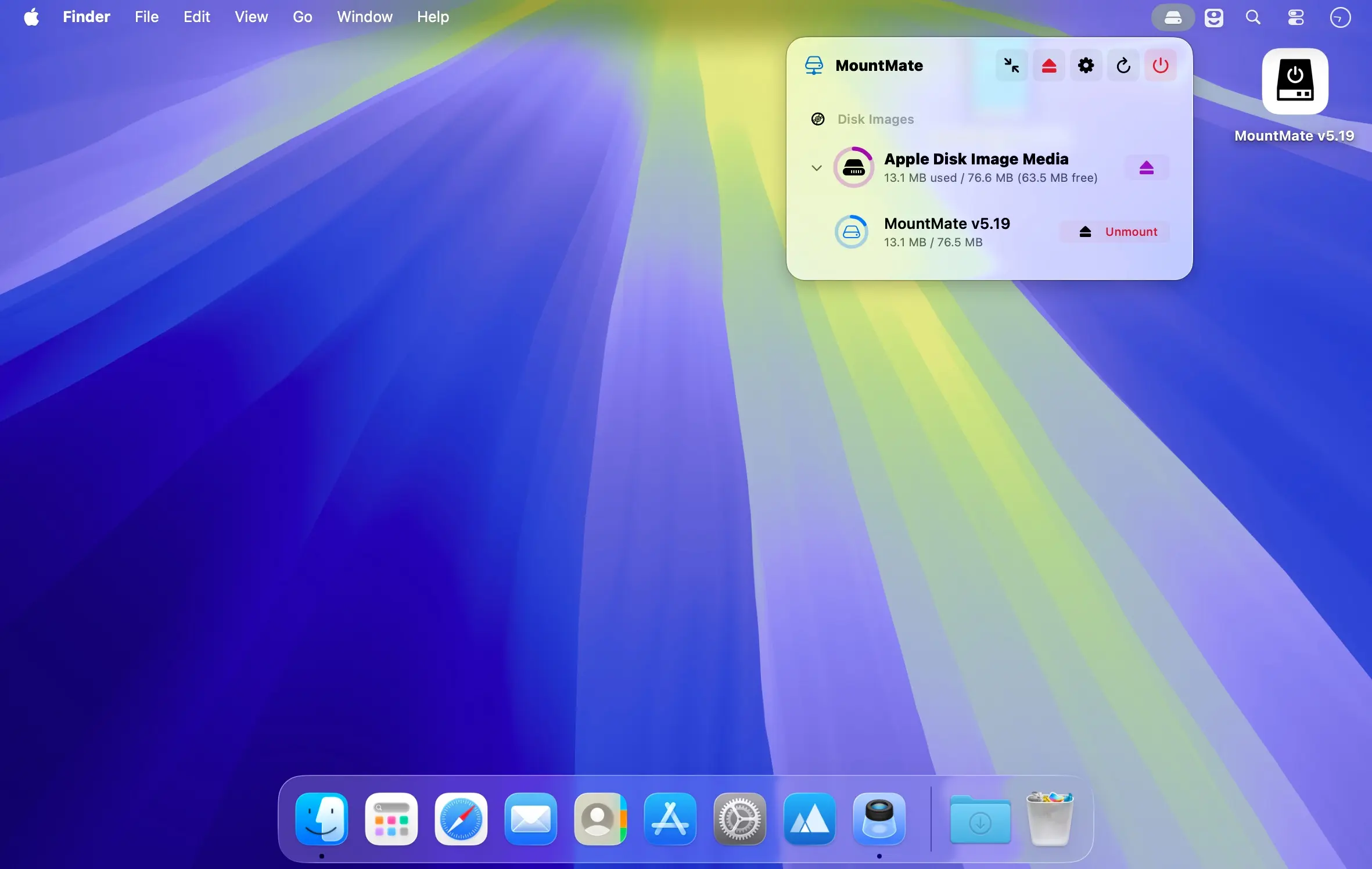
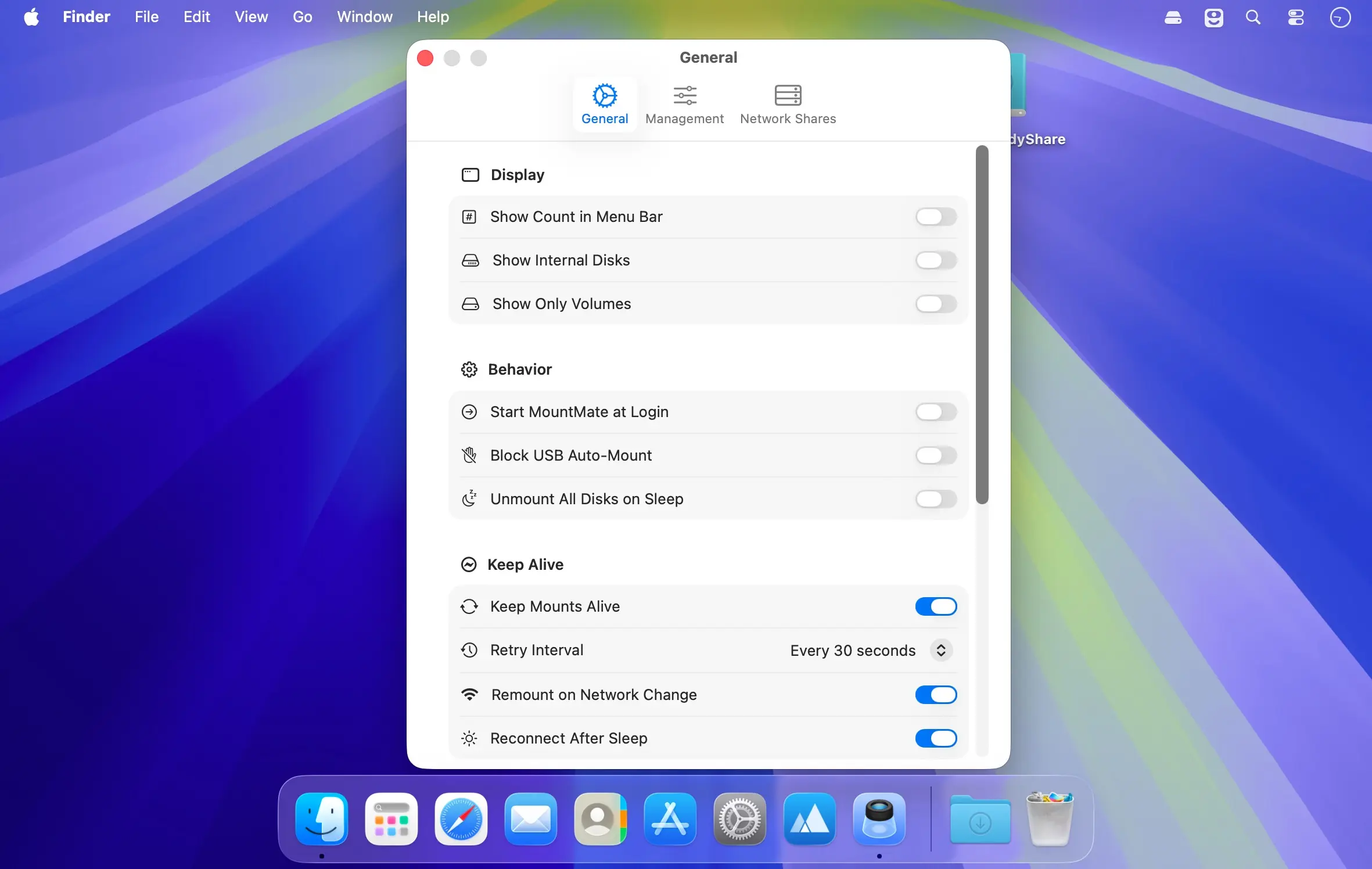
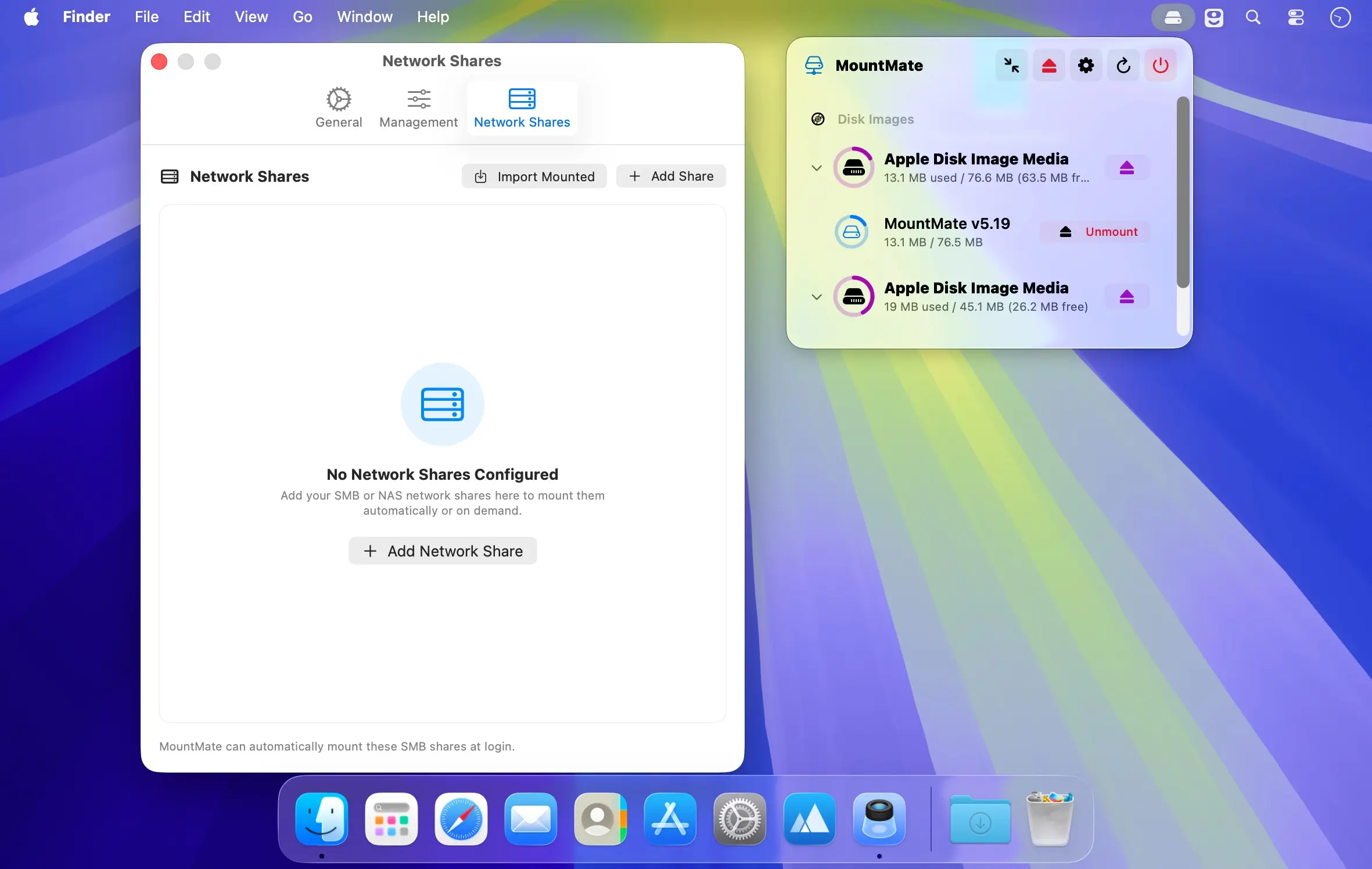
Manage your external drives and disk images directly from your Mac’s menu bar.
MountMate gives you quick, convenient control over connected storage without opening Terminal or Disk Utility. Unmount drives with a single click, then remount them whenever you need them—all from a lightweight menu bar app.
Key features
- Mount and unmount external drives from the menu bar
- Remount previously ejected drives without unplugging them
- Manage disk images, including mounting, opening, and removing them
- Optionally disable automatic mounting for USB devices
- Eject all connected drives and disk images instantly
- Refresh the device list whenever you connect new storage
- Runs quietly in the menu bar with minimal resource usage
MountMate is ideal for external HDDs and other storage devices you don’t need mounted all the time. Keep connected drives from spinning up unnecessarily and access them only when you need them—without physically unplugging them.
Version 6.6:
Added:
- Mount WebDAV shares, such as Nextcloud or Synology, next to SMB, NFS and AFP.
- Optionally unmount network shares too when your Mac sleeps or locks, and mount them again on wake.
- NFS shares no longer freeze Finder when the NAS goes away: new shares give up on an unreachable server instead of waiting forever. Turn it on for older shares in their settings.
- Clearer "in use" alerts: when a drive can't be ejected, the alert names what is using it in plain words, such as "Spotlight indexing" or "Quick Look" instead of "mds", and shows its icon.
- Copy Diagnostics now also lists how many disks are connected by type and file system, the Keep Alive interval and the low-space warning threshold.
Comments
No comments yet. Be the first.
Information
Visitors in the group Guests cannot leave comments on this publication.