

Jouno - Preset Manager 2.9.2
Juno-106 editor and patch librarian for Mac
Screenshots
Click to enlarge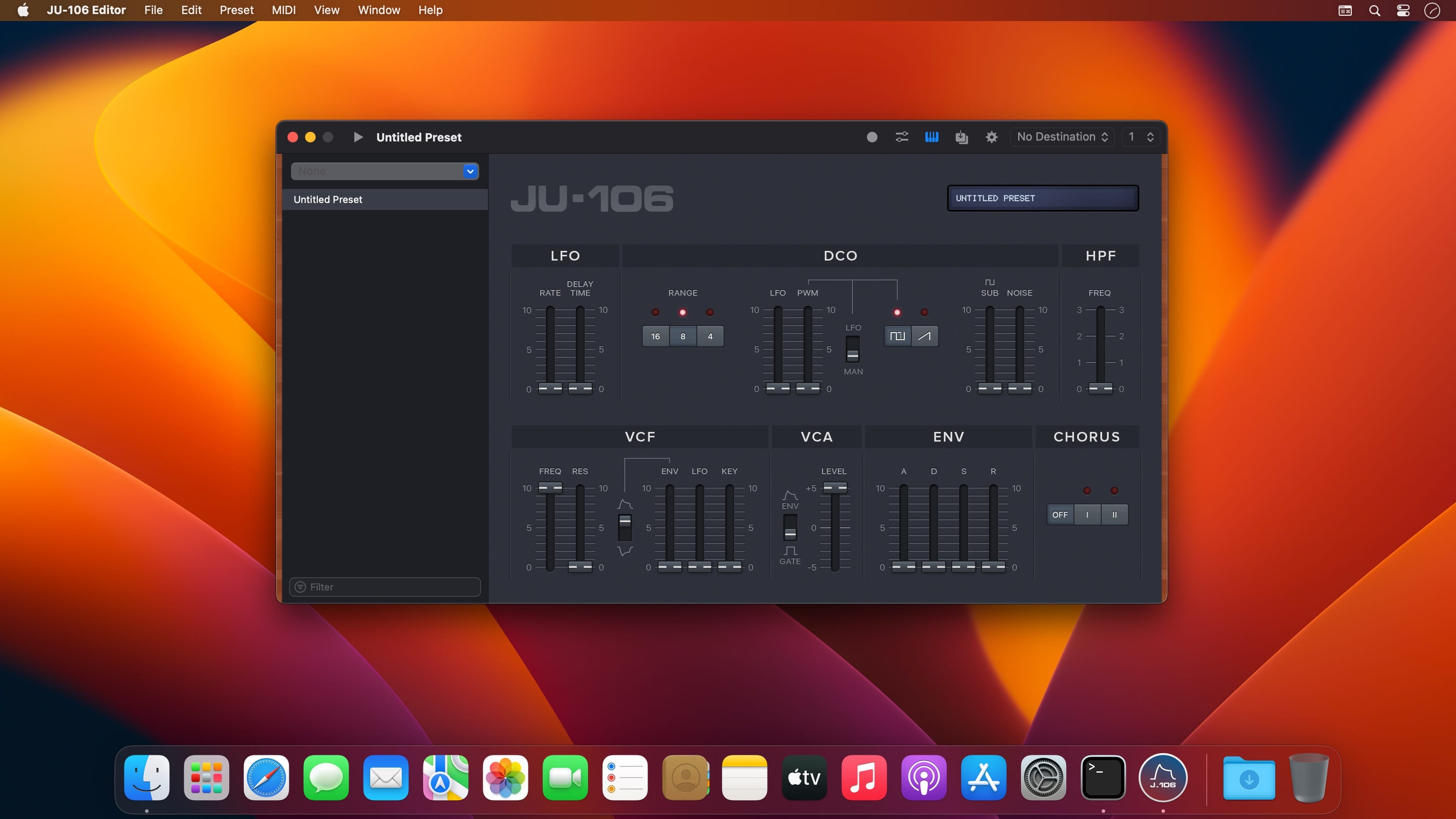
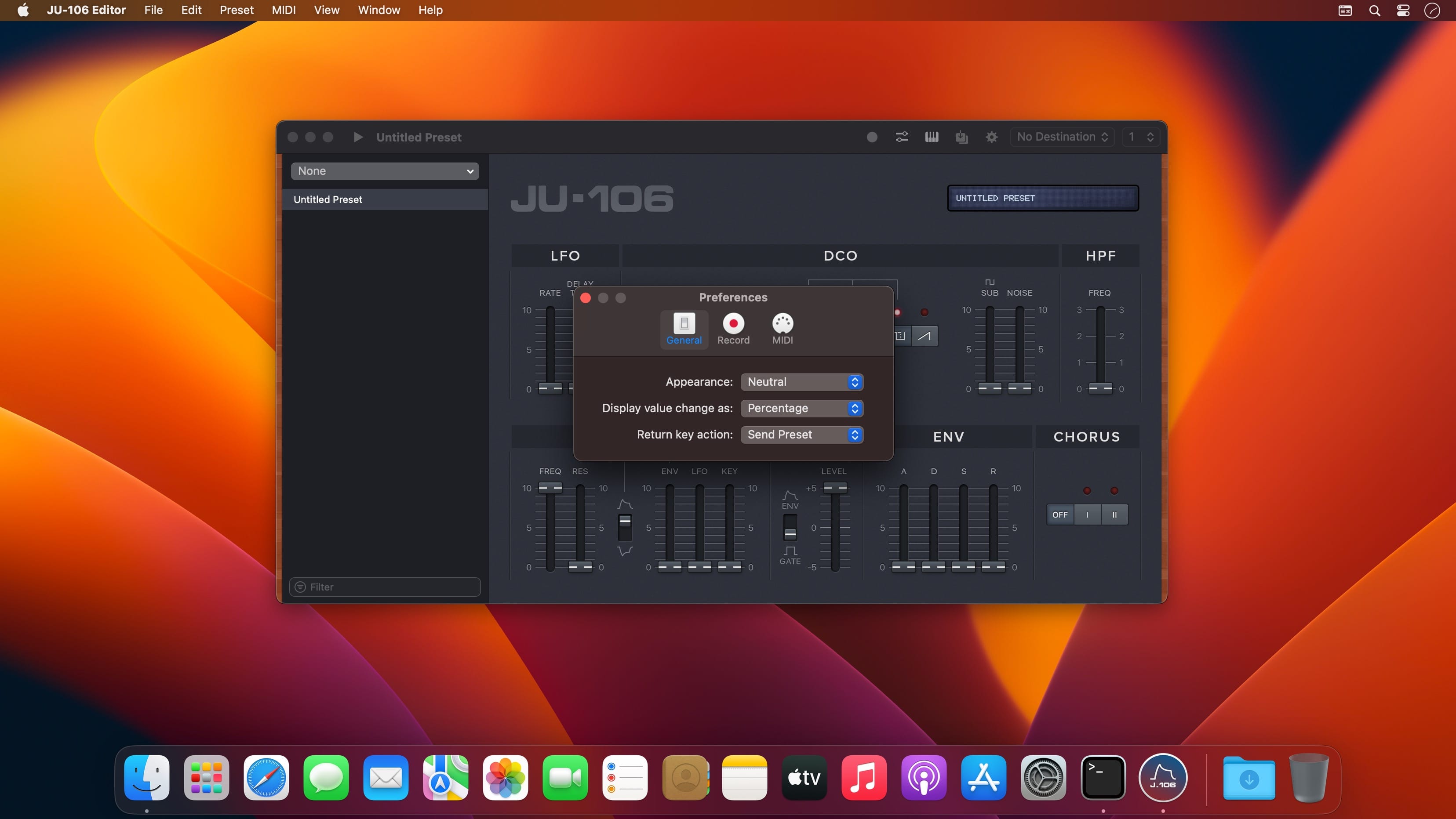
Jouno connects to your Roland Juno-106 over a simple MIDI connection, so you can record its patches to your Mac, name them, recall them later and edit the sound from on-screen faders. It's a native Mac editor and librarian that sits comfortably next to your DAW in a studio setup.
What you can do with it
Pull patches off the synth and keep them organized on your Mac, tweak parameters remotely while a track plays, or automate the filter from your DAW.
- Record One: capture a single patch to your Mac, give it a name that means something to you, and recall it instantly whenever you need it.
- Record Multiple: back up a large number of presets in one session. Record each patch in turn, listen back and name it, then save the whole batch.
- MIDI remote control: move the on-screen faders with a MIDI controller, or forward MIDI CC messages from your DAW to automate parameters such as Filter and Volume while the sound plays.
- Hardware sync: when you edit on the synth itself, the faders on screen animate and follow along.
- Live preview: play sounds while you edit, using your computer keyboard as a MIDI controller.
- Document-based presets: patches are stored as plain, universal Syx files that you can swap, archive and back up as you like.
- Collections: set storage folders and switch between them to move from one preset library to another.
Version 2.9.2:
- Record Multiple: Added a “Record” toggle to better manage state
- Record Multiple: Now captures Manual Mode dumps
- Record Multiple: Recording a single preset now takes priority
- Windows now display a "Recording…" subtitle, when in recording mode
- Jouno now also captures presets from virtual MIDI sources (DAWs, librarians…)
Fixes
- Control mapping now follows the MIDI input selected in Preferences
- MIDI option "Any Source" now also encompasses 'virtual sources'
- Manual mode dumps no longer silently overwrite the current document
Comments
No comments yet. Be the first.
Information
Visitors in the group Guests cannot leave comments on this publication.