

TrashMe 3.8.1
Mac uninstaller that removes leftover files and frees up space
Screenshots
Click to enlarge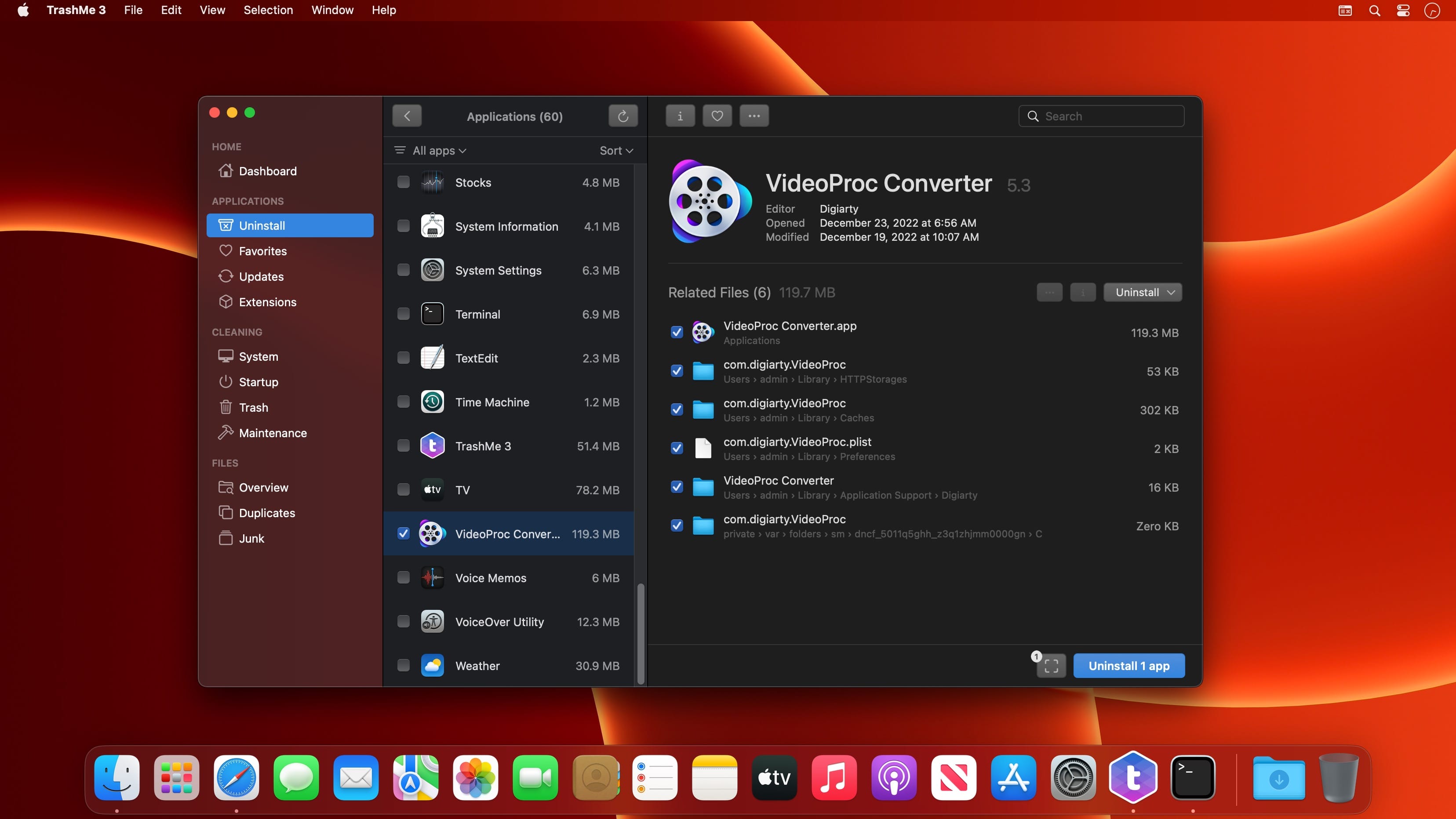
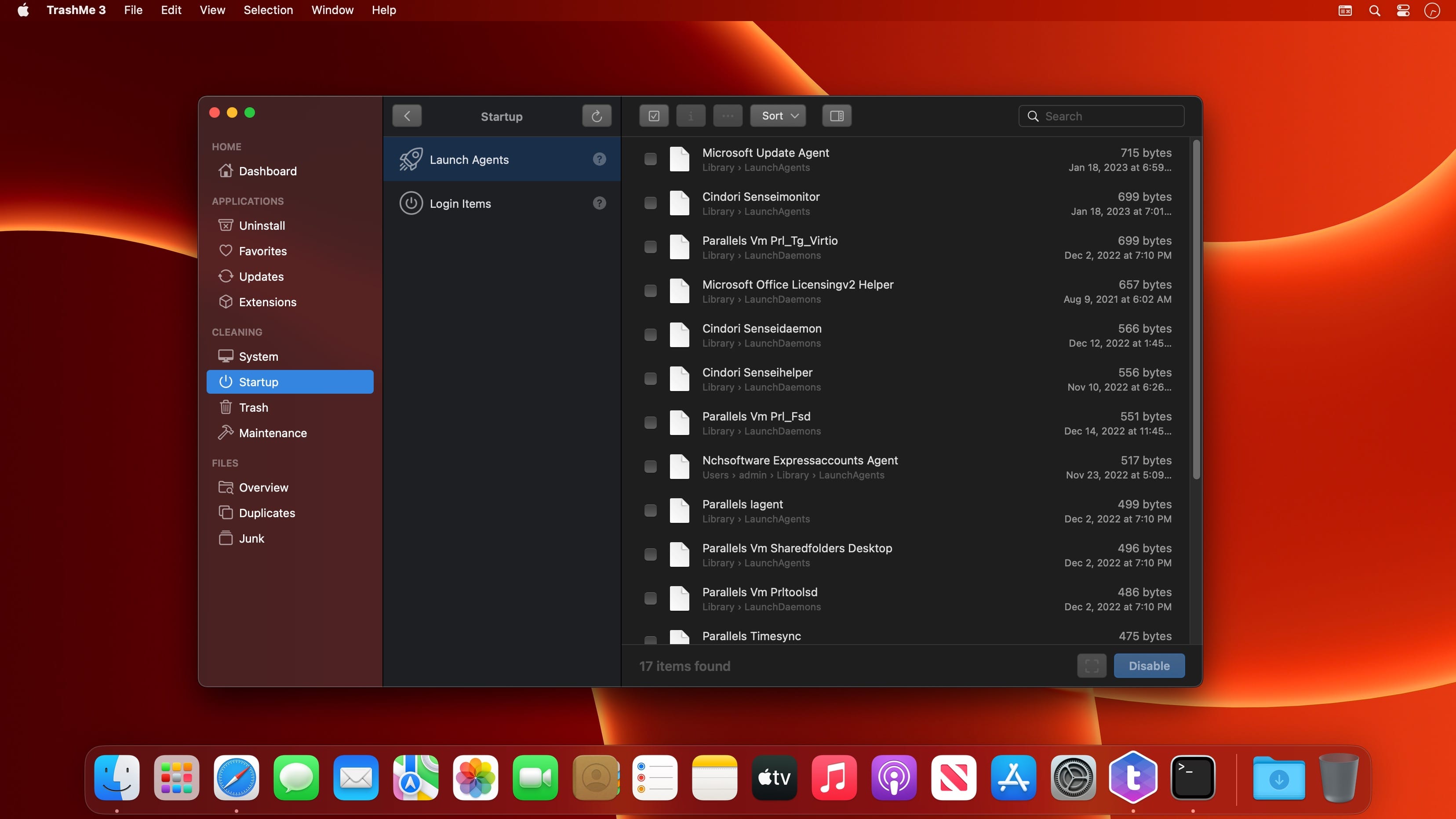
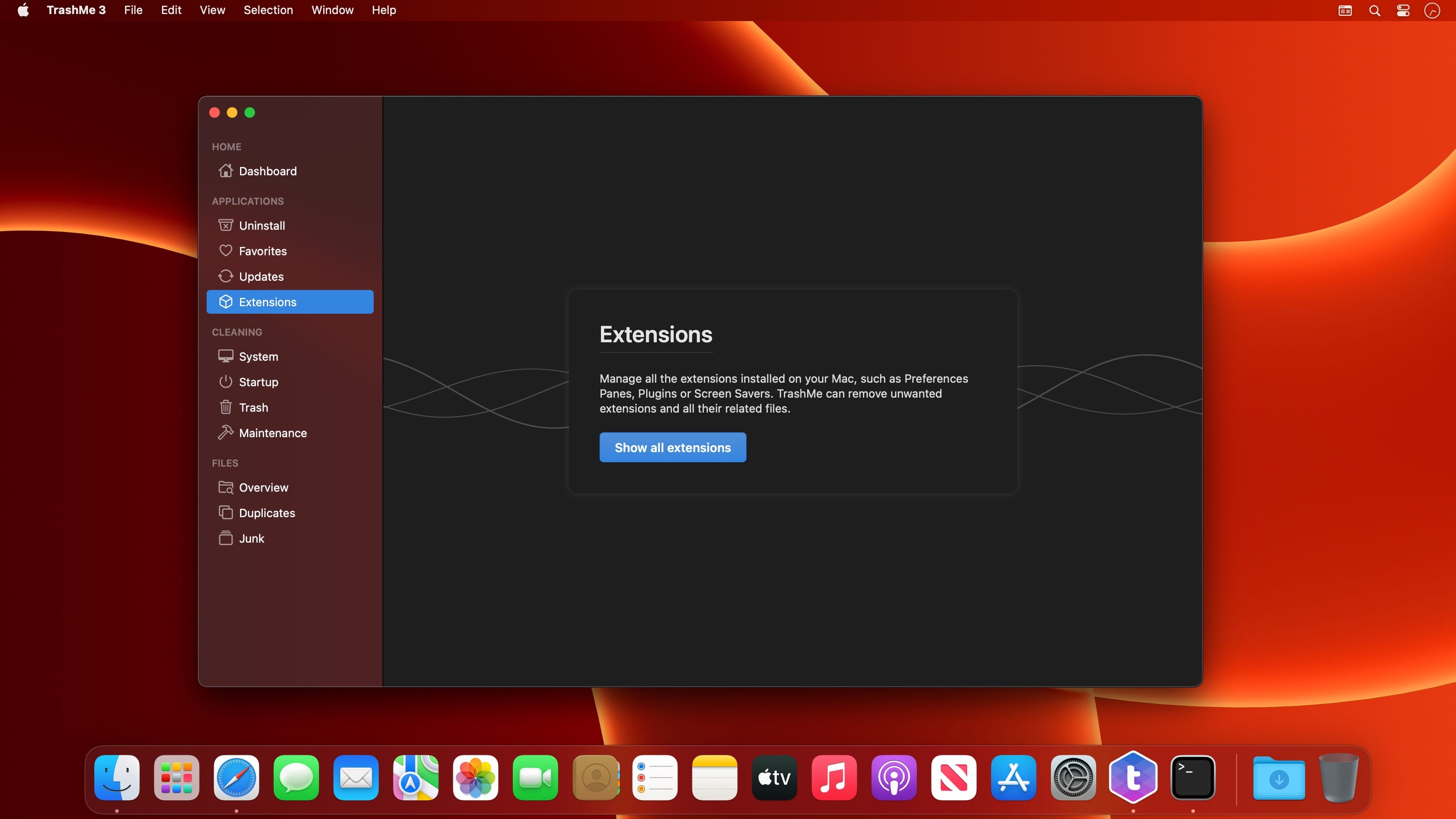
TrashMe 3 is a Mac uninstaller that finds the files apps leave behind, such as temporary files, caches and settings, and helps you clean your Mac to recover storage space.
Uninstall apps completely
Moving an app to the Trash does not remove everything. Many files created by the app stay on your disk. TrashMe 3 finds related files such as preferences, caches and logs, using an algorithm that has been improved over the years to find almost every file created by apps. You can uninstall an app or reset it. Smart Mode also detects apps you put in the Trash and offers a clean uninstall.
Recover space on your Mac
Remove junk such as incomplete downloads and old screen captures, along with large files macOS creates, including app caches, system updates, log reports and Xcode files. Scan a folder for duplicate documents or photos, compare all versions and decide which ones to delete. The visual interactive disk map shows the space used by files and folders, so you can select what you no longer need.
Stay on top of your apps and system
Check for updates for all apps installed on your Mac, including those bought from the Mac App Store, and read the change log. Keep a list of favorite apps with registration details and attached documents. With Smart Mode, you can monitor CPU load and temperature, memory usage, battery status, the graphics card in use and network configuration from the menu bar, and get an alert when your Trash is full.
Main features
- Full uninstall: finds related files such as preferences, caches and logs
- List apps: shows all installed apps so you can choose which ones to uninstall
- Smart detection: opens TrashMe automatically when you put apps in the Trash
- Favorite apps: stores a list of favorite apps with registration info such as license keys
- Updates: checks for app updates and displays the change log
- Clean caches: removes system caches to help solve some issues and free up disk space
- System files: deletes Xcode files, crash reports, Mail downloads, orphans and more
- Startup items: shows apps and processes launched at login and disables them with one click
- Empty Trash: displays all items in the Trash so you can delete selected ones
- Maintenance tools: runs maintenance scripts to solve specific issues on your Mac
- Hidden settings: modifies useful hidden macOS settings, such as showing hidden files
- Disk usage: shows the space occupied by files and folders on a visual interactive map
- Find duplicates: scans a folder, compares versions and deletes unwanted ones
- Junk files: removes files you do not need, such as incomplete downloads
- Notifications: alerts you when your Trash is full or when it is time to clean your Mac
- Touch ID: protects your favorite apps information with your password and unlocks it with Touch ID
- Dark mode: lets you choose dark, light or automatic appearance
- Widgets: monitors the battery of your devices or the available disk space
- Apple Silicon: runs natively on Apple Silicon processors for better performance
- Modern code: TrashMe 3 has been rewritten from scratch in Swift
Version 3.8.1
- Added support for new Mac
- Improved algorithm to detect updates for installed apps
- Updated frameworks
- Fixed an issue with the feedback reporter
- Fixed other small issues
Comments
No comments yet. Be the first.