
PDF Squeezer 4.9.1
PDF Squeezer PDF compressor for Mac with drag-and-drop compression
Screenshots
Click to enlarge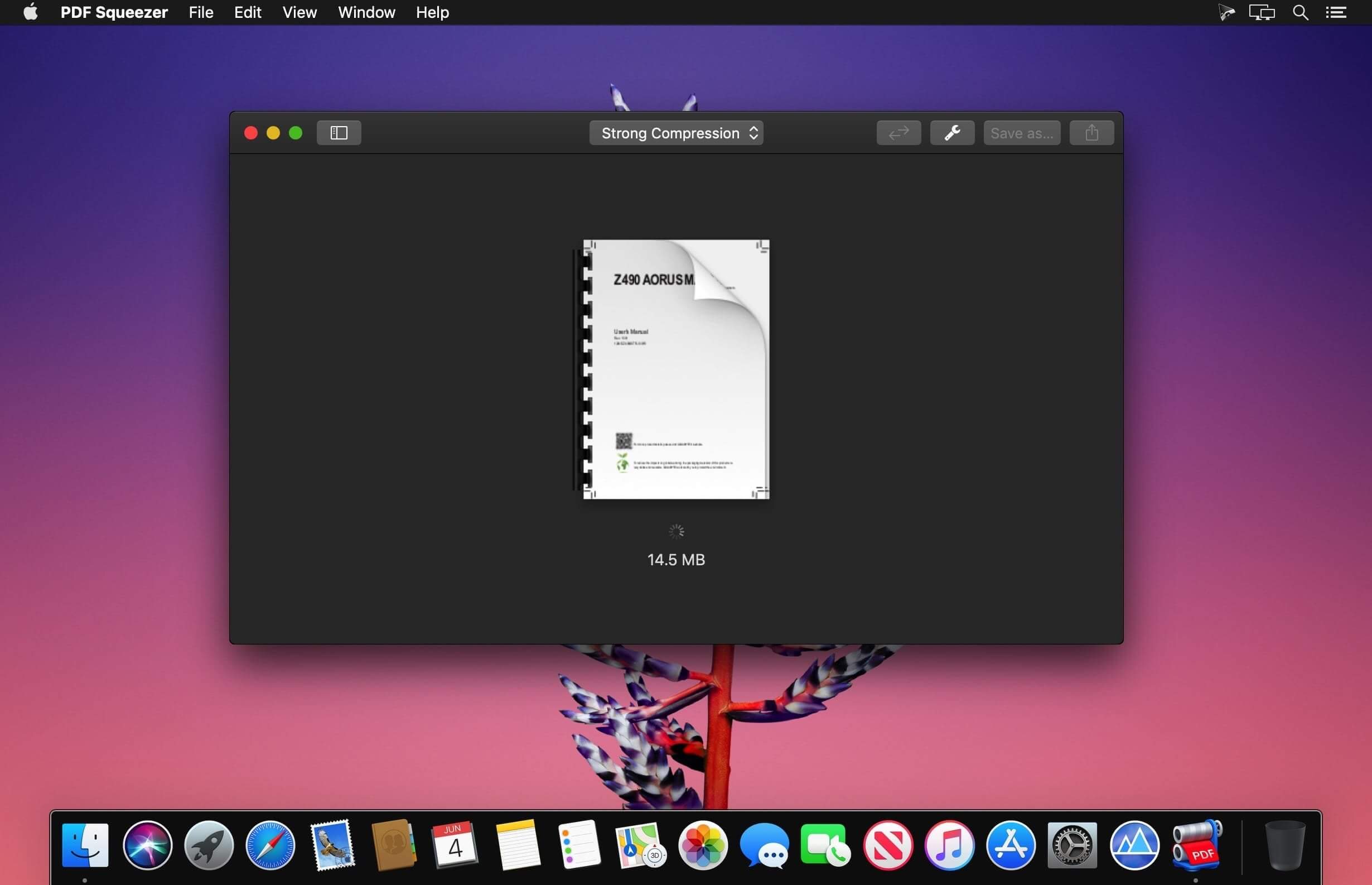
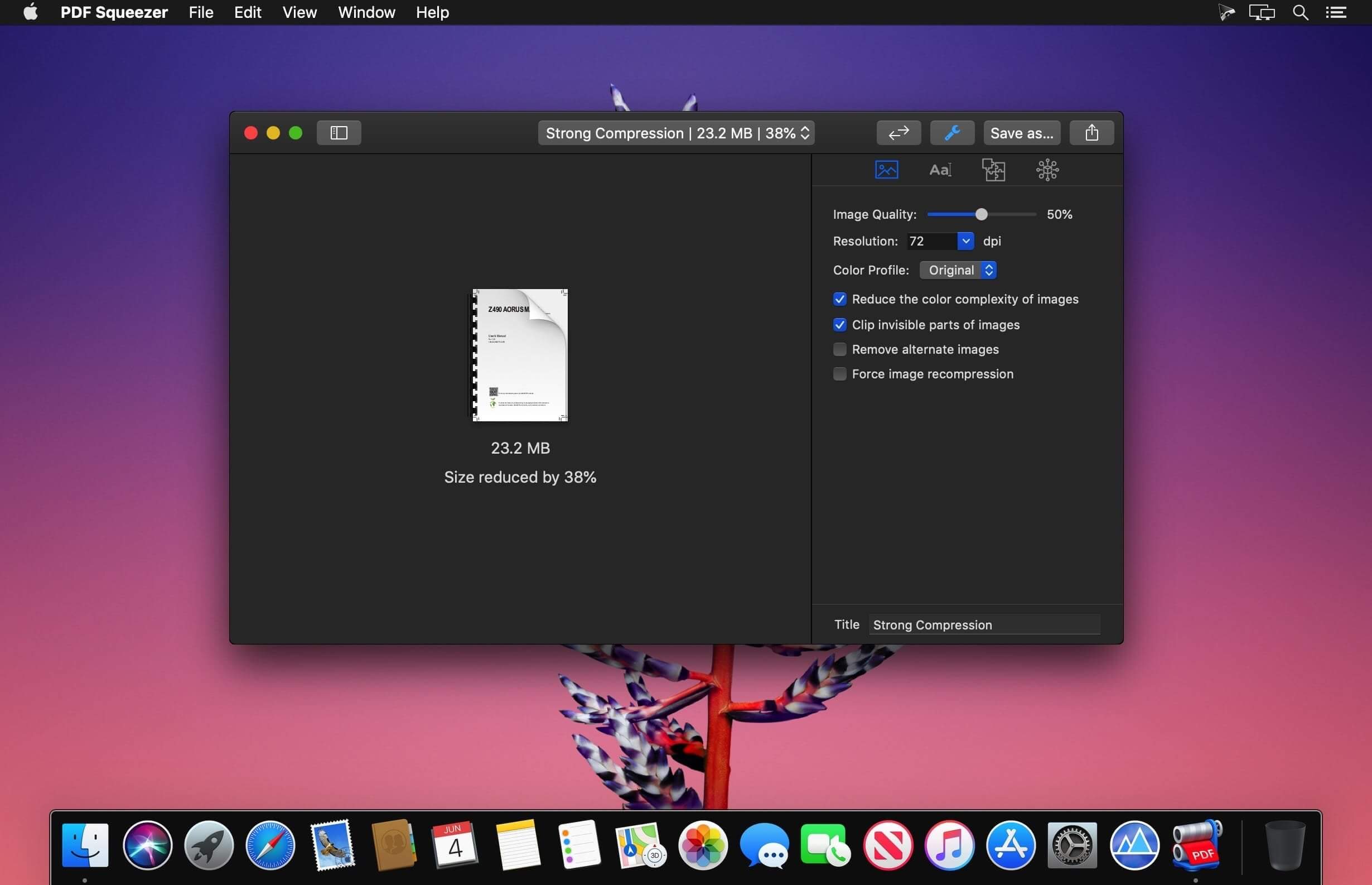
PDF Squeezer for macOS makes PDF compression fast and effortless. Just drag and drop your file, and the app reduces its size while preserving quality. It also streamlines the PDF by removing unnecessary data, keeping only what matters.
Trusted by Mac users for years, PDF Squeezer helps you save storage space and share PDFs more easily. Compressed files remain fully compatible with standard PDF readers, so you can send them with confidence.
Key Features
- Built for Mac: Designed specifically for macOS
- Simple drag and drop: Drop files onto the app or its icon
- Batch compression: Compress multiple files at once
- Smart compression: Uses advanced methods to reduce file size
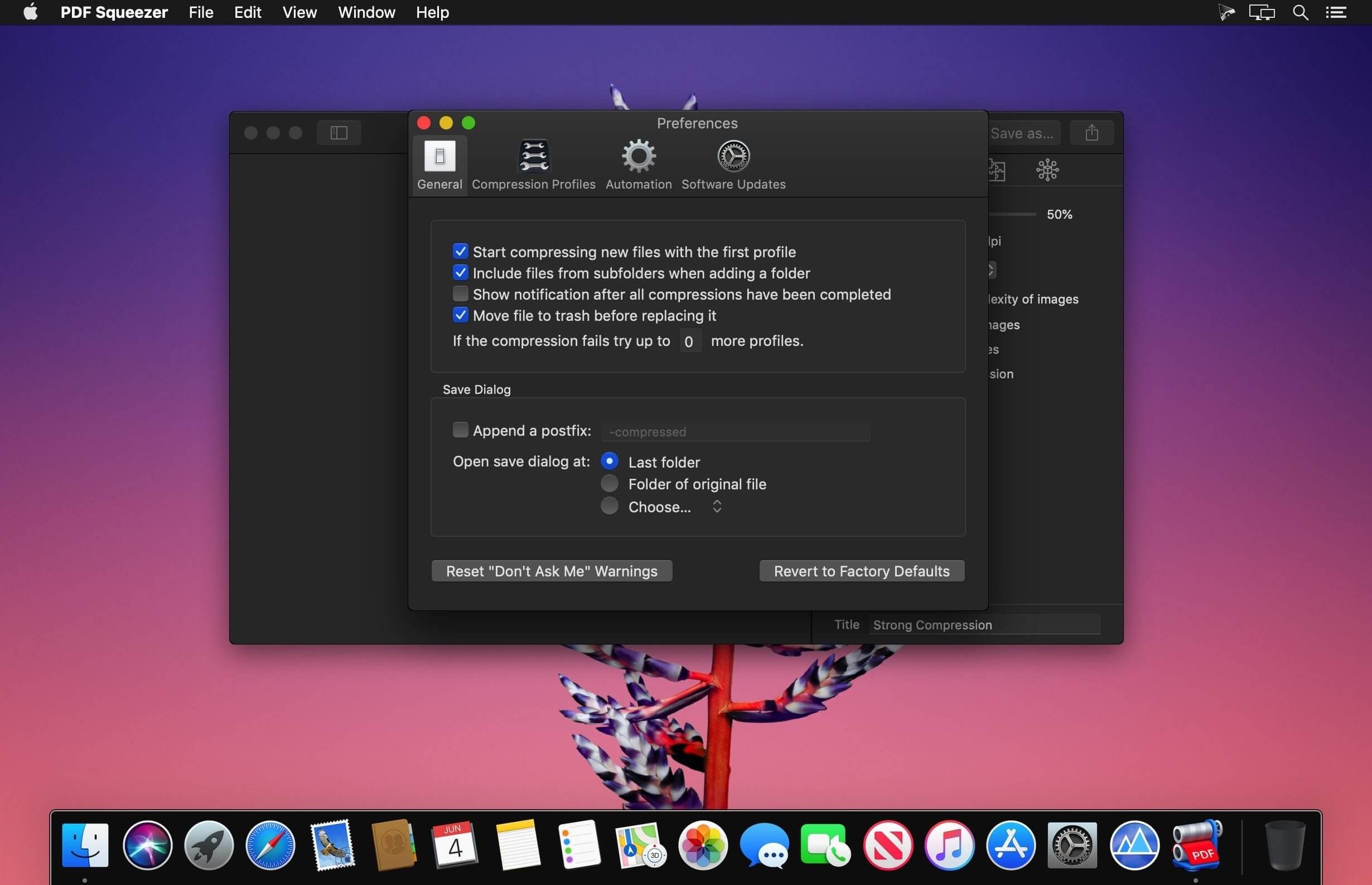
- Automation support: Works with Shortcuts, Automator, and the command line
- Custom profiles: Choose preset compression profiles or create your own
- Folder support: Compress entire folders, including subfolders
- Password-protected PDF support: Handle protected files with Watchdog
- Metadata and file details: View title, author, keywords, image count, and more
- Extra tools: Export all images from a PDF and more
- Side-by-side comparison: Compare files and compression settings easily
- Share profiles: Export and share your compression profiles
- Full-screen mode: Ideal for comparing results
- PDF version support: Compatible with PDF 1.0 through 2.0
- Usage stats: Track how much disk space you’ve saved
PDF Squeezer 4 runs on both Intel and Apple Silicon Macs, including M1, M2, M3, and M4. It’s a convenient way to compress PDFs without sacrificing quality.
Version 4.9.1
New Features
- The app now prevents invalid image resolution values being saved in compression profiles.
- Renamed the link-removal setting to “Remove links” for clarity.
- Added missing and incorrect translations throughout the app, Automator, and Shortcuts.
Bug Fixes
- Compress PDF, Extract Images from PDF, and Create Bitmap PDF could fail in Shortcuts on macOS 27.
- Fixed image extraction missing some images or returning unusable output files.
- Fixed an issue where clearing or entering an invalid maximum resolution in a compression profile could prevent PDFs from being compressed.
Comments
No comments yet. Be the first.
Information
Visitors in the group Guests cannot leave comments on this publication.