

Cookie 8.7.0
Browser Privacy Tool for Smarter Cookie Management
Screenshots
Click to enlarge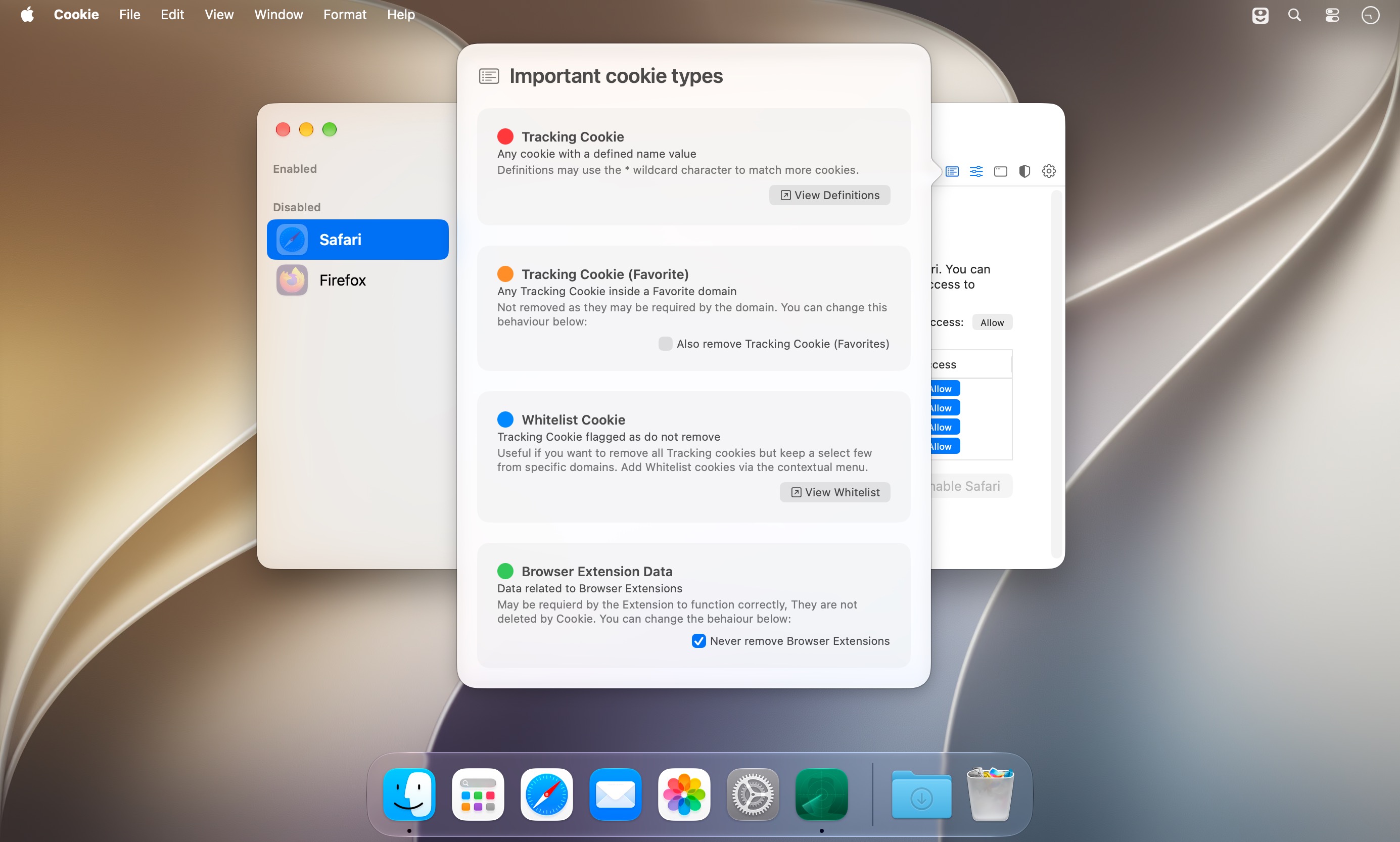
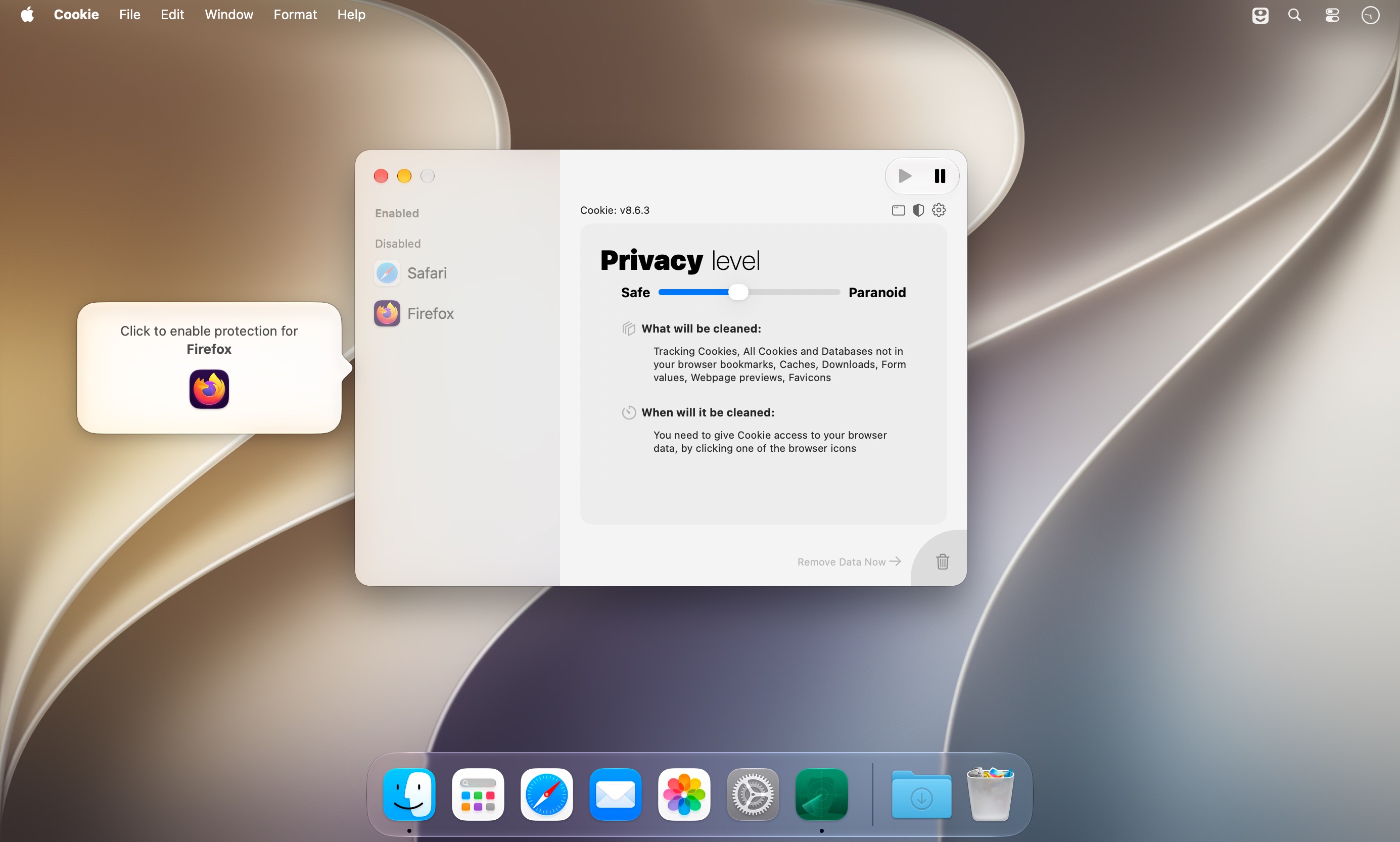
Six ways to clear cookies: when you quit the app, when a browser quits, at login, when the computer wakes from sleep, on a custom timer, or by hand. Cookie 8 is a cookie manager for Mac that runs in the background. You choose which cookies to keep, and it clears the rest, including the ones advertisers use to track and profile you.
- Favorite a whole domain or a single cookie, and it stays put through every cleanup.
- Different removal rules for each browser, and even for each browser user.
- Simplified View takes care of the technical details. Switch to Advanced View when you want every privacy setting in front of you.
- One combined list shows cookies and localStorage data together, which makes it easier to sort out what to delete.
- A hotkey wipes all unwanted data at once.
- Tracking cookie definitions are yours to edit, and single trackers can go on a whitelist.
- Support for 32 browsers, from Safari and Chrome to Arc, Zen Browser, Dia and Helium, including beta and nightly builds.
- iCloud support, a dark theme and basic stats on what's been removed.
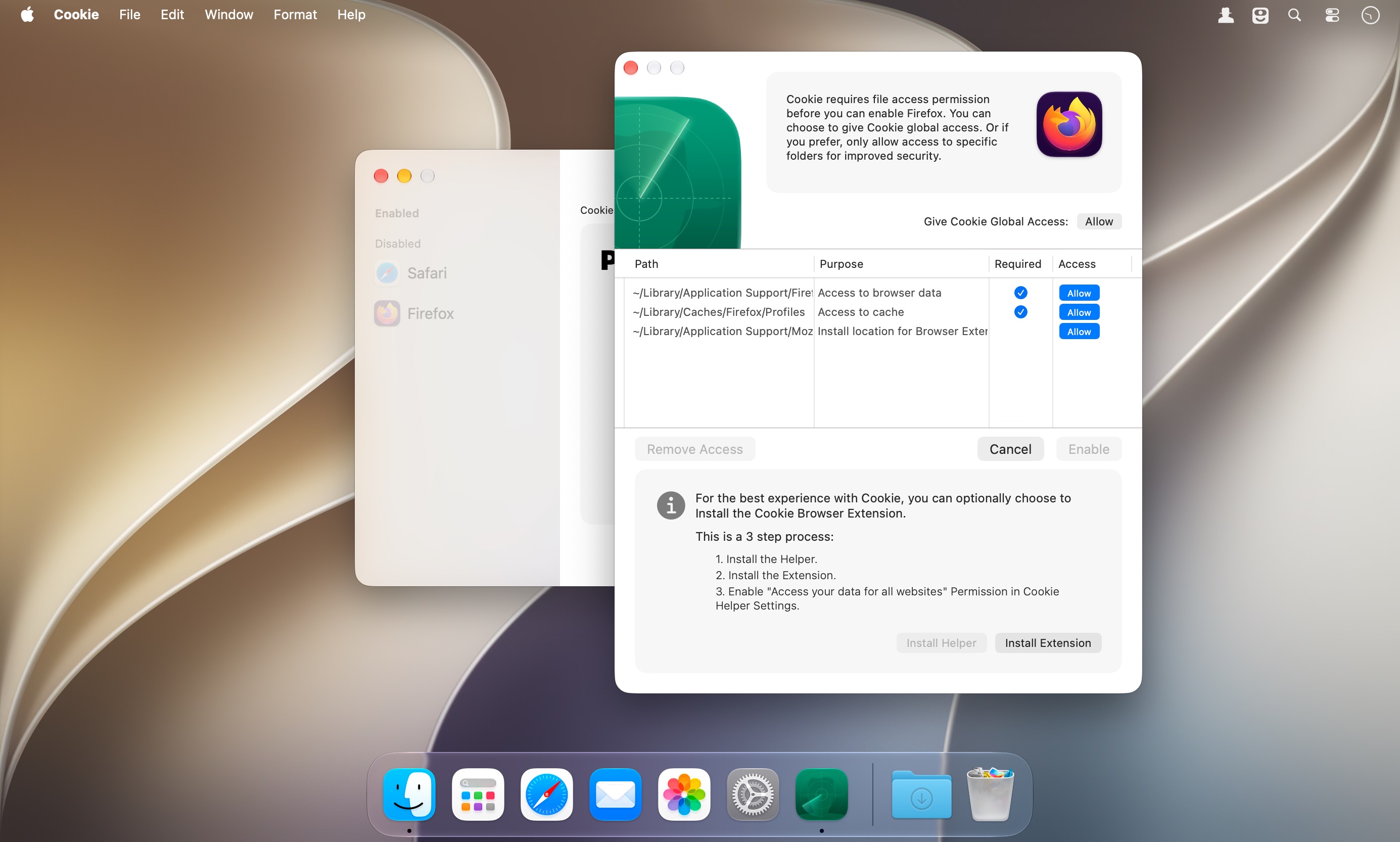
- Browser extension for Chrome and Firefox based browsers for better compatibility.
A setup window walks you through the first run.
Version 8.7:
- multiple timer support with independent removal options
- the Advanced view layout has been streamlined
- improvements to drag & drop reordering of Browsers
- user order within browsers can now also be customized
- added missing timer menu cases
- fixed some potential issues with Chromium not being correctly recognized
- fixed an issue with the system menu and menubar menu not updating correctly for the current active browser
- fixed a resize issue in the simple view
- removed an erroneous debug log
Comments1
Information
Visitors in the group Guests cannot leave comments on this publication.