

AirRadar 8.2.0
Wi-Fi scanner for Mac with signal graphs and auto-join
Screenshots
Click to enlarge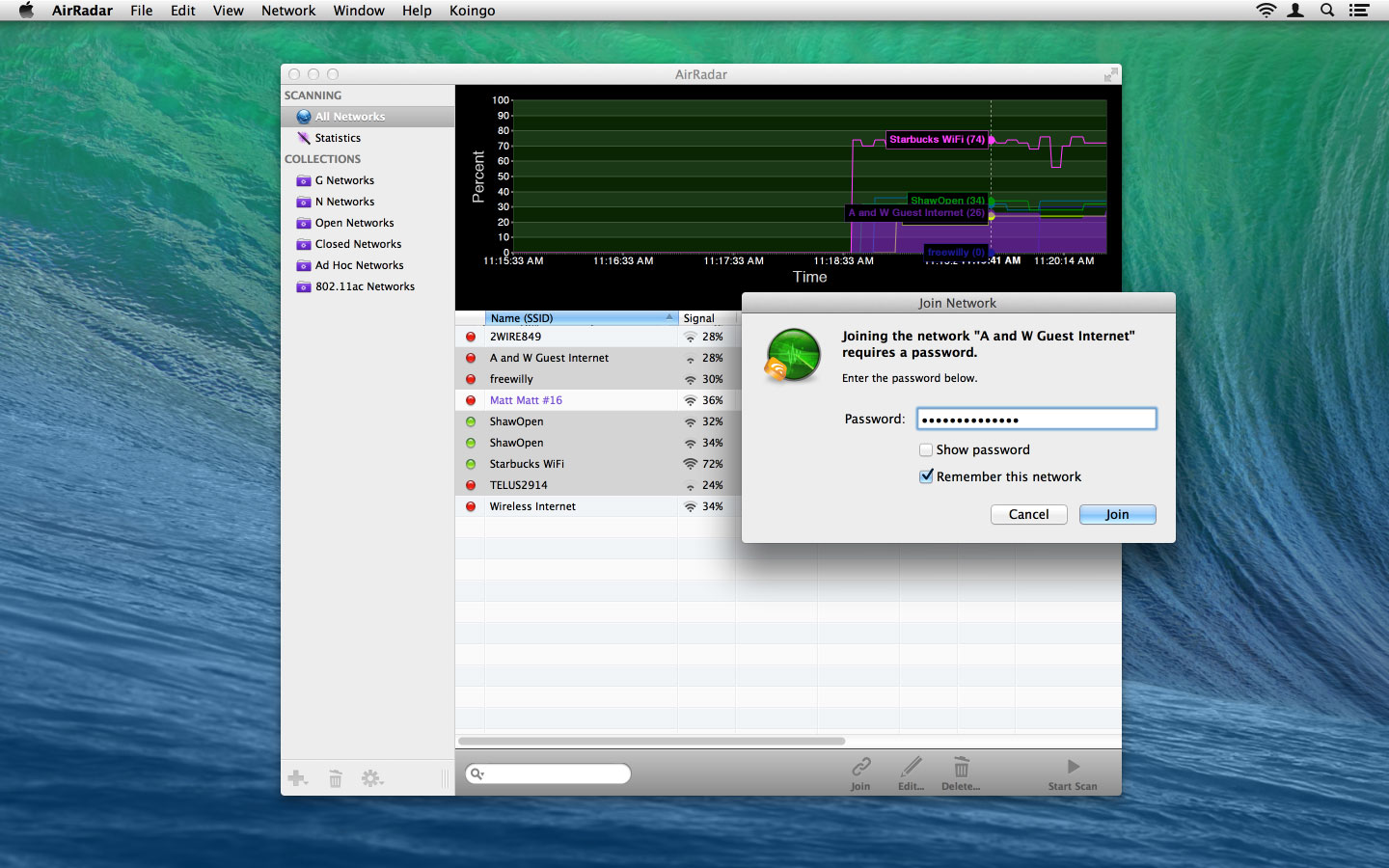
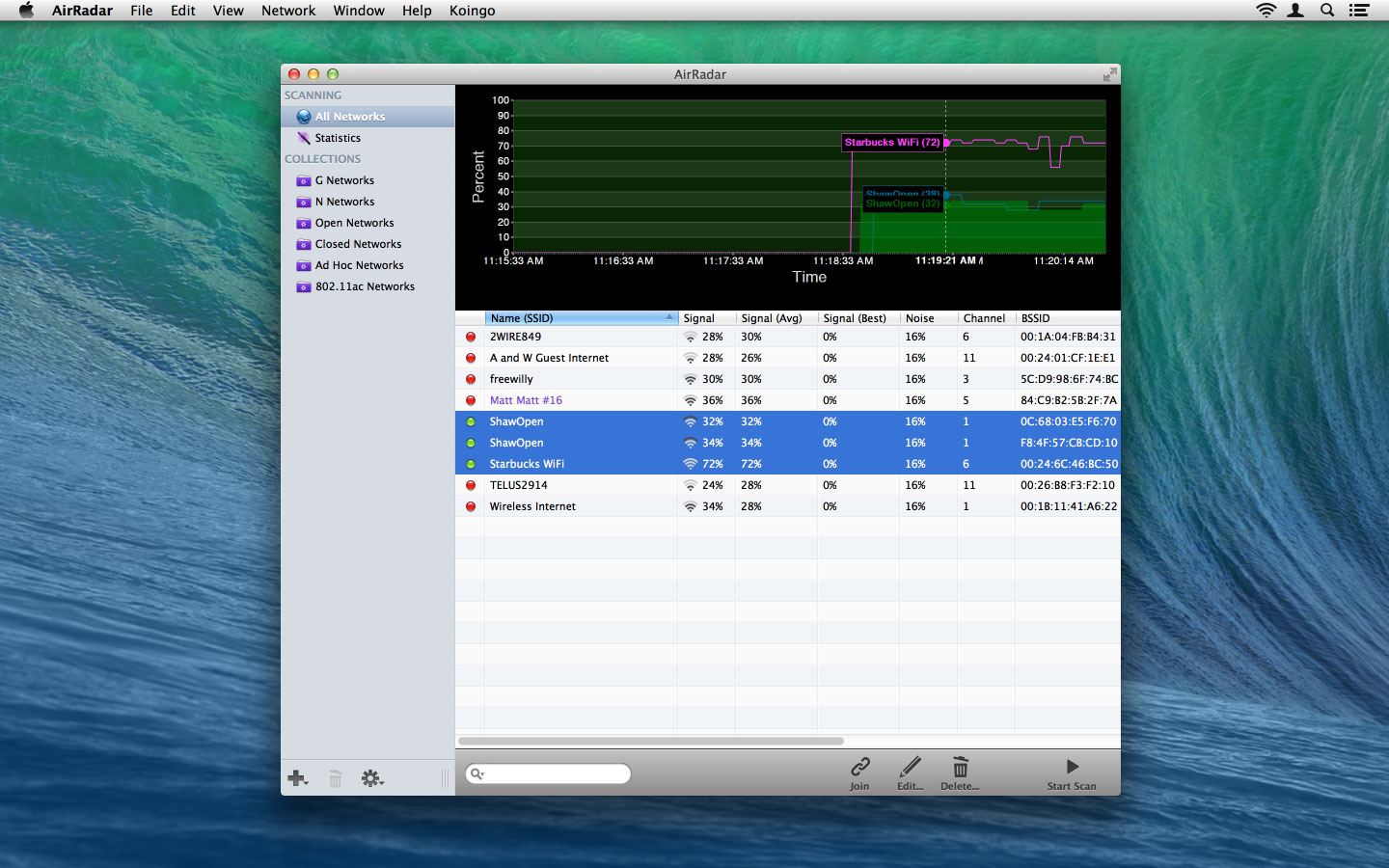
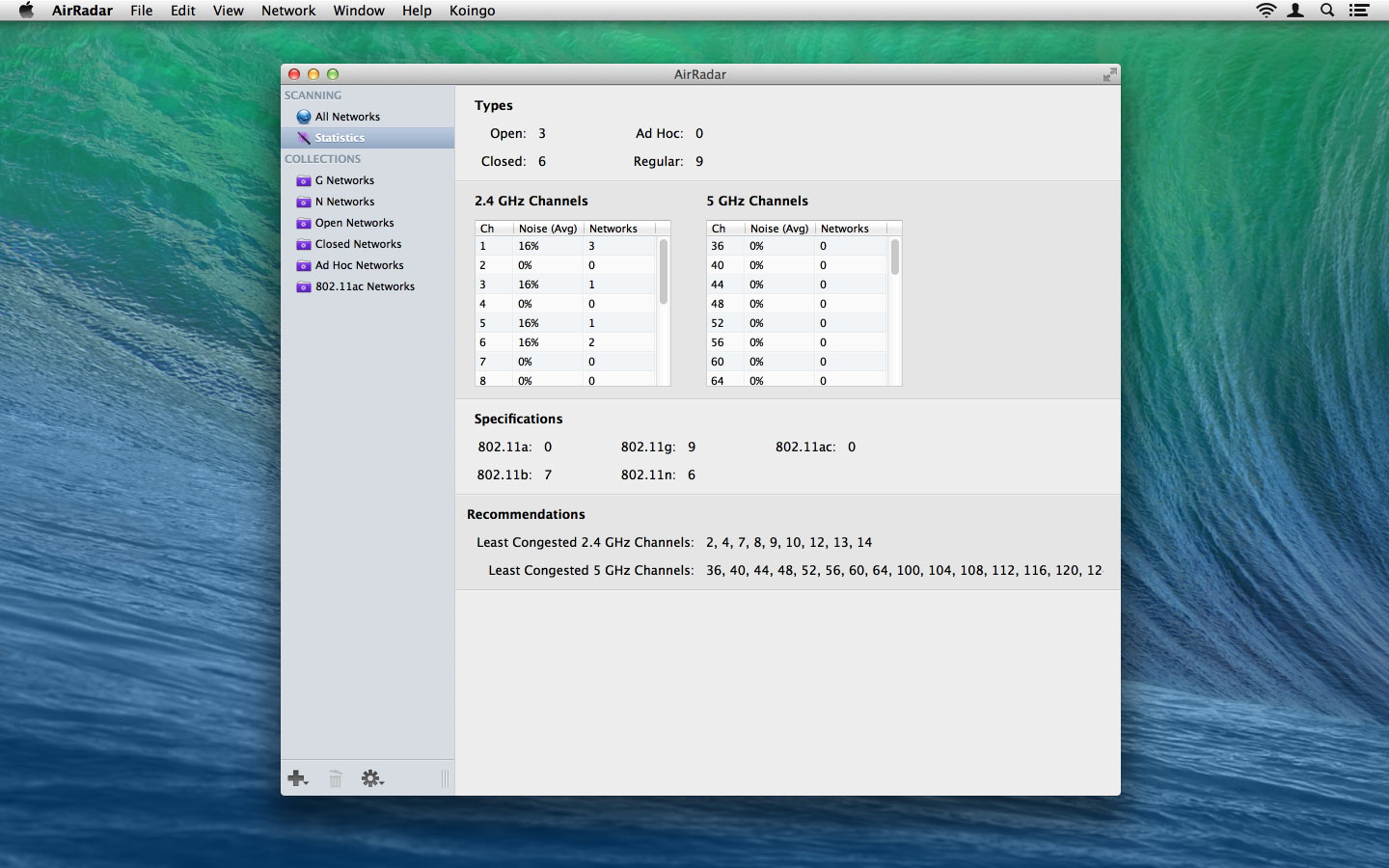
AirRadar makes it easy to scan for wireless networks on your Mac. Find open networks, mark favourites, filter out the ones you don't need, and view detailed information about each network. You can graph signal strength and let AirRadar automatically join the best open network in range.
Use it while driving around, stuck in traffic, or sitting on the beach, or to check how strong your Wi-Fi signal is at home. Set a scan frequency, and AirRadar can speak the names of new open or closed networks, play alerts, or show notifications.
Scan and connect
Choose how AirRadar finds and joins networks.
- Open network scanning: Scan for open networks, mark favourites, or ignore the ones you don't want.
- Controlled auto-join: Choose when AirRadar may join a network automatically, with an optional minimum signal threshold and a connected-network safeguard.
- Keychain and enterprise Wi-Fi: Remember network credentials in the system Keychain and connect to supported personal or enterprise networks.
- Sounds and spoken names: Choose scan and discovery alerts, play sounds, or have AirRadar speak newly discovered network names.
Analyze your Wi-Fi
See what is happening around you.
- Network info and exports: Inspect security, channel, signal, and other reported details in one window, then export a plain-text network summary for reference or support.
- Signal and noise history: Watch signal and noise change over time, save and reopen scan histories, or export a network's history as CSV.
- Channel statistics: Compare activity across Wi-Fi channels and identify less congested options when planning your own network.
- Vendor identification: Look up the organization registered to a network's hardware address. Private or locally administered addresses may not identify the device maker.
- Maps and saved discoveries: Record approximate network locations using macOS Location Services. Better-signal observations can update a location, and you can save scan logs to revisit later.
Organize and customize
Set up AirRadar the way you work.
- Labels, notes, and favourites: Mark useful networks, ignore others, and add notes or a colour label with an exact hex value, random choice, and reset option.
- Collections: Organize networks into collections, or use Smart Collection rules to gather matches as scan results change.
- Two ways to start: Open the desktop scanner at launch, or use menu bar mode without a Dock icon. The scanner stays available in either mode.
- Wi-Fi in your menu bar: Browse nearby networks with signal icons, sort by strength or name, and choose whether to show hidden or low-signal networks.
- Your scan, your layout: Choose an interface, adjust scan intervals and graph history, choose large or compact sidebar icons, and arrange columns. AirRadar remembers your layout.
Download AirRadar today and take the hardship out of getting an Internet connection at a critical time.
Version 8.0
New Feature:
- By default AirRadar will always remember all networks its ever seen. We've added a clear History option.
- Edit window for a network now has the full breakdown of network information presented nicely instead of just notes.
- Drag splitter in the main window.
- If scan interval is 2 min or less, we now show time in "time ago" format.
- 3 graph modes: noise, signal or noise and signal.
Modification:
- Filter renamed to Ignore.
- Running our helper tool via an internal shell now instead of NSTask to alleviate some lock ups.
- Many strange wordings removed in favor of more common ones. For instance, we are now calling networks Unavailable instead of Dead.
Bug Fix:
- Noise column now only correctly shows for the currently connected network.
- Now respects if there's no network name.
- Fixed a weird square appearing in the graph before AM/PM (wrong font issue).
- Fix the main list columns have never been resized yet, they will auto-size after the first scan completes.
- Scan on startup now works even if the user hasn't granted permission yet. Scan will start as soon as we have permission.
- Fixed sort order when sorting by signal or nose strength.
Comments
No comments yet. Be the first.