

BatchOutput XLS 3.0.1
Batch print Excel files and create PDFs on Mac
Screenshots
Click to enlarge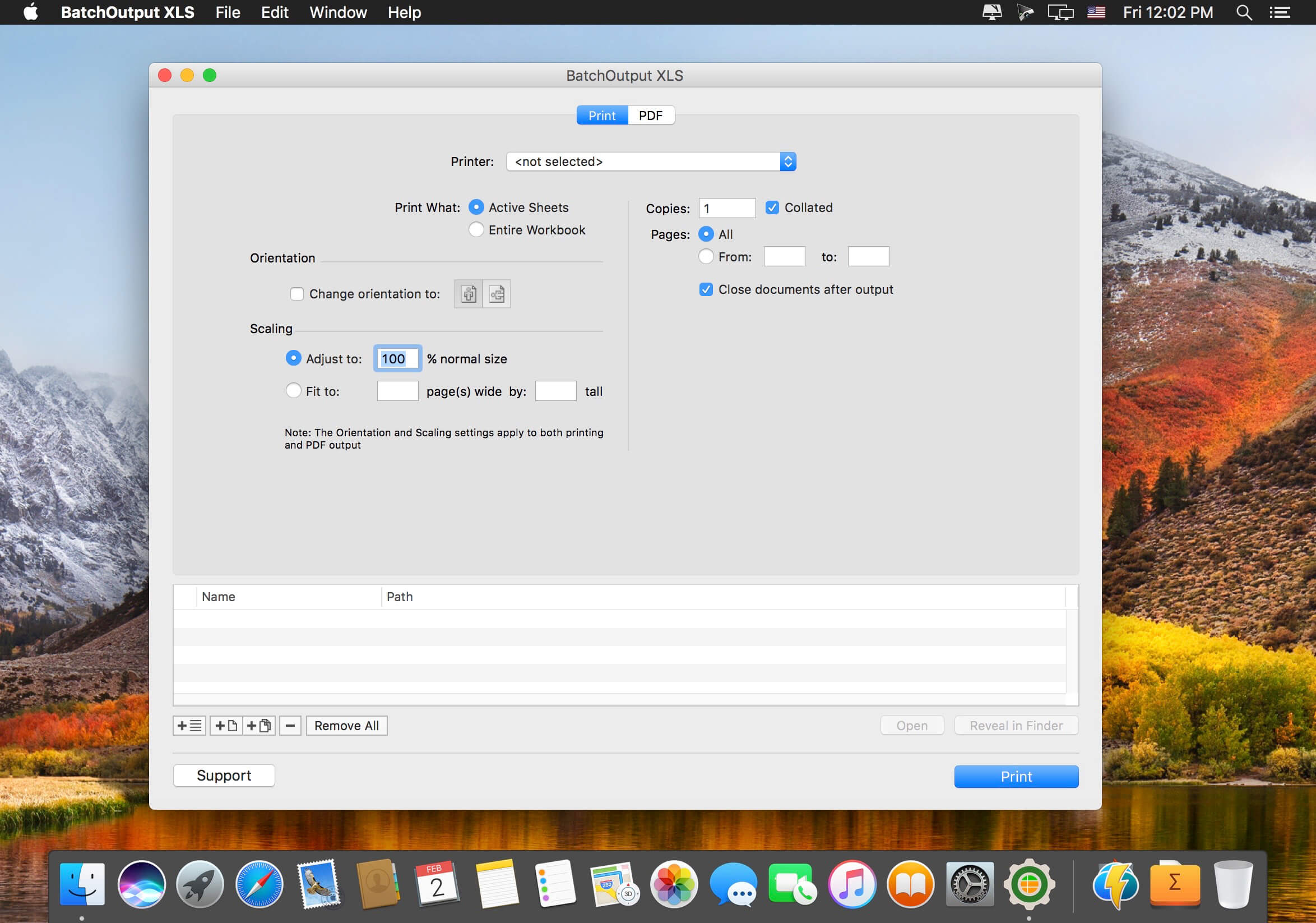
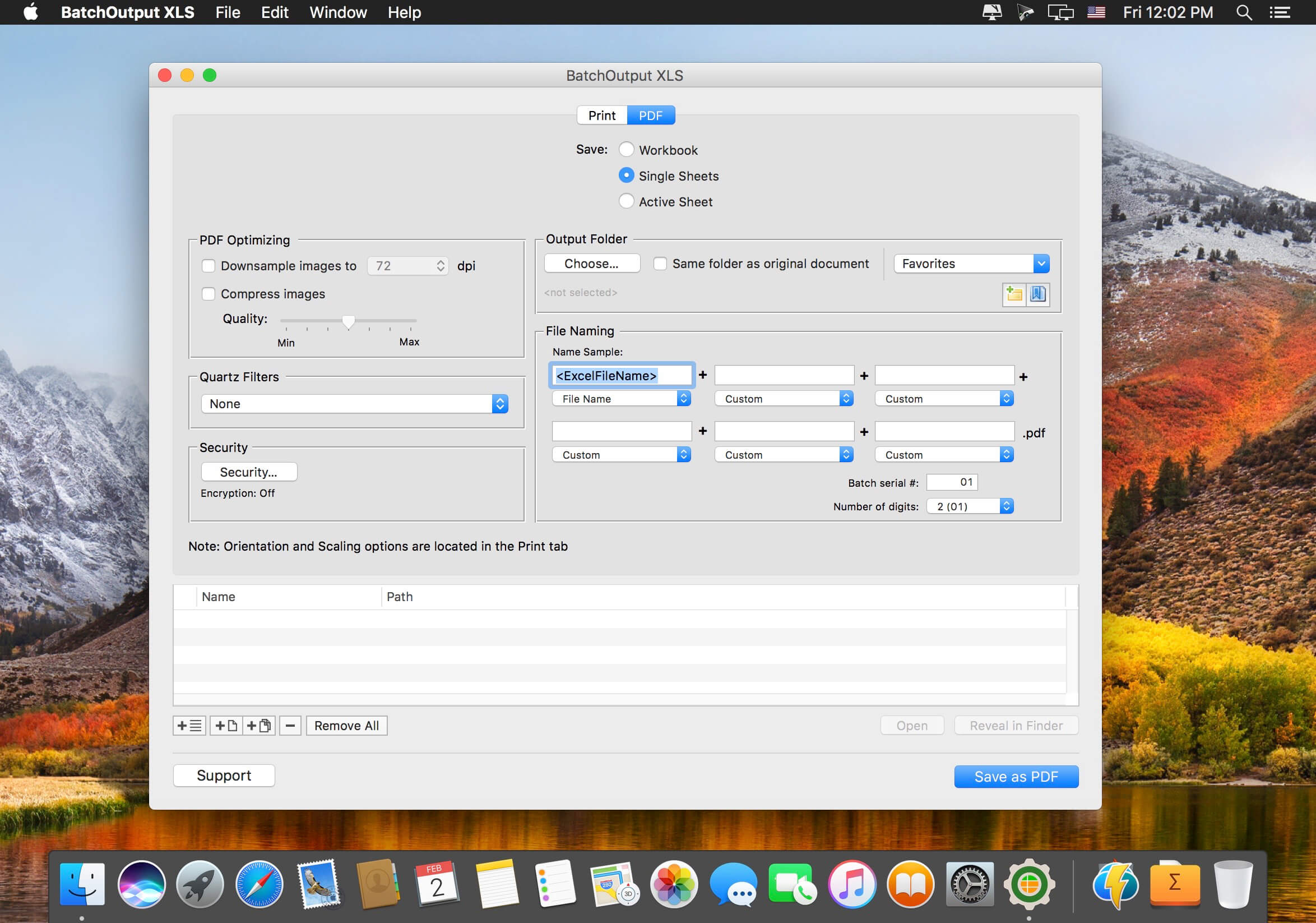
BatchOutput XLS automates printing and PDF production from Microsoft Excel on your Mac. Add Excel files to the BatchOutput XLS list, adjust the settings, and BatchOutput does the rest automatically.
Process large jobs unattended
Leave BatchOutput to work through hundreds of Excel files overnight and pick up the completed job the next morning.
Batch printing and PDF production
In addition to batch printing, BatchOutput XLS offers automated professional PDF production.
- Batch printing: print multiple Excel files automatically from a single list.
- Multiple documents to PDF: print and save as PDF multiple Excel documents.
- Single-page PDFs: split Excel documents into single page PDF files.
- Variable file names: generate PDF files with variable file names.
Version 3.0:
- Support for macOS 27 Golden Gate and later
- Native Silicon support
- UI enhancements
Comments
No comments yet. Be the first.
Information
Visitors in the group Guests cannot leave comments on this publication.