

iA Writer 8.2.1
Markdown editor for macOS, built for focused writing
Screenshots
Click to enlarge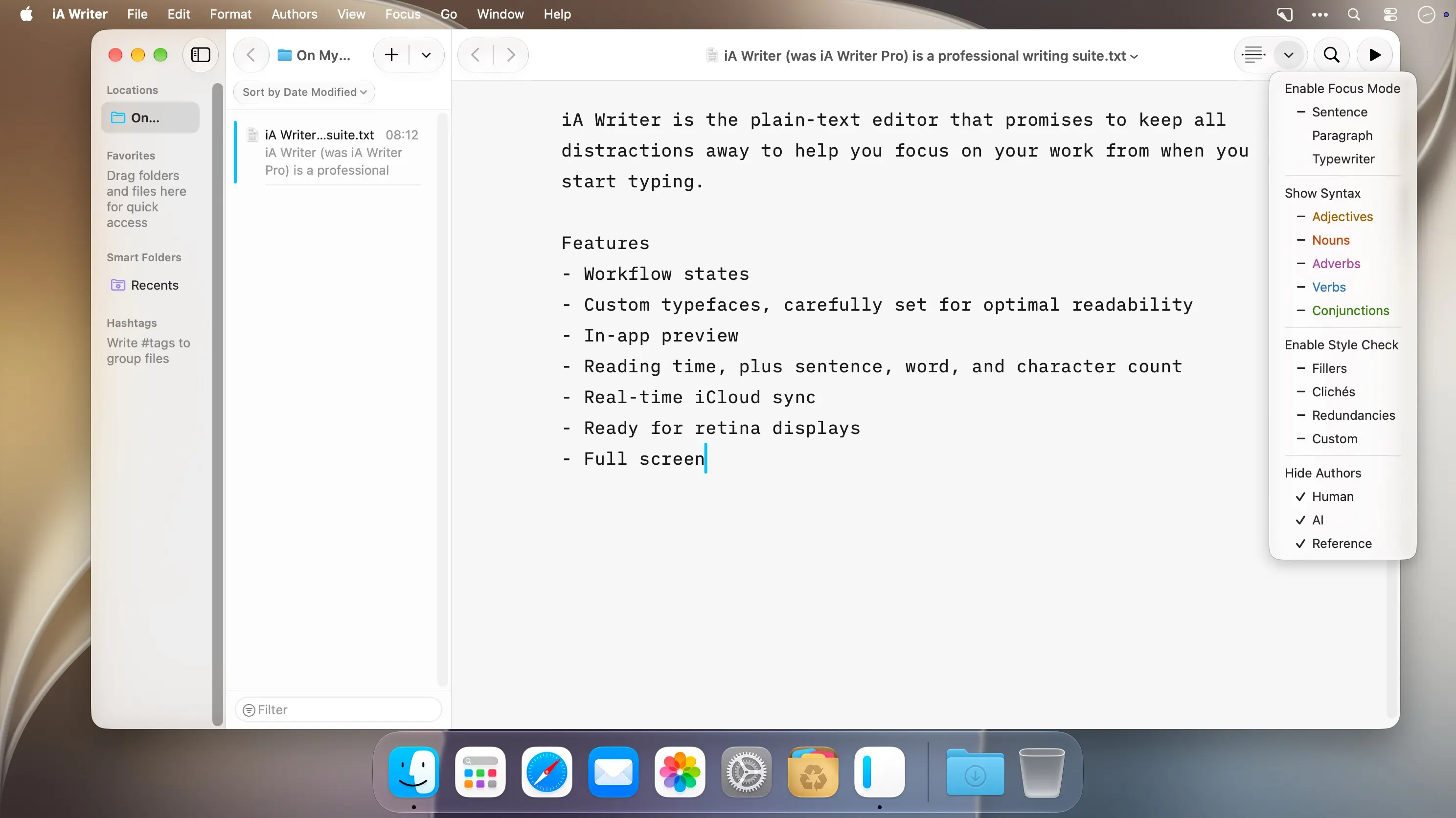
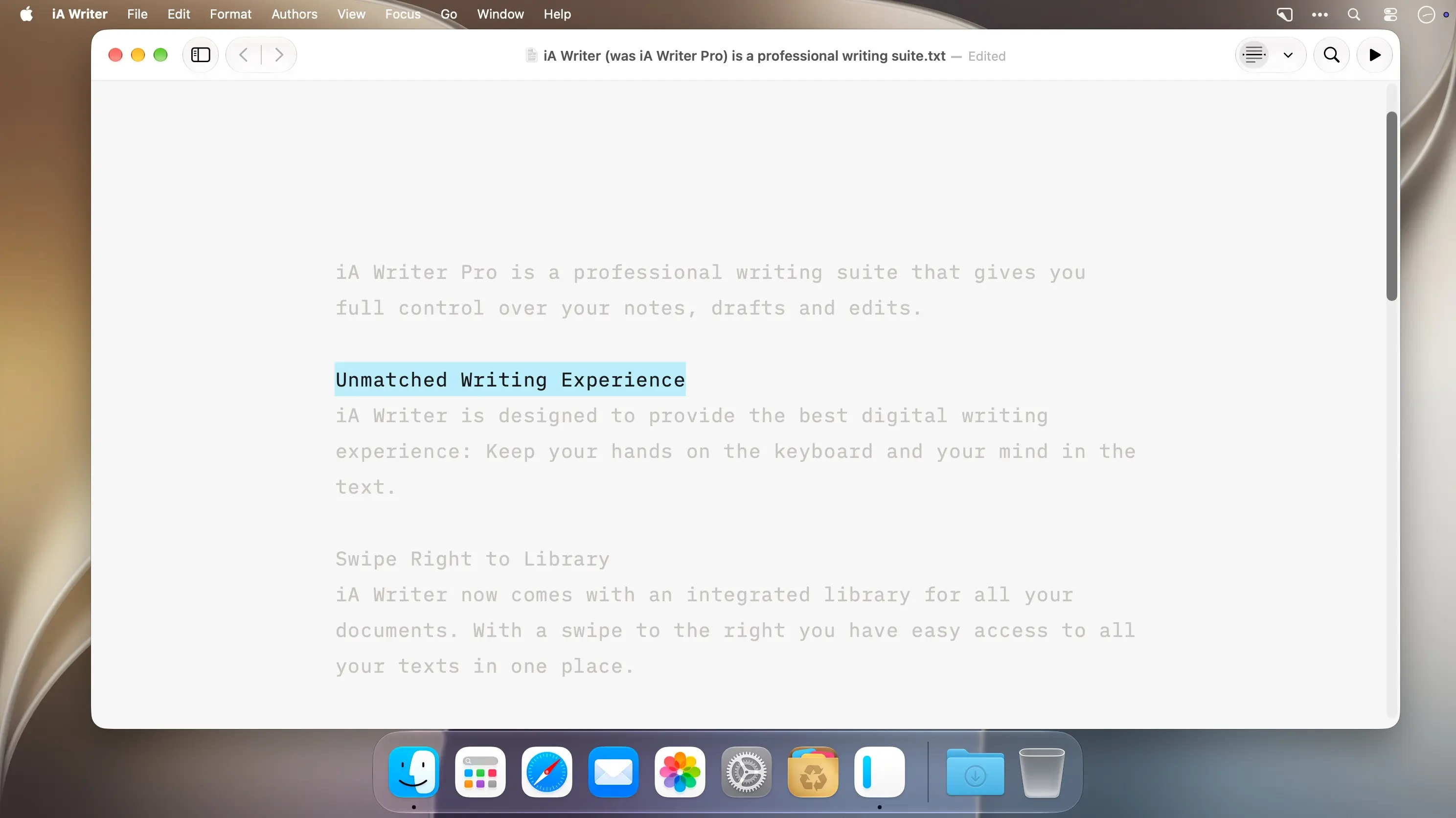
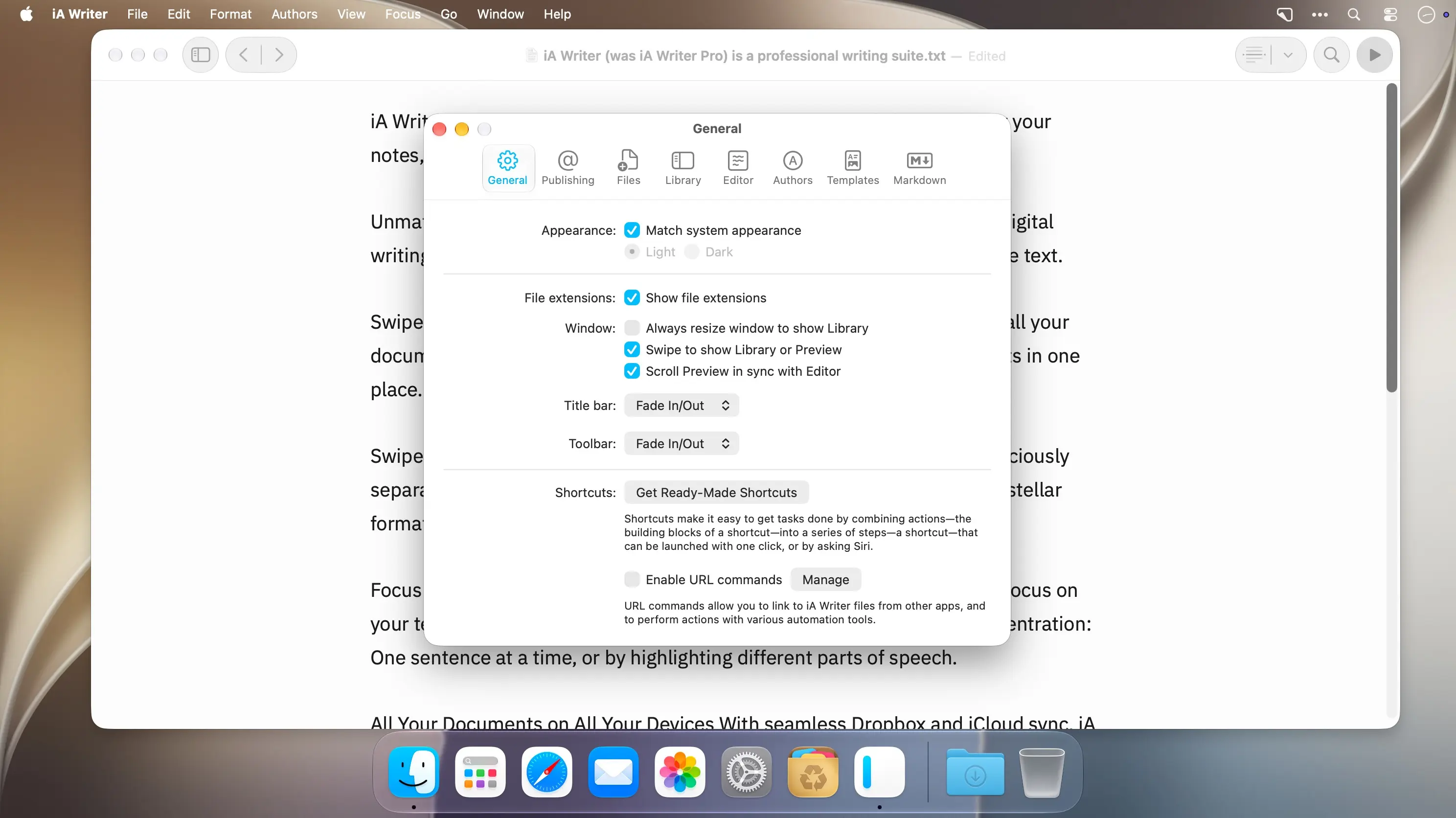
iA Writer Pro is a markdown editor for macOS that keeps your hands on the keyboard and your attention on the text. It gives writers full control over notes, drafts, and edits, with plain text writing on one side and formatted output on the other.
Write in focus, review in preview
Focus Mode fades everything except the current sentence, and Syntax Control highlights different parts of speech so you can tighten your style. Swipe left for a Preview with synchronized scrolling, which keeps form separate from content while you write. Swipe right to open the integrated Library and find all your documents in one place.
- Auto Markdown: Formats your text on screen as you type.
- Preview templates: Choose from curated fonts for your formatted output.
- Export options: Save as HTML or a styled PDF, or convert to Microsoft Word .docx and back again.
- Sync: Keep documents current with real-time iCloud and Dropbox sync.
- Text counts: Check reading time along with sentence, word, and character counts.
- Night Mode and full screen: Write in low light, or with only the text in front of you.
Download iA Writer Pro and start your next draft with full focus on the words.
Version 8.2:
Hundreds of improvements make the app faster than ever. You will notice that it opens in a fraction of a second, well before the Dock icon finishes a single bounce; even very large files load instantly; Syntax Control immediately highlights parts of speech in documents of any size. The redesigned find bar makes it easier to find and replace text.
Style Check 2 includes rules for 11 languages and spots more cliches, redundancies, and fillers while showing fewer false positives.
Custom patterns are more powerful than ever.
- All-new syntax highlighting makes LaTeX math and code easier to read. Fast and accurate across 50 programming languages and text formats.
- Tables finally work in plain text. Wide tables scroll instead of wrapping, and columns line up as you type. Tab and Return navigate from cell to cell.
Style Check 2
- Style Check now includes rules for English, French, German, Spanish, Italian, Japanese, Korean, Portuguese (Brazil, Portugal), and Chinese (Simplified, Traditional)
- Fewer false alarms while having more rules for every language
- Added patterns for common Al clichés
- About 5x faster on most documents
- Custom patterns can now match any word, as long as part of the pattern is fixed: return \w+ back finds return it back and return them back
- Custom patterns can use underlined appearance
- Pattern editor makes it easy to spot errors in complex rules
Math and Code
- Inline math and math blocks now show LaTeX syntax highlighting in Editor
- Fenced code blocks now include syntax highlighting in Editor, Preview, and HTML export
- Code syntax highlighting supports 50 programming languages and text formats: Astro, Bash, Bicep, C, C++, C#, CMake, comments, CSS, Dart, Diff, Dockerfile, Elixir, Elm, Fish, Glimmer/Handlebars, Go, Haskell, HCL, HTML, Java, jаvascript (including JSX), JSDoc, JSON, JSON5, Julia, LaTeX, Lua, Nix, Objective-C, OCaml, Pascal, Perl, PHP, Protocol, Buffers, Python, R, regular expressions, Ruby, Rust, Scala, SCSS, SQL, Svelte, Swift, TOML, TSX, TypeScript, XML, and YAML
- Code files are highlighted automatically based on their file extension
- You can disable line wrapping for code blocks in Editor settings
- Added ability to show hidden text files in Library
Find and Replace
- The all-new find bar makes it easier to find and replace text
- Brings the same experience to all your devices
See all matches highlighted as you scroll
- Get back to recent searches
- Insert pattern wildcards to set up complex searches
- Use regular expressions with pattern syntax highlighting
Comments
No comments yet. Be the first.