

Laravel Herd Pro 2.1.0 build73
Local PHP environment for Mac, no Docker needed
Screenshots
Click to enlarge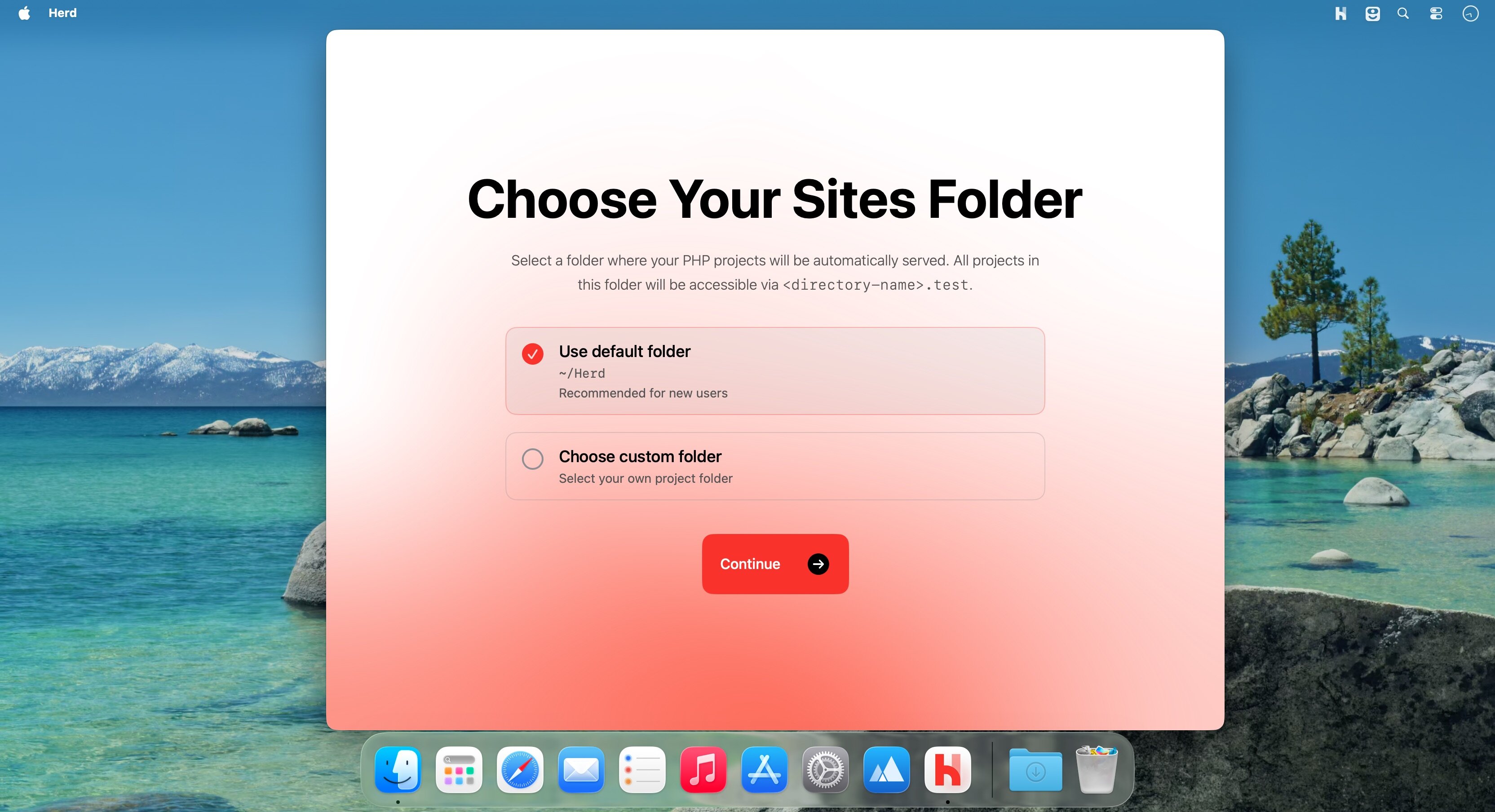
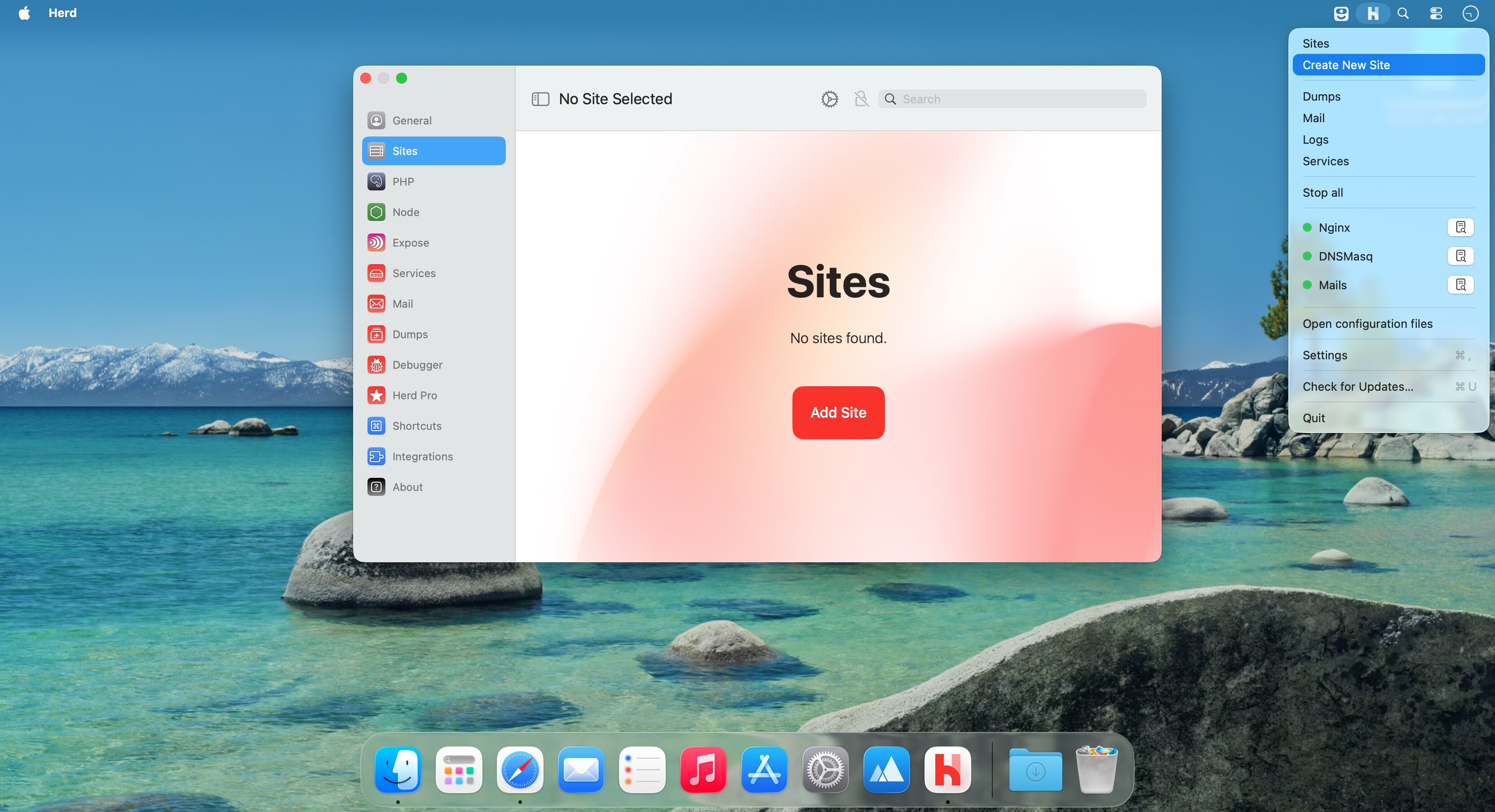
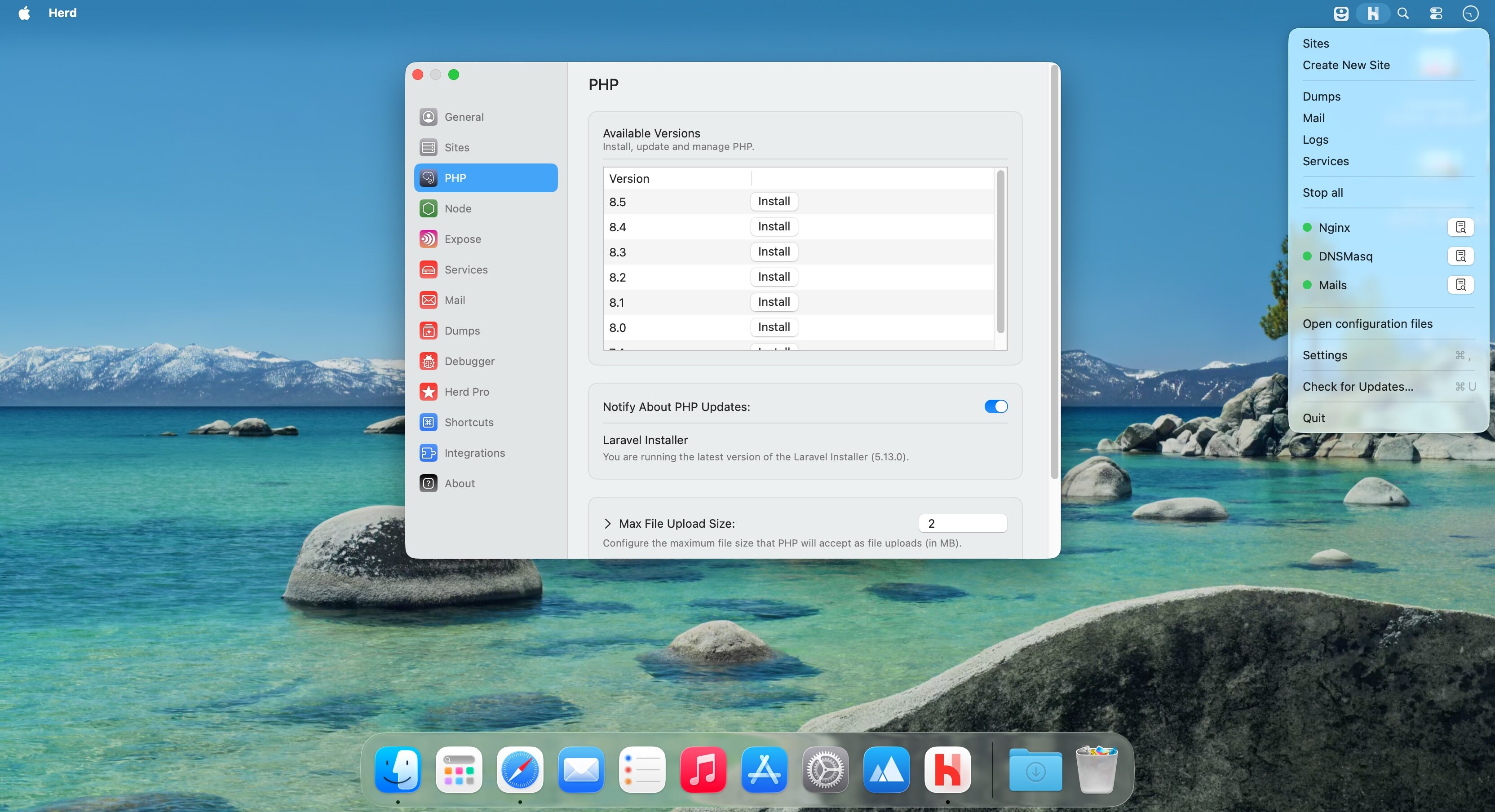
Herd Pro 2 runs PHP, nginx and dnsmasq as native binaries on your Mac, so a Laravel or PHP project is up and running without Docker, Homebrew or a virtual machine. Debugging, a local mail inbox, log search and one-click databases live in the same app, so you don't have to install and wire them up one by one.
Local environment
Install Herd, drop a project into a folder and open it in the browser. PHP runs directly on macOS, which keeps requests quick and the setup short.
- One-click install: no Homebrew, Docker or virtual machine required.
- Native performance: PHP, nginx and dnsmasq start as regular binaries instead of containers.
- Automatic domains: every site is reachable at its own *.test address.
- Multiple PHP versions: switch between PHP 7.4 and 8.5, or pin a specific version to a site.
- Terminal commands: php, composer, laravel and node work in the terminal right after installation.
- Valet migration: sites, certificates and settings carry over automatically.
- Forge integration: push a site to your remote server in one click.
Debugging and testing
Output from dump() and dd() goes to its own window instead of cluttering the page you're working on, and emails from your app never leave your machine.
- Dump window: dump() and dd() results appear with syntax highlighting, and the history stays between requests.
- Dump filters: narrow the list to variables, database queries, jobs, views, logs or HTTP requests.
- Xdebug on demand: it switches on only when a debug request arrives, so normal requests run at full speed.
- Local mail: Herd runs an SMTP server on port 2525 and catches every message your app sends.
- Message preview: open the HTML or plain-text version of an email, along with its attachments and headers.
- Log viewer: search and filter entries by project and file, then jump from a log line straight to the code in your IDE.
Services
Databases, caches and search engines start and stop from the Herd window, with ports, versions and parameters set per service.
- Databases: MySQL, PostgreSQL and MariaDB.
- Caches: Redis and Memcached.
- Search: Meilisearch and Typesense.
- Storage and websockets: MinIO and Laravel Reverb.
Working in a team
Node.js versions are managed from the Herd interface. A settings file stored with the site (PHP version, services, Forge details) lets teammates get the same configuration without comparing setups by hand.
Version 2.1.0
Search in Settings
- Start typing in the settings sidebar to find any setting. Herd opens the pane and highlights the row. Settings also has a new Advanced section with the Herd Server Port and the workspace base.
Workspaces in the Applications window
- Create a workspace from the inspector with ”+” and no prompt
- Workspaces have a context menu with relevant actions
Fixes and Improvements
- Clearer rows in the Applications list, with Browser and Studio buttons on every row
- New “Free models” setting: turn it off to hide OpenCode’s free models from every model picker
- Exceptions no longer go missing in herd site:error
- herd processes has a new --all flag and reports processes started by the dev stack correctly
- herd isolate-node --site writes the .nvmrc into that site’s folder
- Pages no longer wait 15 seconds when Vite listens on IPv6
- Fixed a GitHub Copilot login bug
- The Studio badge no longer breaks pages whose scripts include </body>
- When a workspace folder vanishes, Herd removes its site link
- herd workspace follows the “New workspaces start from” setting, and --remote overrides it per run
- herd workspace --json prints valid JSON again
- herd workspace:delete works from inside the workspace
- SSH and Tinker open in the native Terminal when Warp is the selected terminal, as Warp can’t be scripted to run a command
Comments
No comments yet. Be the first.