

Folder Preview Pro 3.1
Folder Preview: Quick Look extension for instant folder and archive preview
Screenshots
Click to enlarge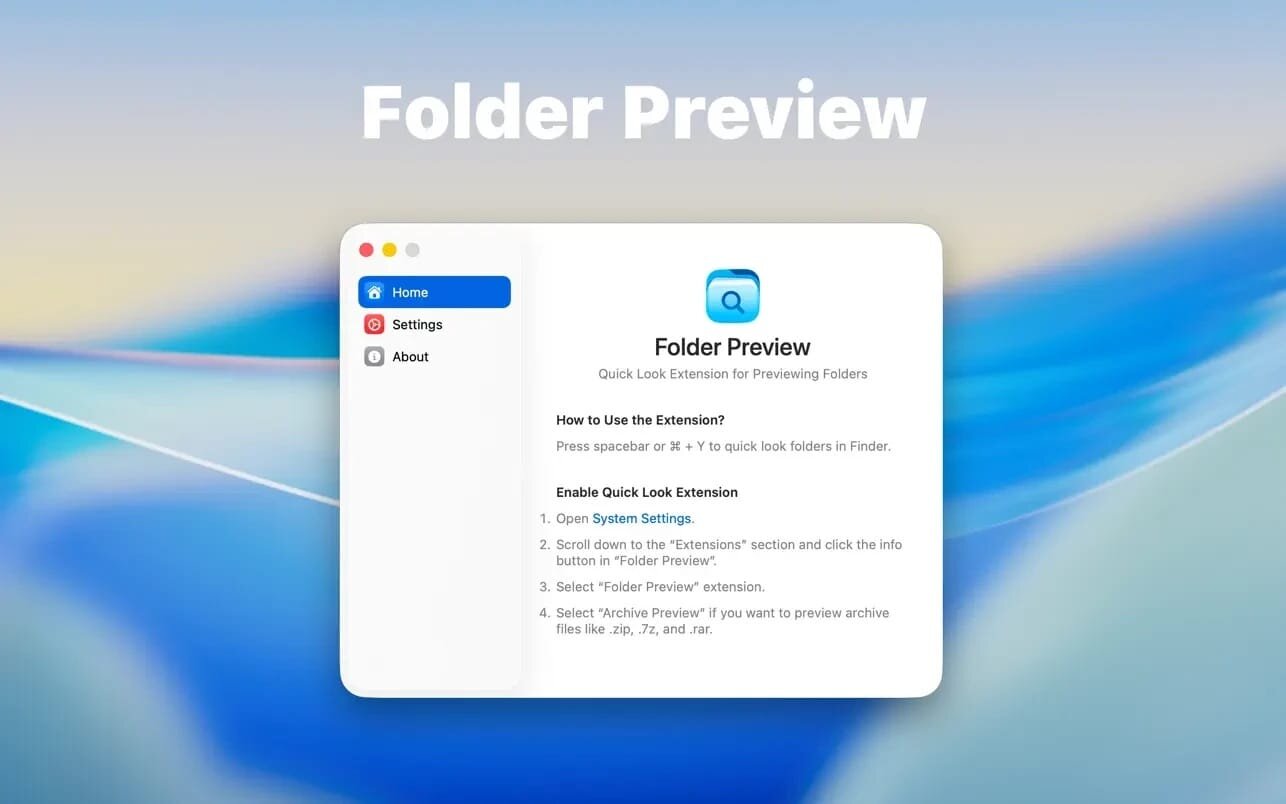
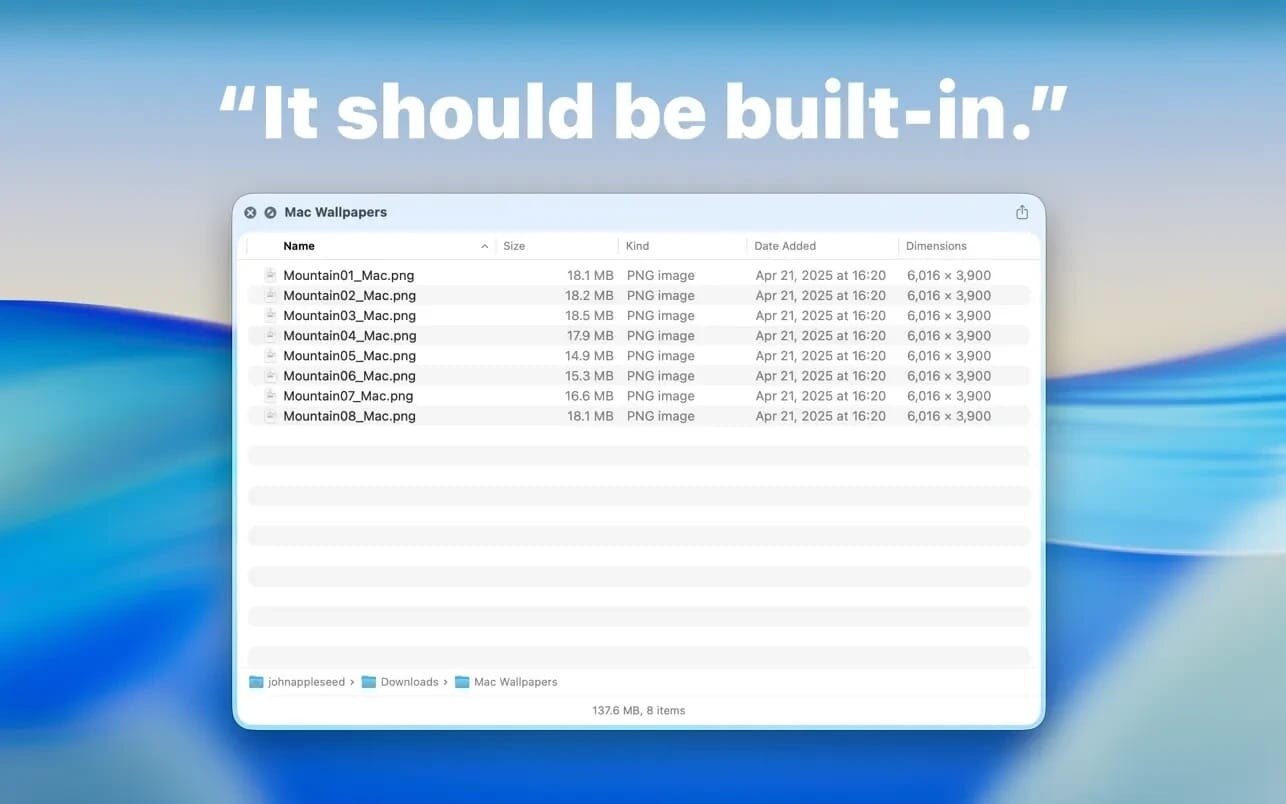
Folder Preview provides a Quick Look extension for previewing content in the Finder.
Before you start, you need to enable the Quick Look extension in the system settings.
Then you can press the space bar or ⌘ + Y to quickly browse the folders in the Finder.
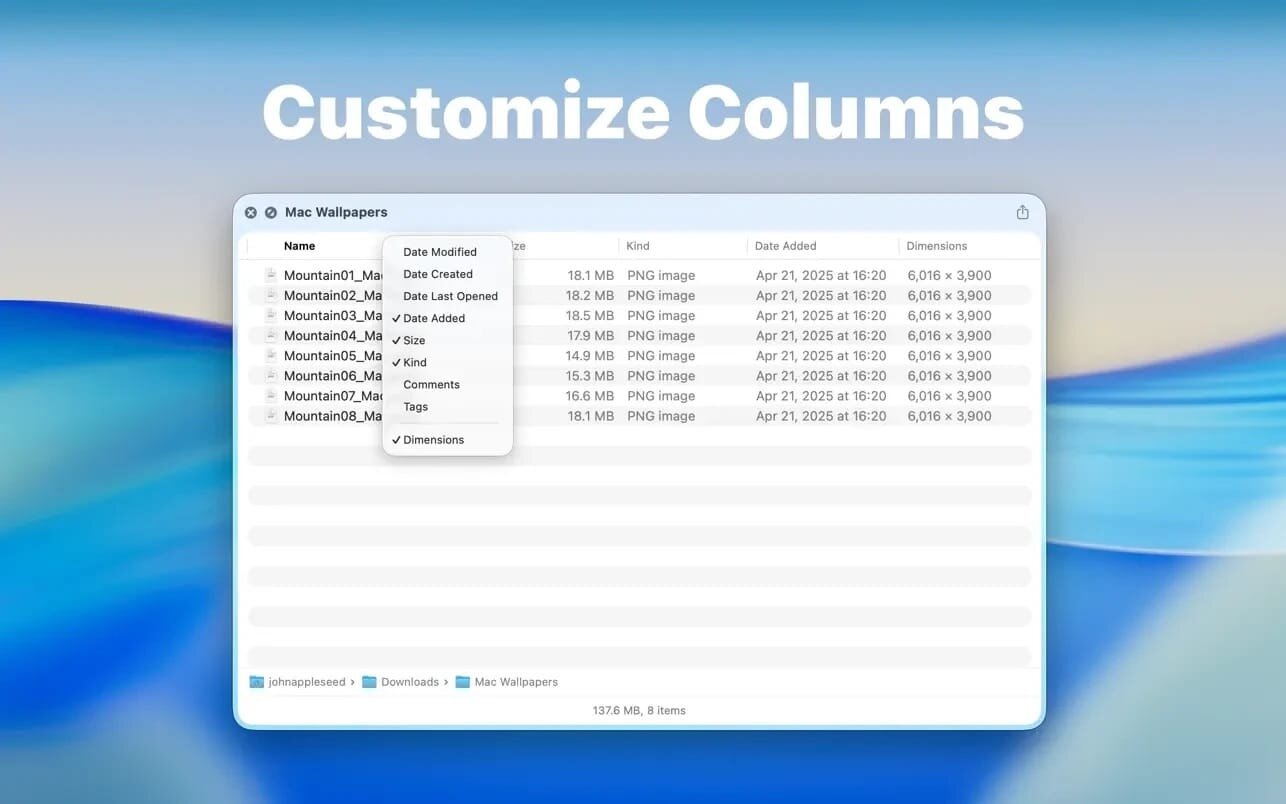
You can also right-click on the column header to show or hide the columns.
Supported archive file extensions:
- zip
- tar
- gz
- 7z
- rar
Version 3.1
- Folder sizes are computed several times faster.
- Truncate name at middle in Icons view.
- Show app sizes (except when in the /Applications folder).
- Fix some minor issues.
Comments
No comments yet. Be the first.
Information
Visitors in the group Guests cannot leave comments on this publication.