

Magic Cutter Pro - MP3 Editor 2.1
MP3 Cutter and Splitter for Mac, Lossless Editing
Screenshots
Click to enlarge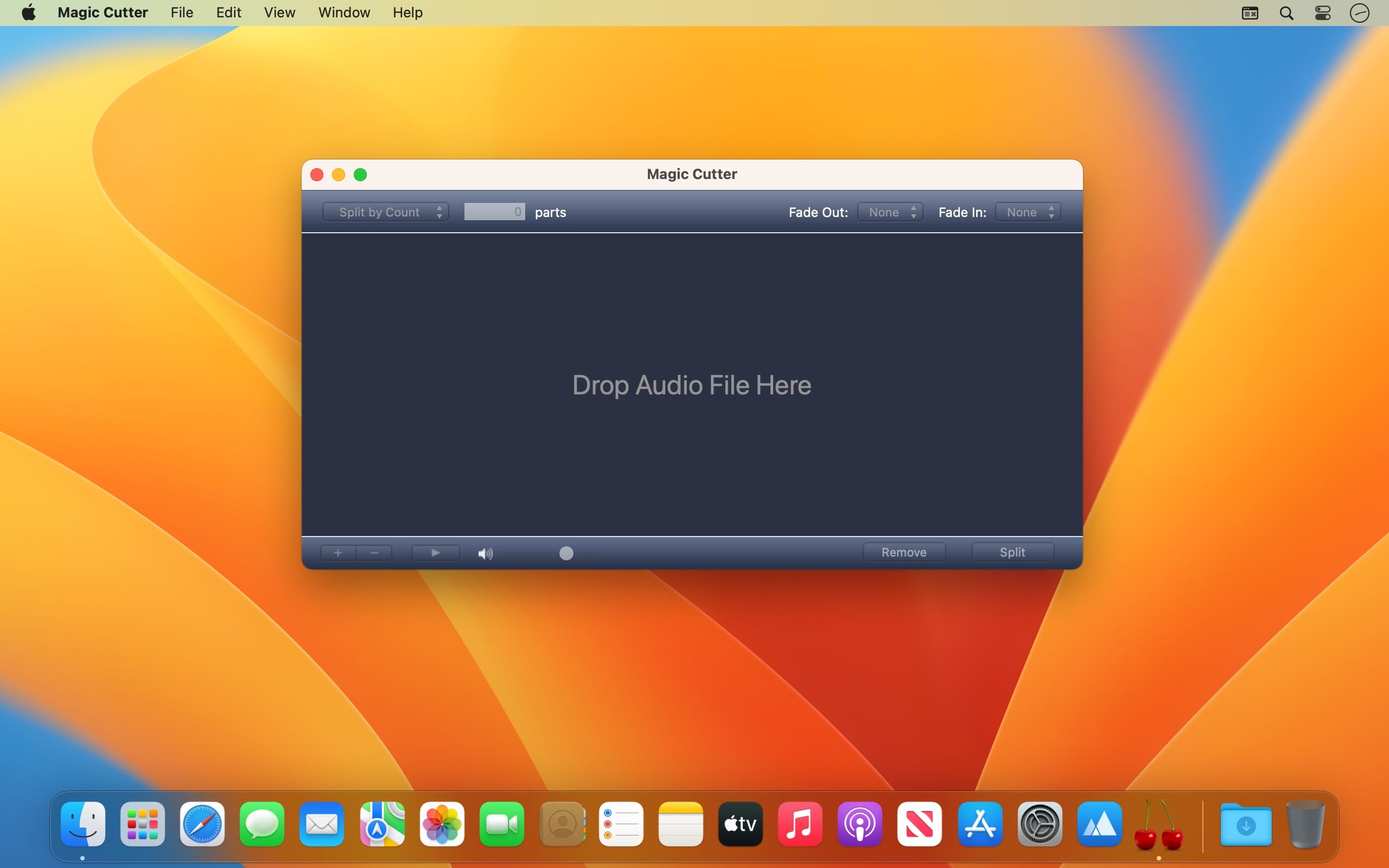
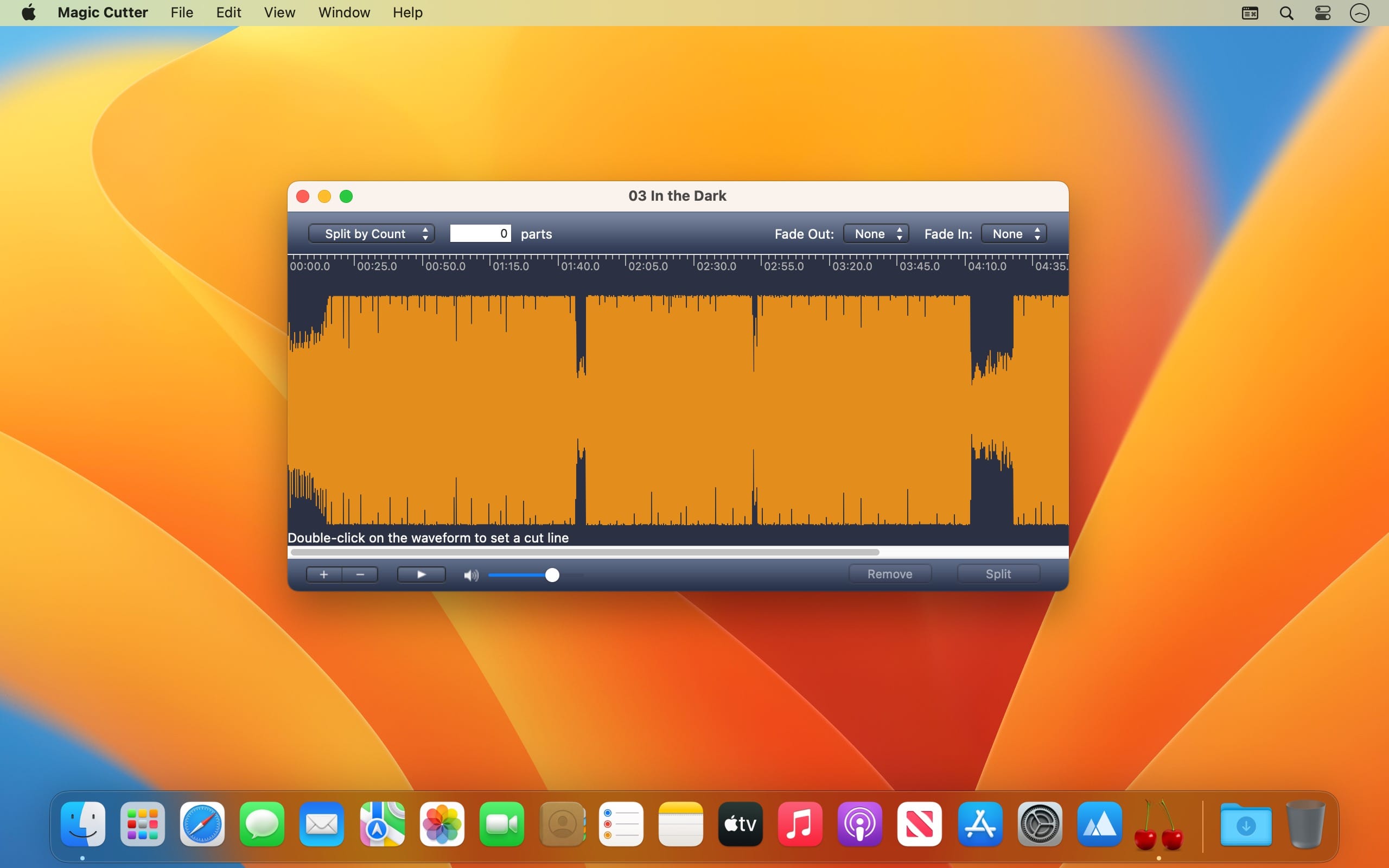
Magic Cutter Pro - MP3 Editor 2 is an MP3 cutter and splitter for macOS. It cuts audio files automatically by file size, number of pieces, time duration, silences between tracks or an associated CUE file. You can split an audiobook into chapters, remove unwanted silence from a recording, or divide an album or DJ set into separate tracks. If you prefer manual control, you can place cut lines on the waveform yourself.
Cut and split your way
Choose automatic splitting for quick results, or work manually with a visual waveform. Both approaches are available in the same app.
- Split by size, time or number of parts: cut an audio file by file size, pieces count, time duration or custom selections.
- Silence detector: locate silences to split an audiobook into chapters or remove unwanted silence from your recording automatically.
- CUE Splitter: split a large audio file, such as an album or DJ set, into tracks using data from the associated CUE file.
- Waveform view: see the song's structure and position cut lines exactly where you want them.
Edit without losing quality
Edit your audio files without converting them. The quality of your audio stays unchanged no matter how many operations you perform.
- Remove unwanted content: delete unwanted parts in manual mode, or use silence detection to remove silences automatically.
- Effects: fade tracks in and fade them out.
- Ringtones: create ringtones with a single click using the Crop and Fade features.
- Built-in player: pre-listen to your audio before you cut it.
Supported format
Magic Cutter supports only the MP3 file format.
Version 2.1:
- New app icon and refreshed design throughout the app
- Fixed unwanted audio clicks at cut points and the end of fade-outs
- Album artwork and metadata tags are now correctly preserved in cut files
- Improved CUE sheet support with better compatibility and automatic track naming and numbering
- New Rewind to Start button
- Multiple other fixes and improvements
Comments
No comments yet. Be the first.