

PowerPhotos 3.5.1
Manage multiple Photos libraries and find duplicates on Mac
Screenshots
Click to enlarge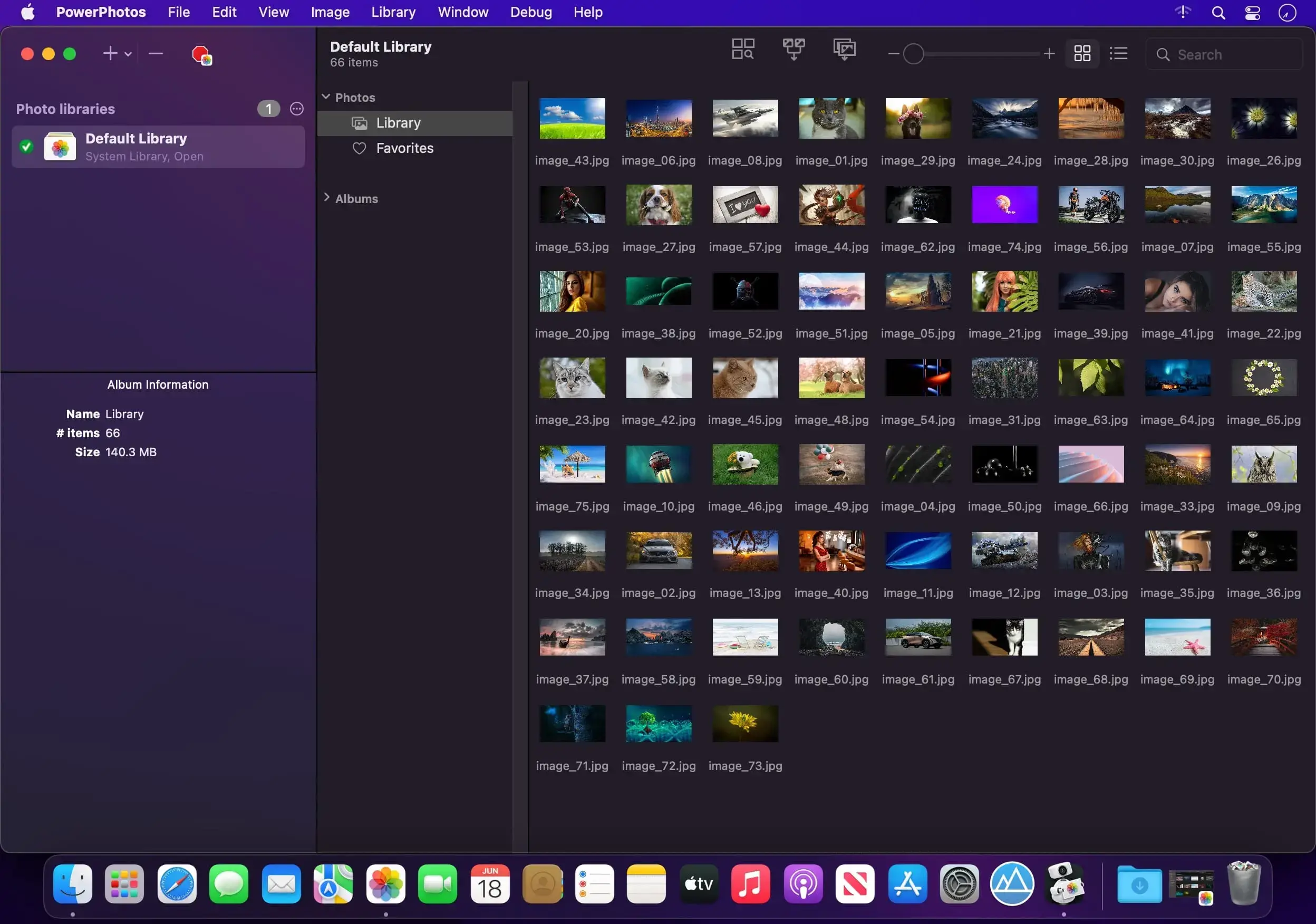
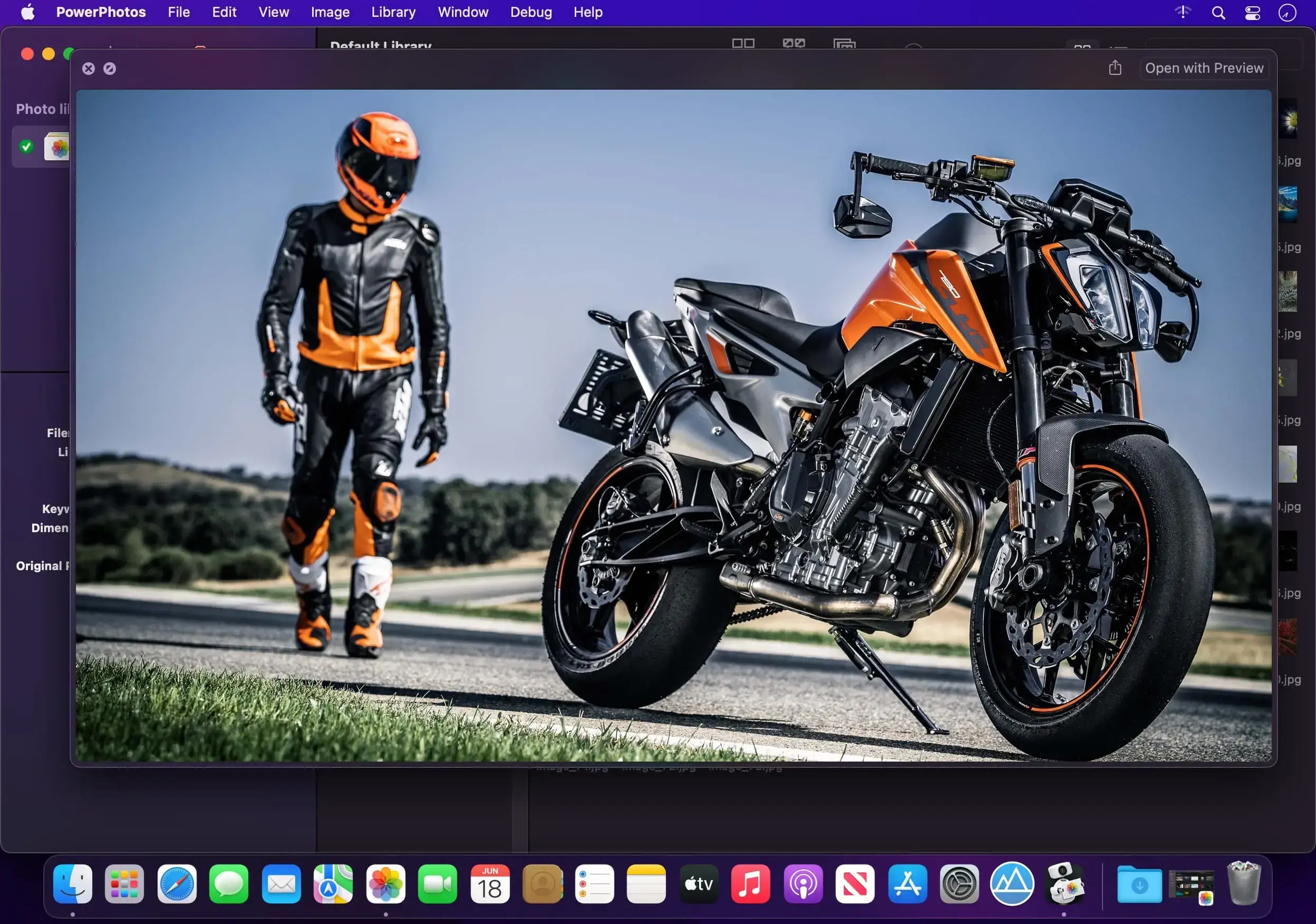
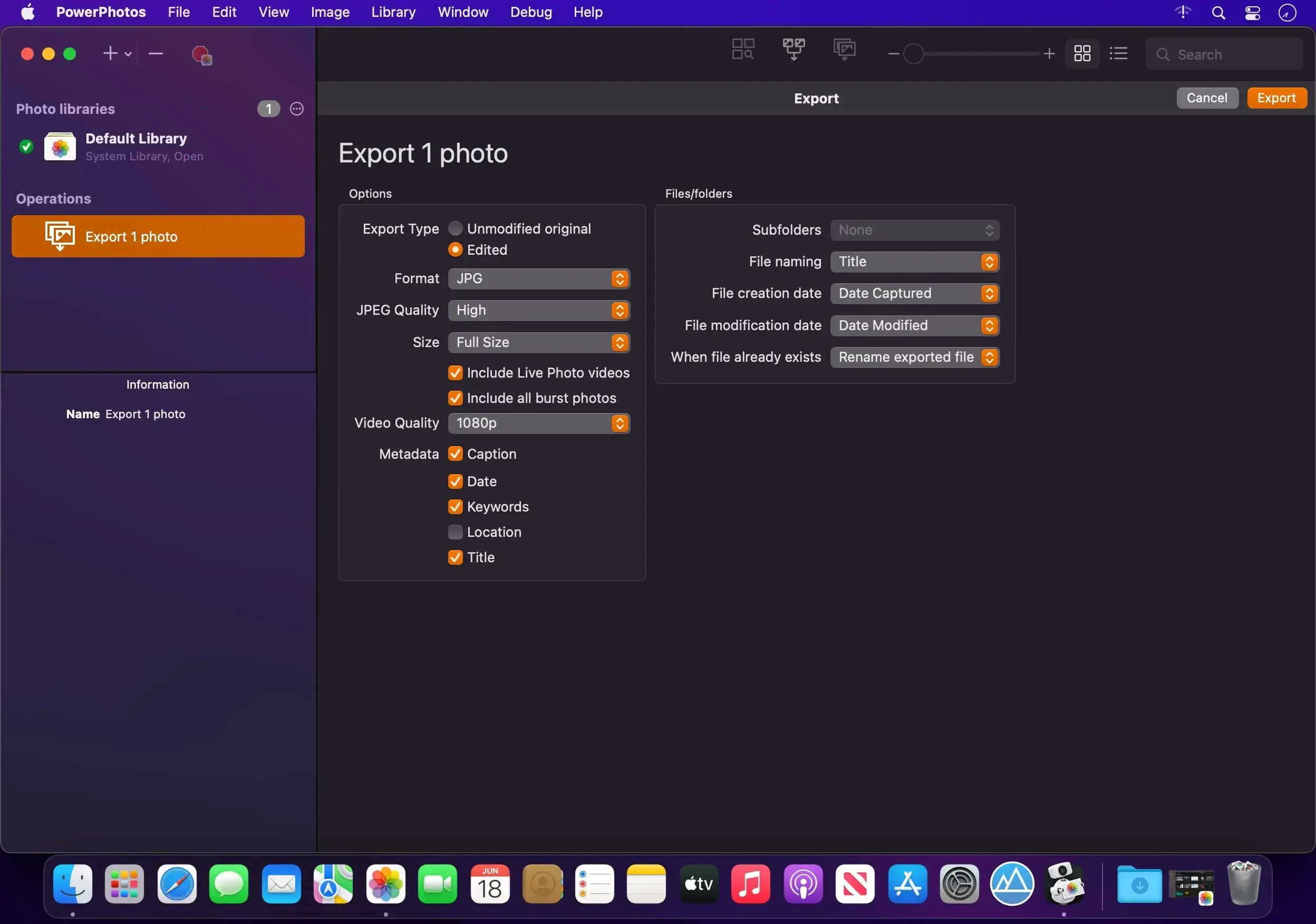
PowerPhotos works with the Photos app on your Mac and adds the tools Photos doesn't have: multiple libraries, merging, duplicate cleanup and a separate browser for your collection. If your library has grown so large that Photos is slow to open, or years of imports have left you with copies of the same shots, you can sort it out without starting over.
Work with multiple libraries
Photos expects everything to live in one library. PowerPhotos lets you create and manage as many as you need. A smaller library opens faster, and you can move older photos into an archive or keep part of your collection on an external drive. It can also reduce the space your photos take up in iCloud Photo Library.
Copy photos with their metadata
To split a library, drag albums or individual photos from one library to another. PowerPhotos copies the photos and keeps their keywords, descriptions, titles, dates and favorite status.
Merge libraries and remove duplicates
When you have several libraries to combine, PowerPhotos merges them into one and skips duplicate photos along the way. Before anything is changed, you see a preview of the merged library, so you can check the result first. To clean up an existing collection, search one or more libraries for duplicates and compare them side by side. You can then sort them into albums and delete them from Photos.
Browse and search
The built-in image browser shows your photos without opening Photos. List View displays detailed information for each photo, and a single search covers all of your libraries at once.
Move over from iPhoto and Aperture
If you still have iPhoto or Aperture libraries, PowerPhotos automates the migration to Photos. The process can take a long time, and you don't have to watch it.
What you can do with PowerPhotos
Here is a quick overview of the main features.
- Multiple libraries: create, open and manage separate Photos libraries.
- Copy and split: drag albums and photos between libraries and keep keywords, descriptions, titles, dates and favorites.
- Merge: combine libraries into one, with duplicates filtered out and a preview before any changes.
- Duplicate finder: locate copies in one or more libraries, compare them side by side and collect them in albums for deletion.
- Browser and search: view photos without opening Photos, check details in List View and search every library at once.
- Migration: convert iPhoto and Aperture libraries to Photos libraries with little supervision.
Version 3.5
Photo browser stability
This release includes a rework of the PowerPhotos photo browser and how it responds to library changes. This should eliminate a lot of previous causes of PowerPhotos hanging and crashing in response to various changes in the photo library.
Performance
- Photo browser updates more quickly to changes in the photo library.
- Merges of libraries with lots of albums are now up to twice as fast.
- Small exports now finish much more quickly.
New features
- Changing titles, keywords, captions, and ratings for individual photos in the inspector now supports undo (batch edits already supported this). Album renames are now undoable as well.
- The View > Sort By menu now includes all the same options in grid view as it already did in list view, adding Albums, Caption, Keywords, Kind, and Place.
Bug fixes
- Copying burst photos now more reliably keeps the same “key” photo for the burst.
- Copying RAW + JPEG photos with the “Copy unmodified original” option now respects the “Use as Original” menu item in Photos, instead of always copying the JPEG.
- Improved reliability of cancelling import and export operations.
- Improved duplicate detection with HDR photos.
- Undoing the “Add to Album” menu item no longer removes photos that were already in the album before adding the new photos.
- Fixed an issue with undo not being registered properly when multiple windows are open.
- The “Screen Recordings” album now appears in the “Media Types” folder in the album list.
- Exporting a video with the “Original with metadata” option where the video needed to be downloaded from iCloud now correctly keeps the metadata from the original video.
- The AppleScript export command no longer stalls at the setup stage and reports 0 photos exported.
- The inspector keeps a typed title when you click another photo without pressing Tab or Return.
- The Add to Album menu now shows folders that hold no regular albums.
- Fixed an error when renaming a smart album.
- Fixed an error when copying certain videos with extraneous resources.
- Creating a folder no longer fails when the top level of the library holds a smart album.
- AppleScript now more quickly sees changes made in Photos or in PowerPhotos.
- The size calculation for a large folder no longer keeps running in the background when you change the selection.
- Fixed a crash when copying photos to a library whose disk runs out of free space.
Comments
No comments yet. Be the first.