
Color Wheel 9.4
Pick color combinations and extract colors from images
Screenshots
Click to enlarge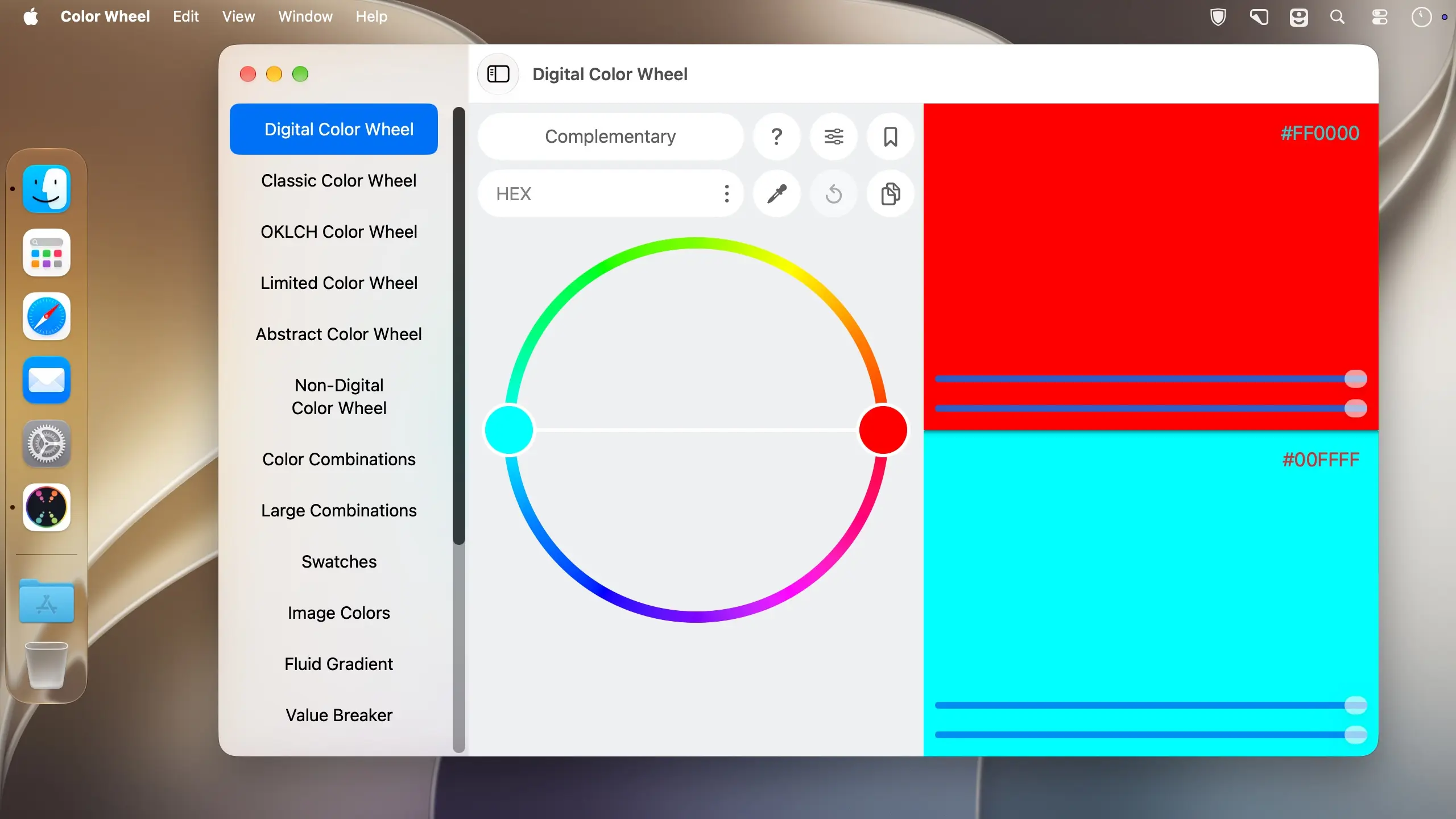
Color Wheel puts three kinds of color wheels, ready-made palettes and image color tools into one Mac app, so you can go from picking a scheme to pulling colors out of a reference photo without switching programs. It's made for painters and designers who want to work out color decisions before they commit to them.
Color wheels
Pick the wheel that matches the kind of work you're doing.
- Digital Color Wheel: a wheel built for graphic design work.
- Classic Color Wheel: the traditional wheel, flexible enough for general painting and design use.
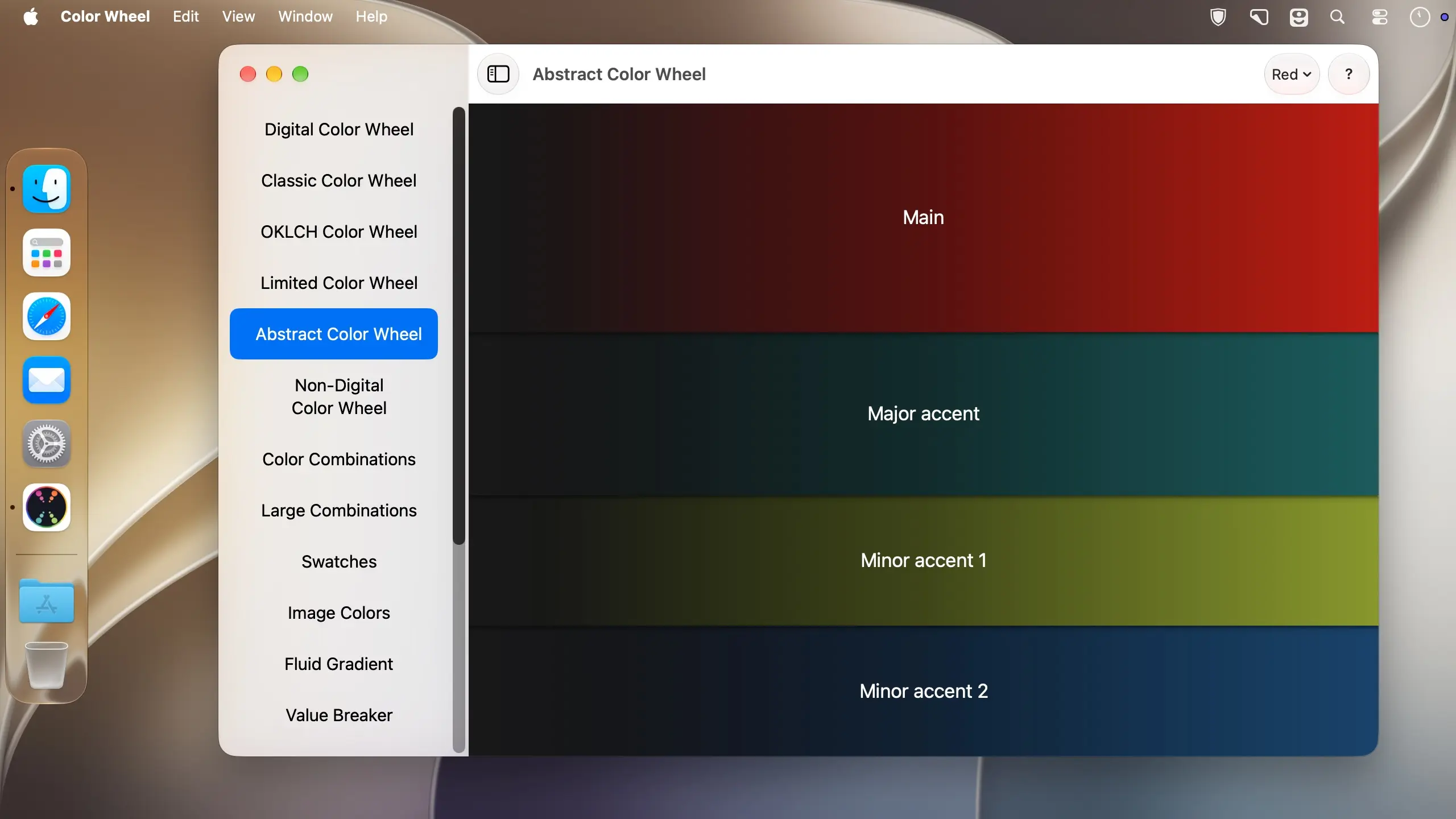
- Abstract Color Wheel: a wheel made for choosing colors in abstract painting.
Palettes and swatches
If you'd rather start from a finished set of colors than from a blank wheel, browse the ready-made collections.
- Color Combinations: curated professional palettes for digital design and abstract art.
- Color Swatches: colors grouped by season and mood, so you can choose by the feeling you're after.
Tools for working with images
Bring in an image and work from it directly.
- Image Colors: extracts colors straight from an image.
- Value Breaker: breaks an image into distinct values, which helps beginners see the light and dark structure of a reference.
- Liquid Gradient: generates liquid gradient images and videos.
Version 9.4
Thanks for using our app! In this update:
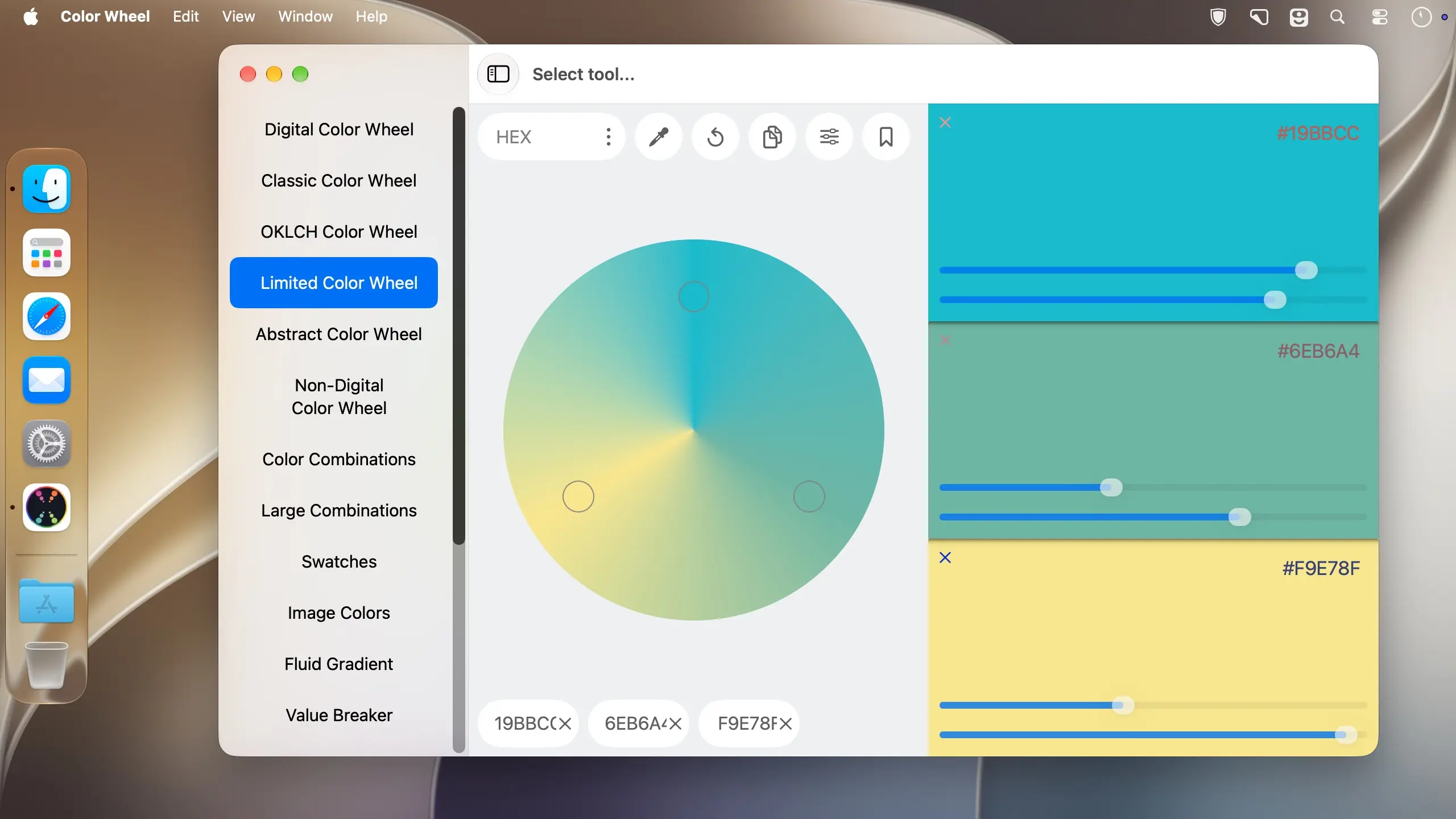
- Two New Tools: OKLCH Color Wheel & Limited Color Wheel
Comments
No comments yet. Be the first.
Information
Visitors in the group Guests cannot leave comments on this publication.