

WebScraper 4.15.9
Mac web scraper: export website data to CSV or JSON
Screenshots
Click to enlarge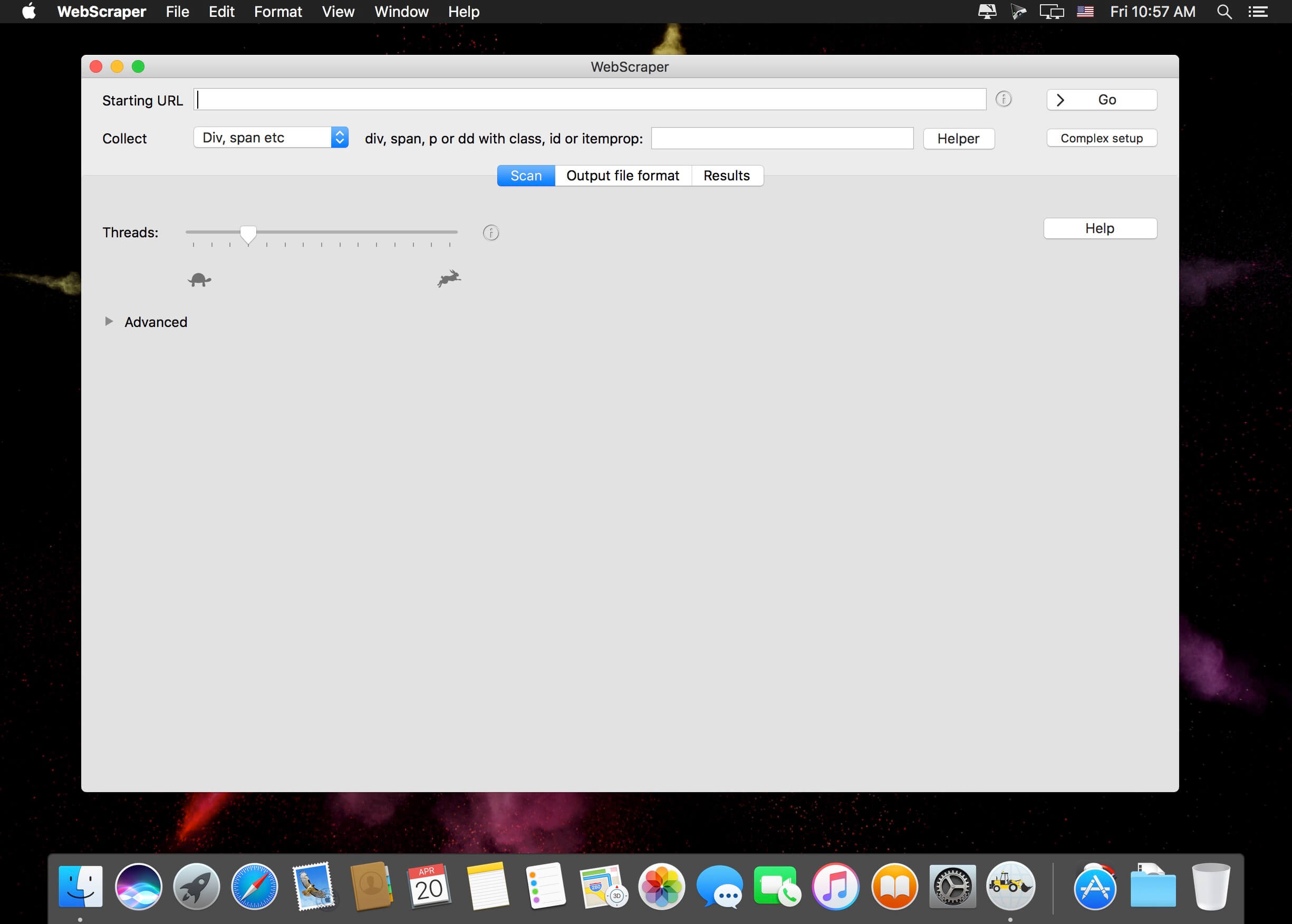
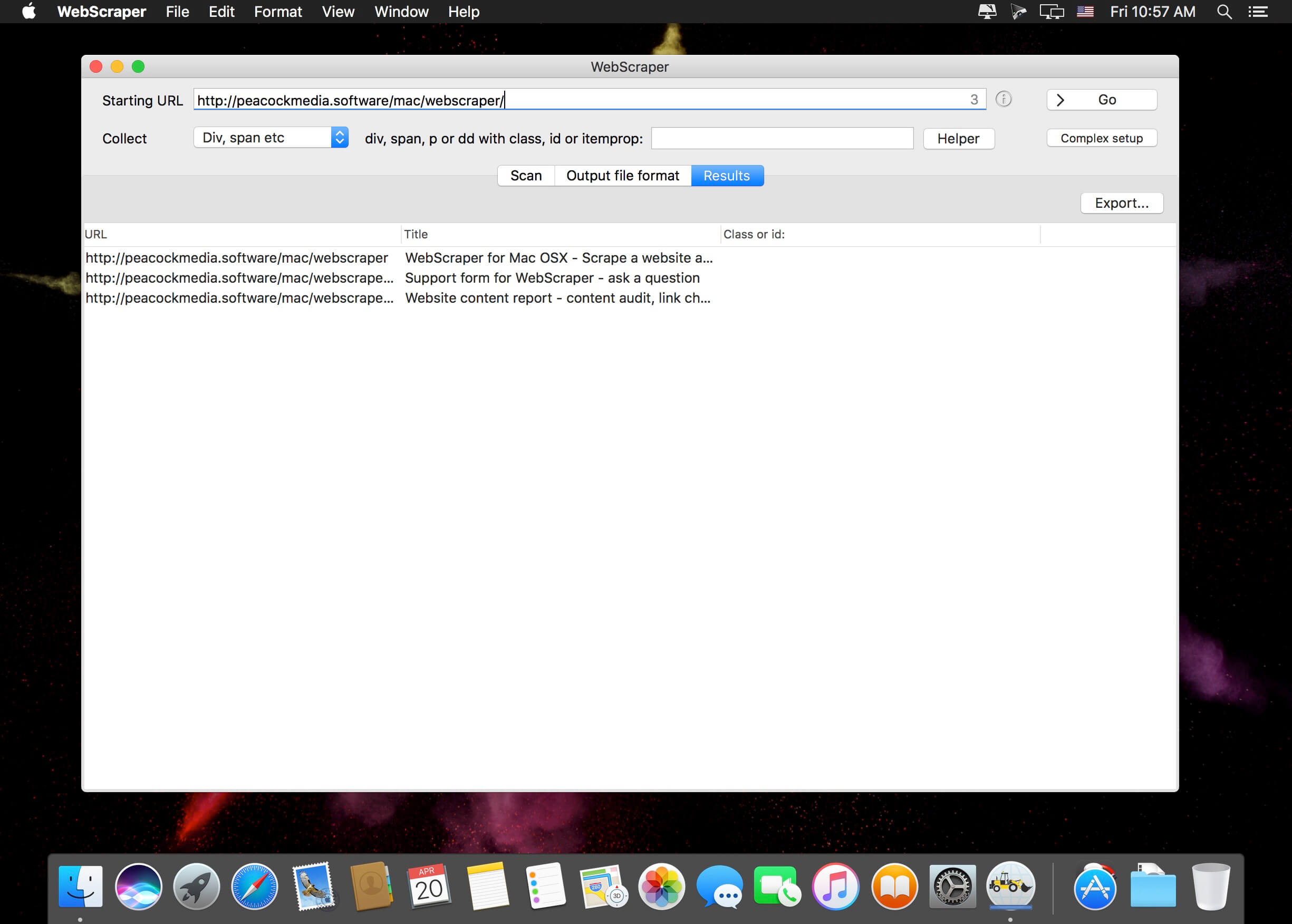
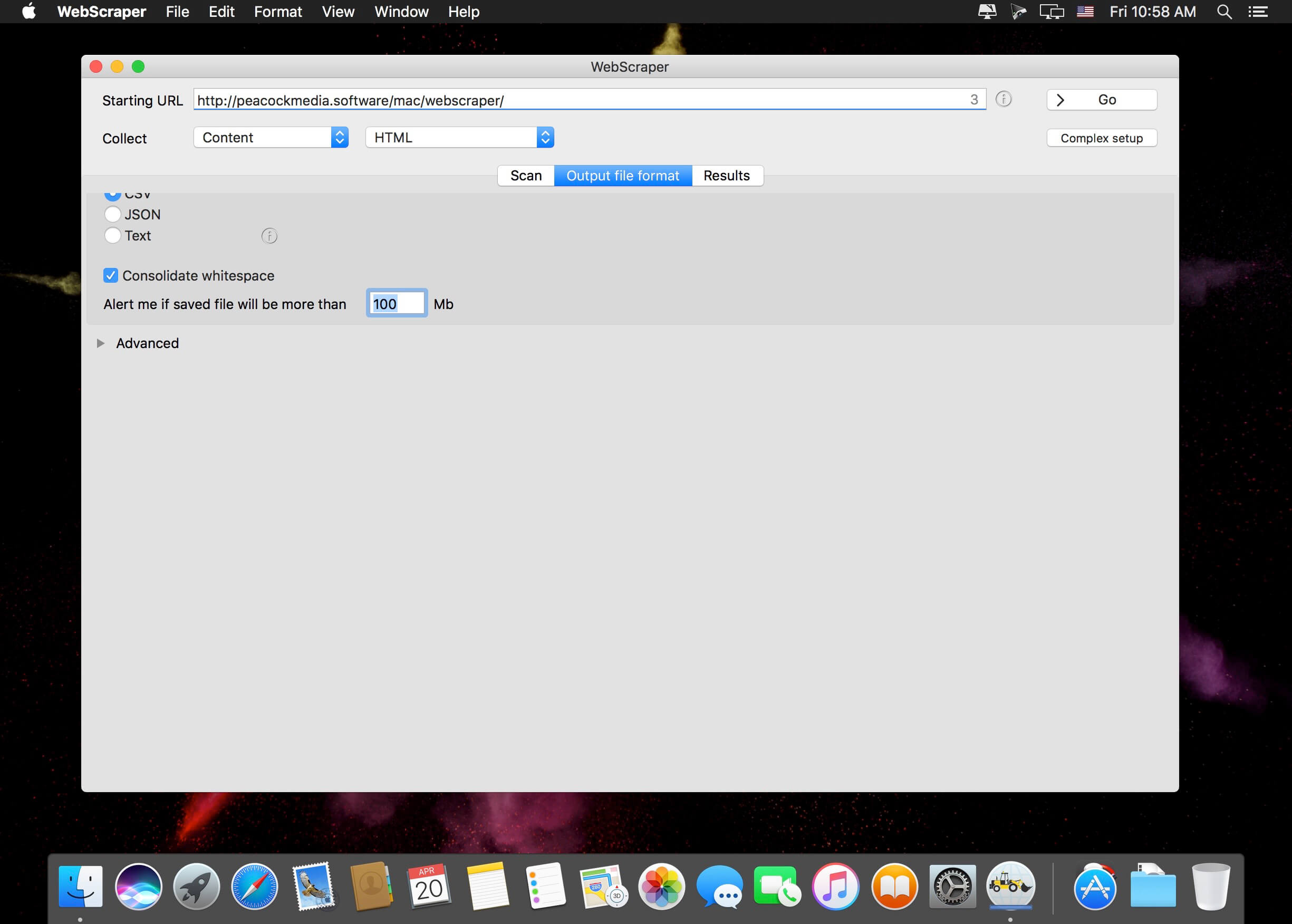
WebScraper 4 for Mac scans a website with the Integrity v8 engine and extracts the data you need. Enter a starting URL, press Go, and export the results as CSV or JSON. You can also download the images found during the scan to a folder.
Key features
- Quick site scanning: enter the starting URL and press Go to scan a website with the Integrity v8 engine.
- Flexible export: choose the columns you want and save the extracted data as CSV or JSON.
- Extraction options: target HTML elements with certain classes or IDs, use regular expressions, or extract entire page content.
- Content formats: get full content as HTML, plain text, or markdown.
- Image download: save all images discovered during the scan to a folder.
- Crawl and output limits: configure various limits on the crawl and on the size of the output file.
Control what you collect
Decide which columns appear in your export and how data is extracted from each page. Set limits on the crawl and the output file size to keep results manageable.
Version 4.15.9
- Updates Paddle (licensing) framework for compatibility with MacOS26.
Comments1
Information
Visitors in the group Guests cannot leave comments on this publication.