

4K YouTube to MP3 Pro 26.4.0
Convert Video to MP3 on Mac and Extract Audio Fast
Screenshots
Click to enlarge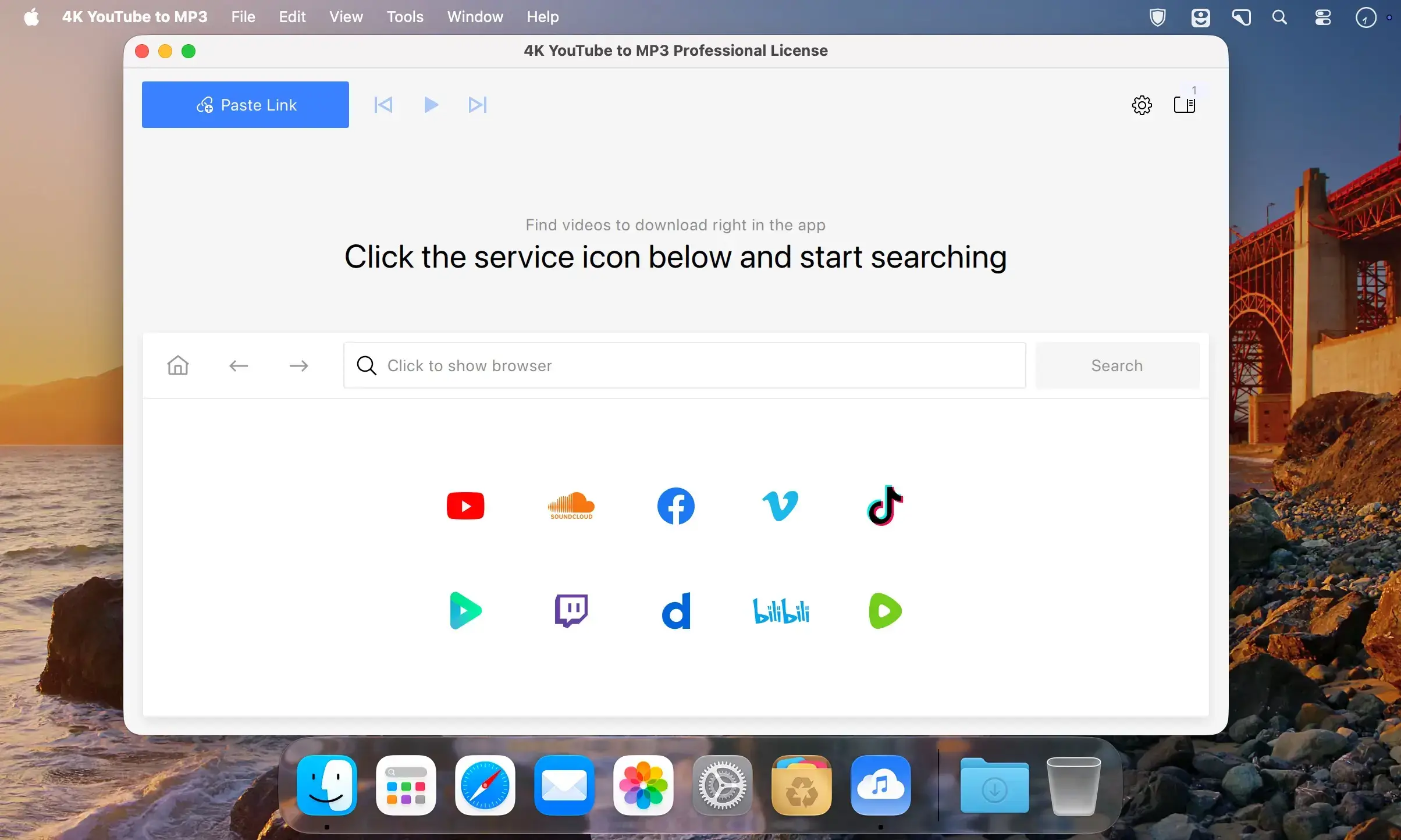
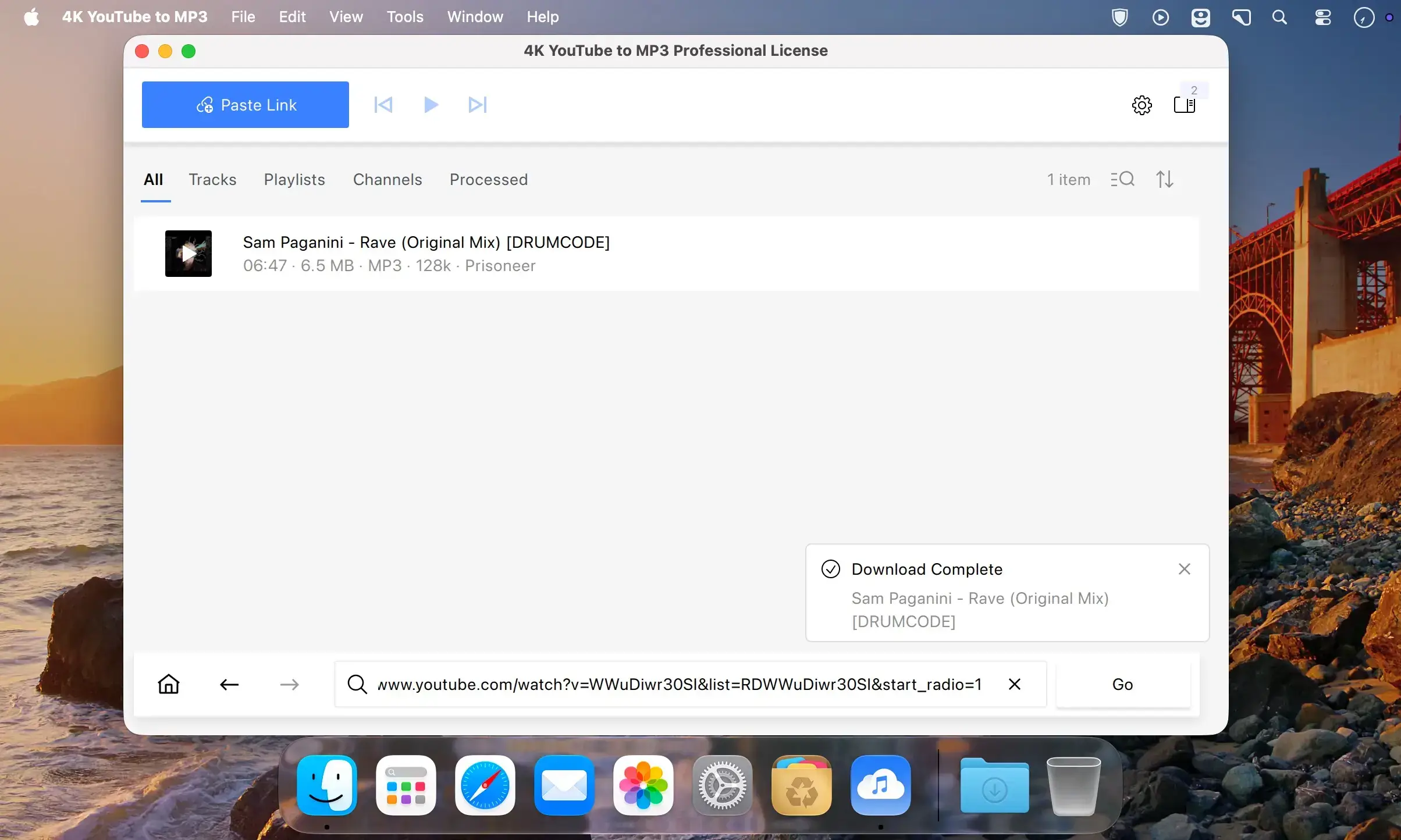
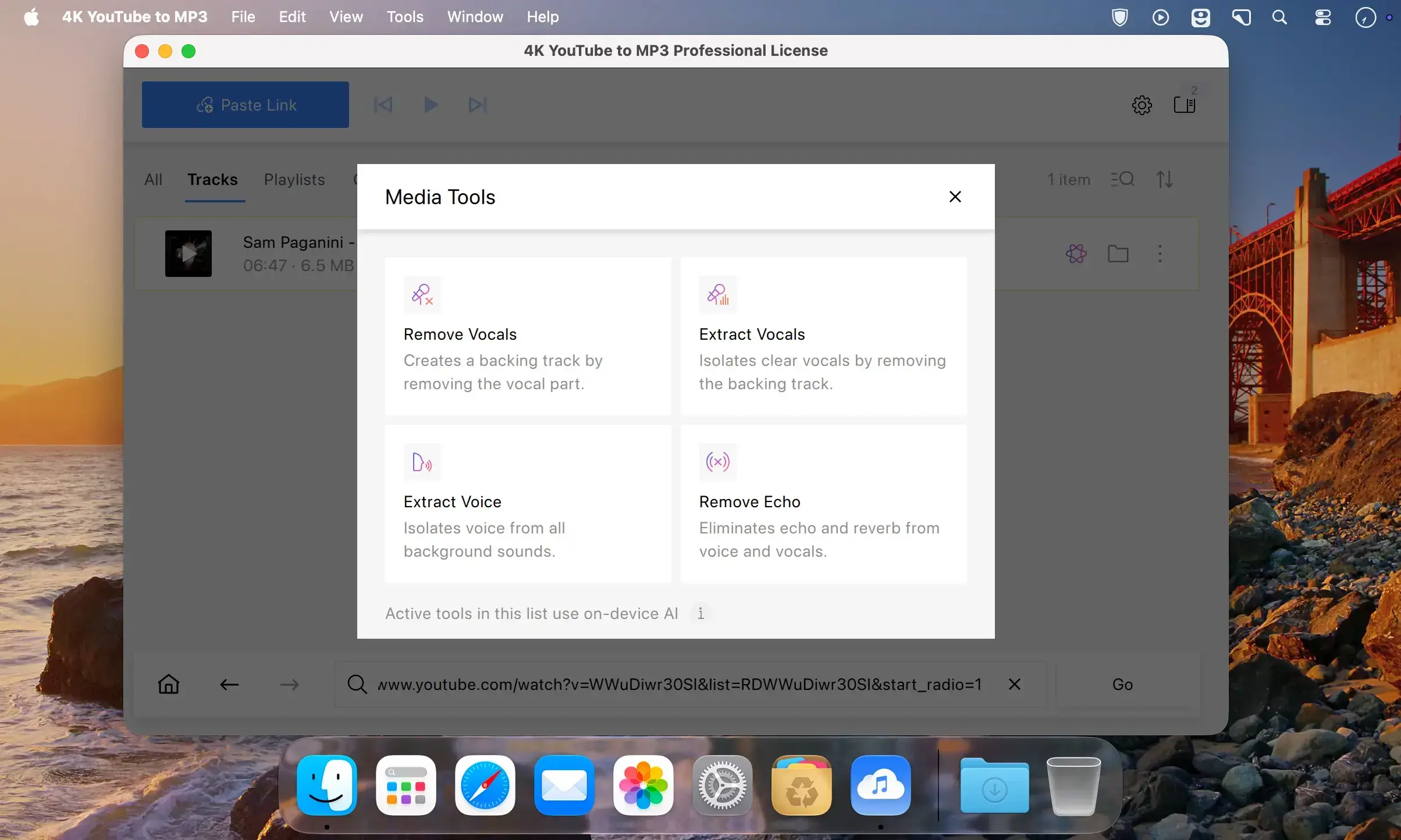
Convert video files into high-quality MP3 audio on your Mac. Extract music, soundtracks, and other audio from your videos by simply dragging and dropping them into the app, then listen to the results right away or transfer them to a portable device.
Free and simple video to audio conversion
Turn your videos into audio tracks for free, with complete safety and ease. Drag and drop a video file into the app and enjoy a seamless conversion with no toolbars, adware, or malware.
Convert multiple videos at once
Upload several videos at once to create a conversion queue for MP3. Converting in bulk saves time compared with processing files one by one.
Quality, speed, and stability
Extract audio with bitrates up to 320kbps and keep the detail in your favorite tracks. Conversion is fast and runs smoothly, without interruptions or crashes.
Key features
- Free video to audio conversion: turn videos into audio tracks by dragging and dropping files into the app.
- Bulk import: add multiple videos at once and build a conversion queue.
- Intuitive interface: a clean design that makes essential tools and settings easy to find.
- MP3, M4A, and OGG output: get audio in popular formats and transfer files directly to portable devices.
- In-app music player: double-click any extracted track to play it without additional software.
- High-quality audio: extract audio with bitrates up to 320kbps.
- High-speed conversion: convert videos to audio quickly and avoid long waits.
- Stable performance: convert without interruptions or crashes.
Version 26.4.0:
- Release notes were unavailable when this listing was updated.
Comments
No comments yet. Be the first.