

Snapz Pro X 2.6.1
Screenshots
Click to enlarge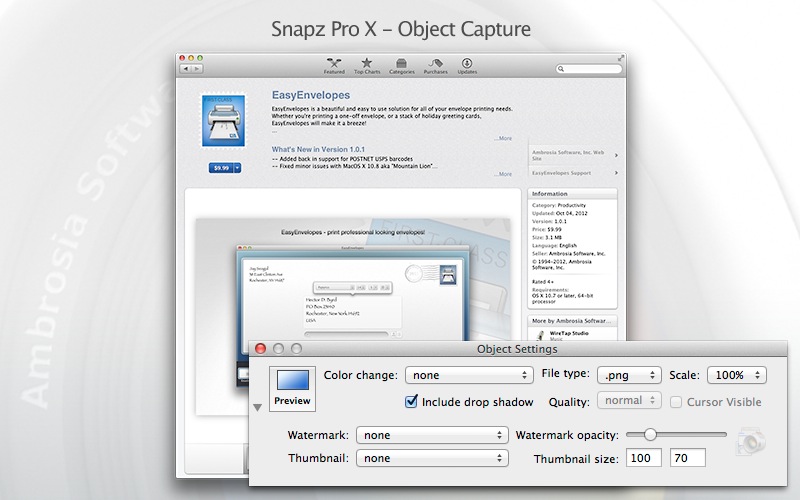
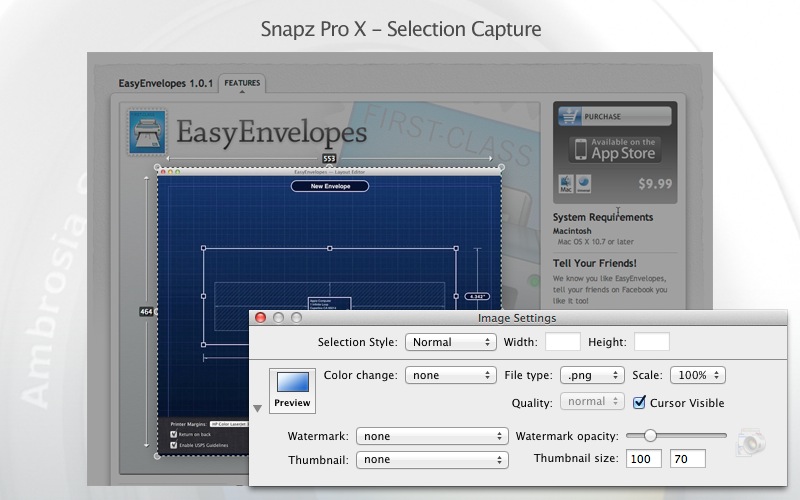
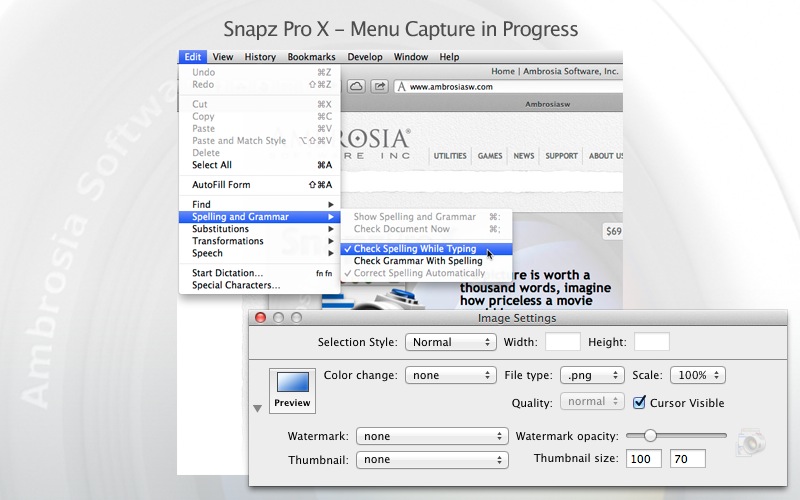
With Snapz Pro X, picture-perfect screenshots are just a keystroke away.
Share your Mac experience with friends and family by capturing screenshots and videos in a wide variety of formats.
Smarter image and video sharing
Whether you're a business manager leading a meeting, a teacher developing a lesson plan, or a home user with an idea you want to capture, you'll love having the advantage of sharing screenshots and videos from your Mac.
Easy editing
Scale, crop, and dither your screenshots, or add customized borders and watermarks. Snapz Pro X offers countless ways to stylize and and tailor your images for any occasion.
Flexible formats for your finished product
Snapz Pro X lets you export your images as a wide variety of file types: bmp, pict, gif, jpg, png, tiff, pdf, and PhotoShop files. You can even record your actions as helpful QuickTime movies.
Mac-native power, for smoother performance
Snapz Pro takes full advantage of its Mac-native design, giving you access to of-the-minute features like extended file names, automatic icon previewing, Unicode support, and more
Version 2.6.1:
- Fixed the 'kext' to be signed and work properly with OS X Sierra
- Added multiple fixes for Sierra support
- Numerous bug fixes and enhancements
Comments1
Information
Visitors in the group Guests cannot leave comments on this publication.